A LIMS that grows with your laboratory
Labmin helps laboratories replace disconnected manual work with a controlled, feature-rich operating environment.

The work moves. The evidence stays.
- 01
Standardise
- 02
Automate
- 03
Monitor
- 04
Review
- 05
Improve
Know where each sample and test stands
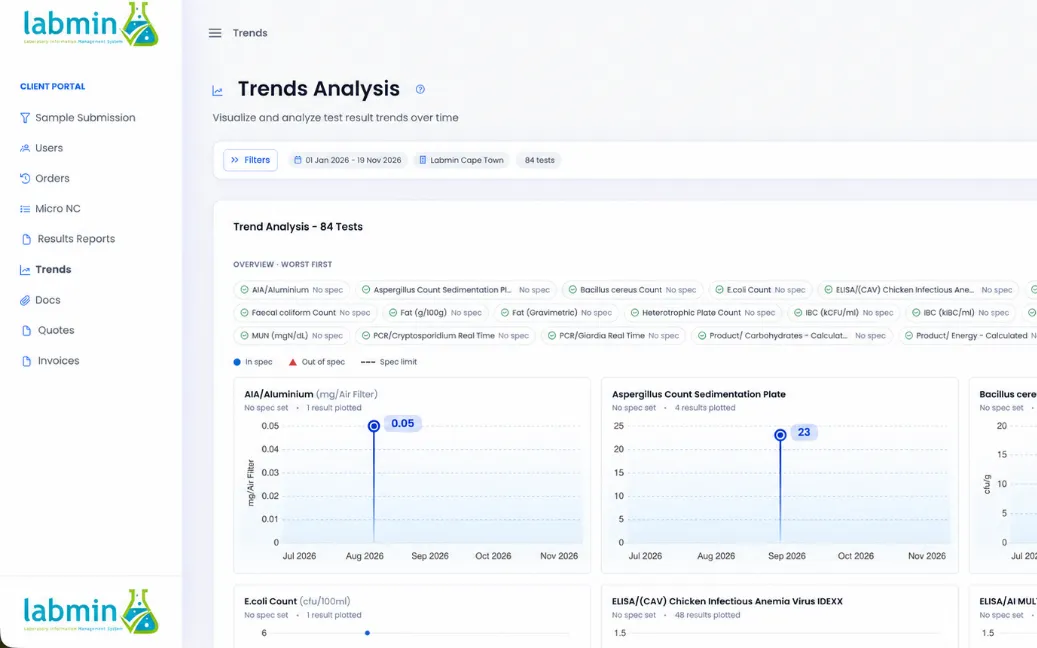
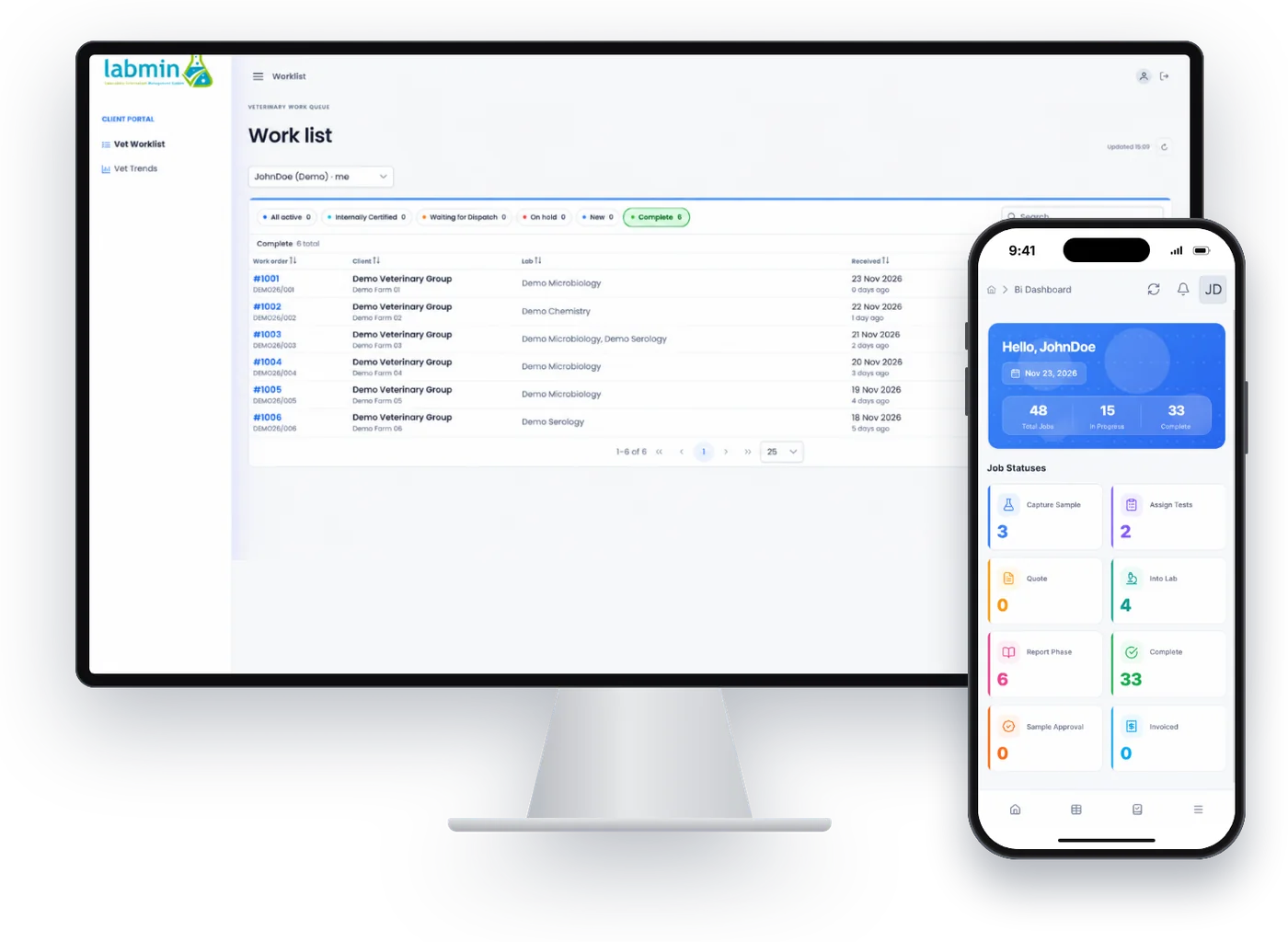
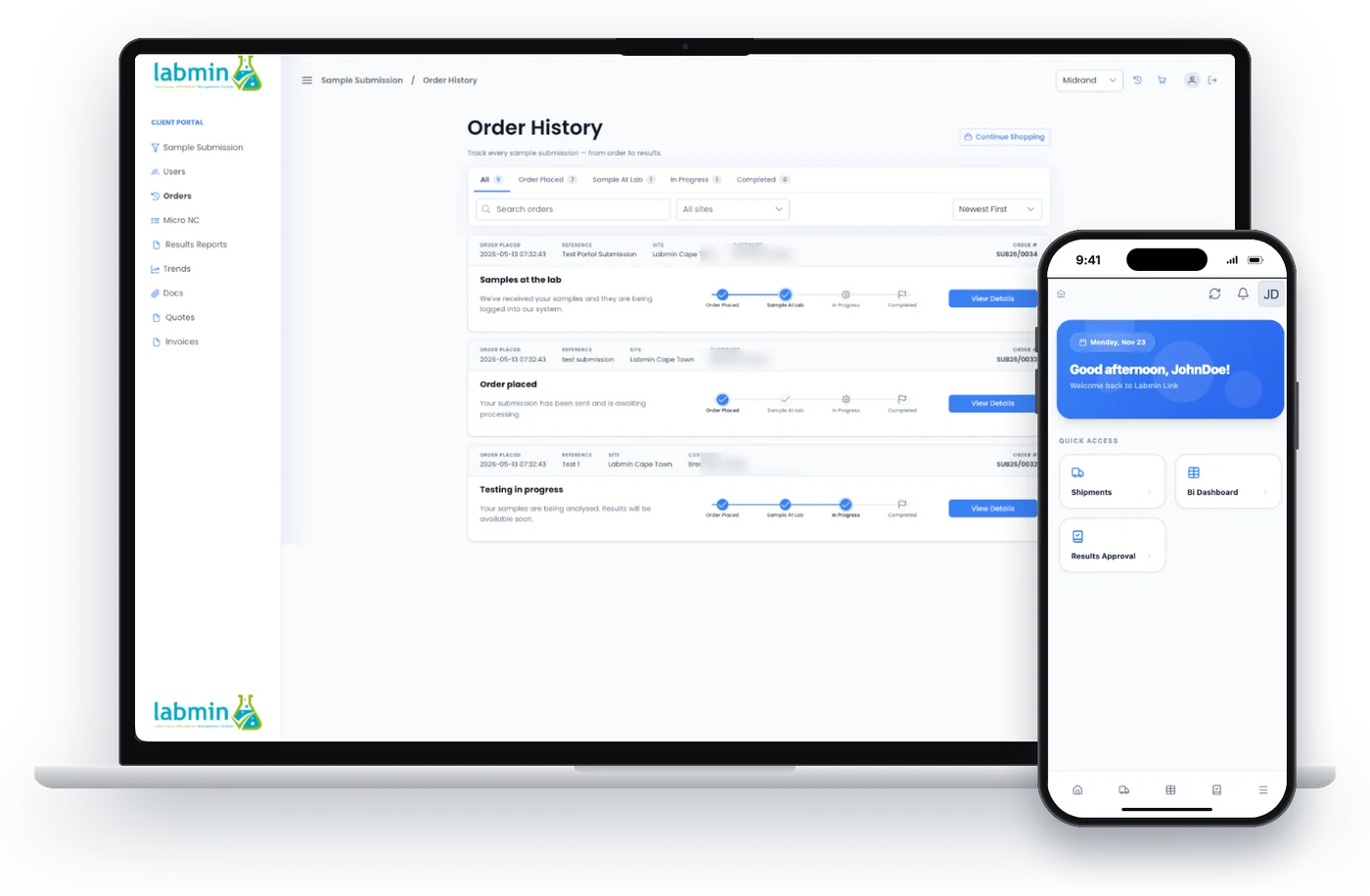
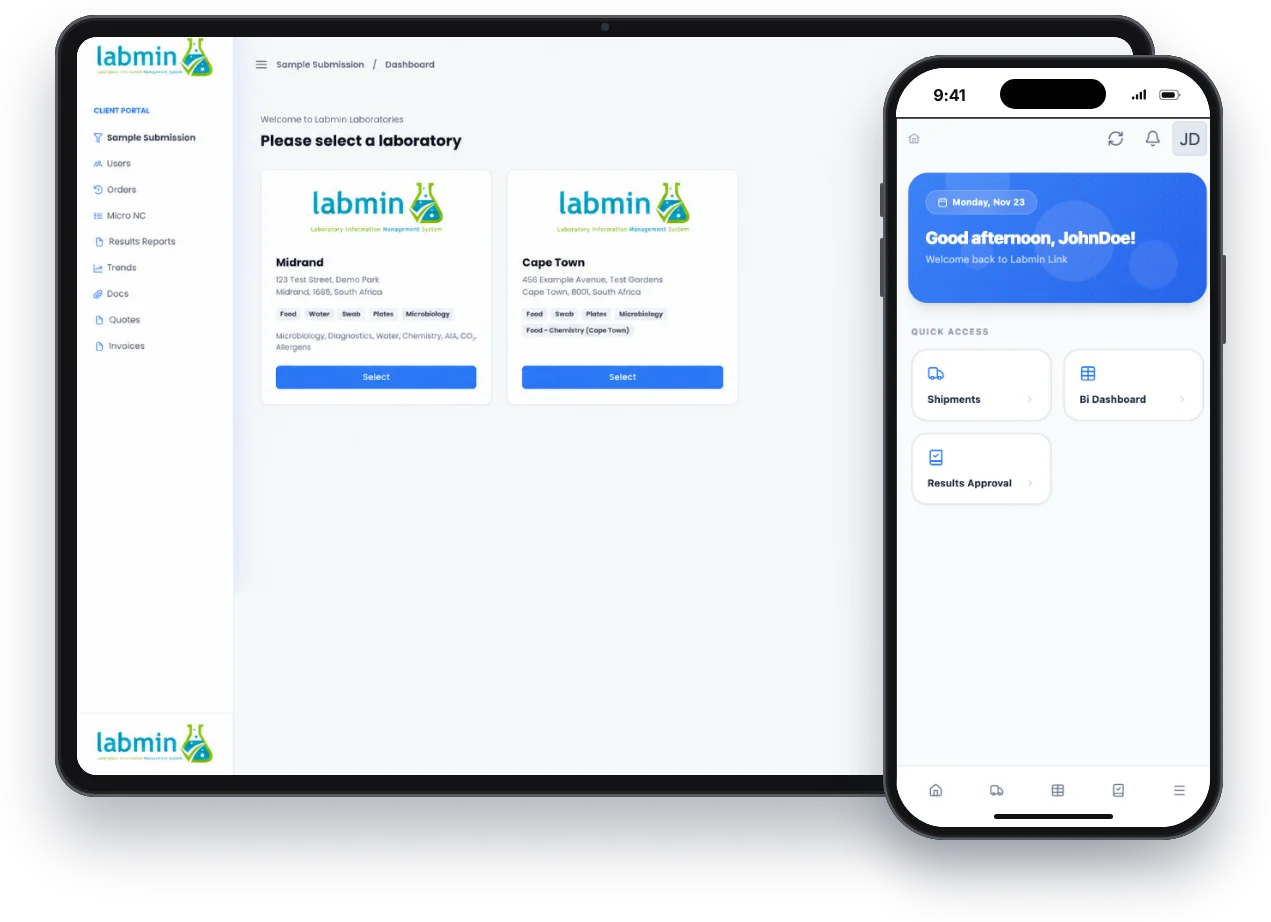
A shared record can show what has arrived, what’s in progress, which tests are outstanding and which result is waiting for review. That visibility is most useful when the laboratory defines statuses and responsibilities clearly.
For analysts
See assigned work and the method context without hunting through several registers.
For managers
Identify queues and overdue work before a client asks for an update.

Move routine work forward without losing oversight
Defined workflows reduce repetitive administration while keeping exceptions and approvals visible. Instrument interfaces can reduce manual transcription when identifiers, units and validation rules have been agreed.
Result capture
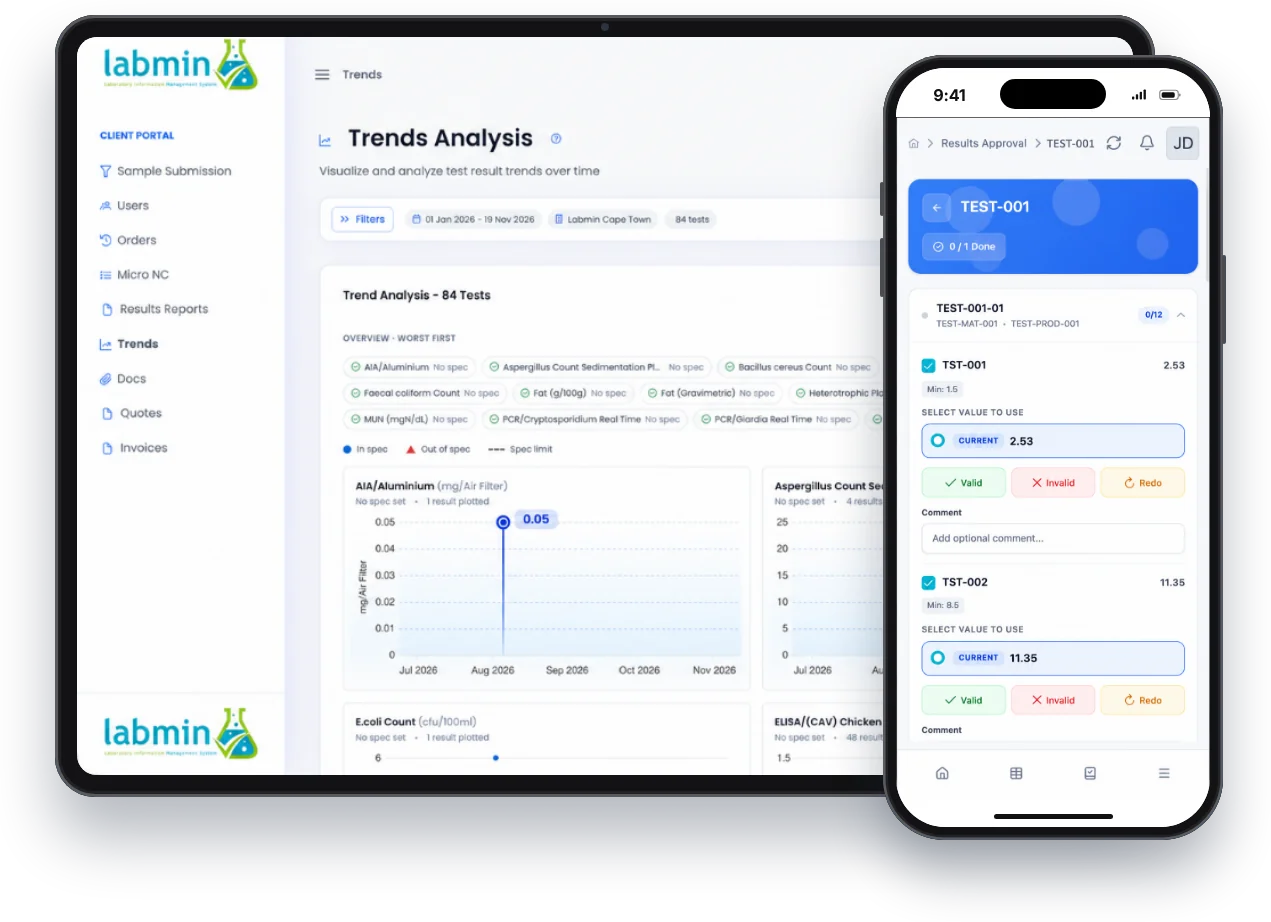
Map incoming values to the correct sample and test, then hold mismatches for review.
Approval
Give authorised people the evidence and context needed for a decision.
Make results easier to explain and defend
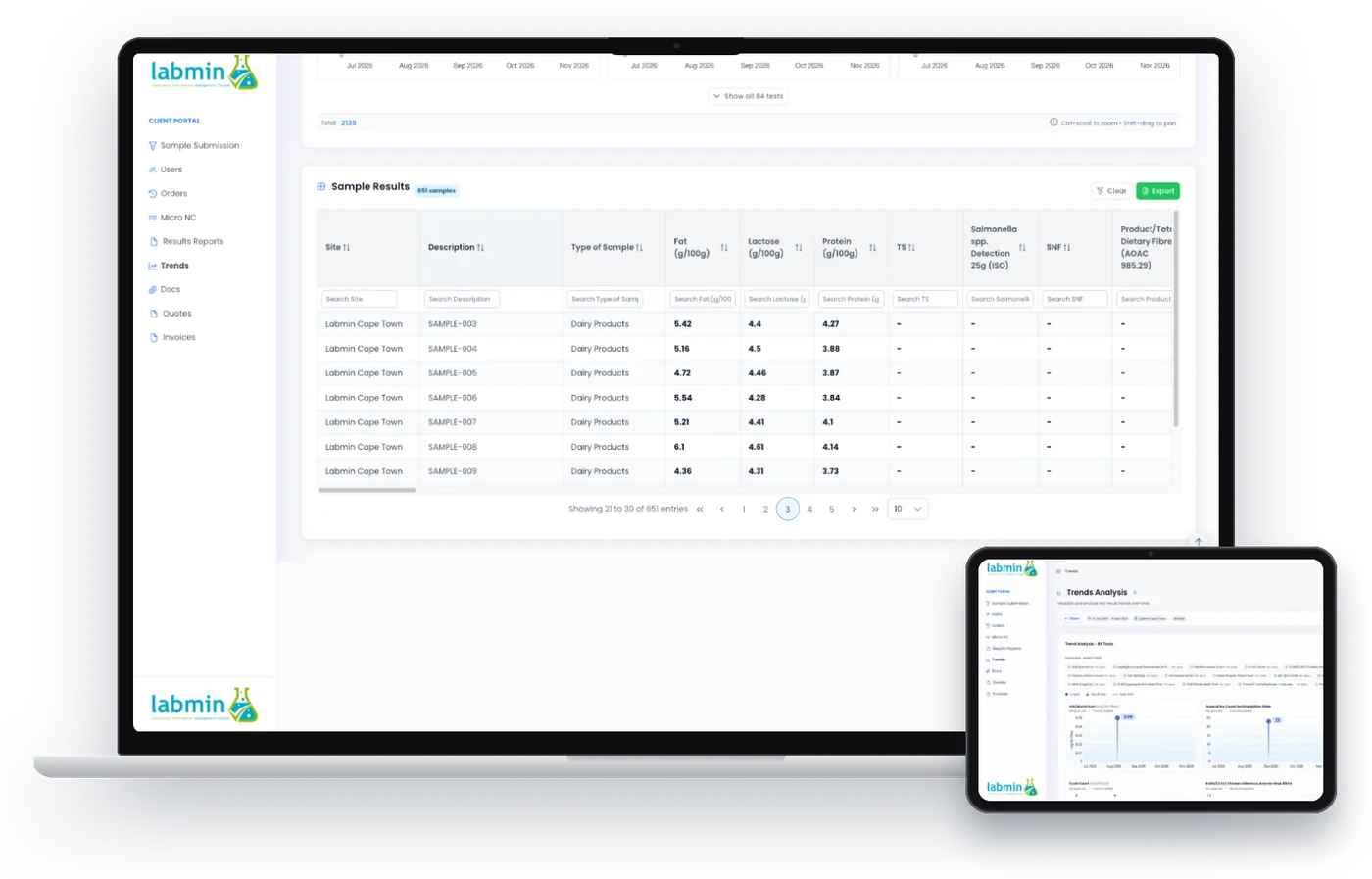
Related records help reviewers trace a reported value to the sample, method, equipment, controls and approvals behind it. Software supports a laboratory quality system; it doesn’t replace procedures or accreditation assessment.
Controlled outputs
Release reports and Certificates of Analysis only after the defined review steps.
Change history
Keep relevant changes attributable so the record can be reconstructed.
Recognise the cost of outgrowing the current system
Repeated retyping, uncertain sample status, delayed approvals, weak instrument connections and time spent rebuilding report history are signs to evaluate a LIMS. Start with one representative workflow, estimate the manual effort and assess where one system would change the work.
Discovery
Map sample types, current handoffs and sources of error before comparing software.
Implementation
Plan configuration, data migration, integration, user training and validation to suit the laboratory.
Answers before the demo.
What’s the main benefit of a LIMS?
A LIMS makes laboratory samples, tests, results and review steps part of one traceable workflow.
Will a LIMS remove every spreadsheet?
Not necessarily. It can replace many shared registers and result trackers, while approved specialist calculations may still use spreadsheets.
How do you evaluate the return on a LIMS?
Measure current time spent on re-entry, searching, status enquiries, rework and report preparation, then compare a realistic configured workflow rather than an assumed saving.