Research & academic LIMS
Give discovery a reproducible record.
Research teams need flexible protocols without losing datasets, collaborators or review history. Labmin is a LIMS and complete laboratory management solution for research & academic laboratories.
Protocol v4 controlled
Dataset 18 linked
Reviewers 3 active
Structure without limiting discovery.

-
01
Project protocol
The right identity starts the record.
-
02
Linked dataset
Results stay attached to the relevant method and controls.
-
03
Reproducible review
The decision remains visible before anything is released.
What the laboratory needs to see
Methods evolve while projects and collaborators keep generating data.

The challenge
Methods evolve while projects and collaborators keep generating data.
See this in practiceCollaboration and flexibility
Keep protocol versions and linked observations together.
See this in practiceThe capabilities behind the workflow.
Our modules support the work around every sample. We configure them around your methods, people and reporting needs during discovery.
From sample registration to review, reporting and the day-to-day work around them.
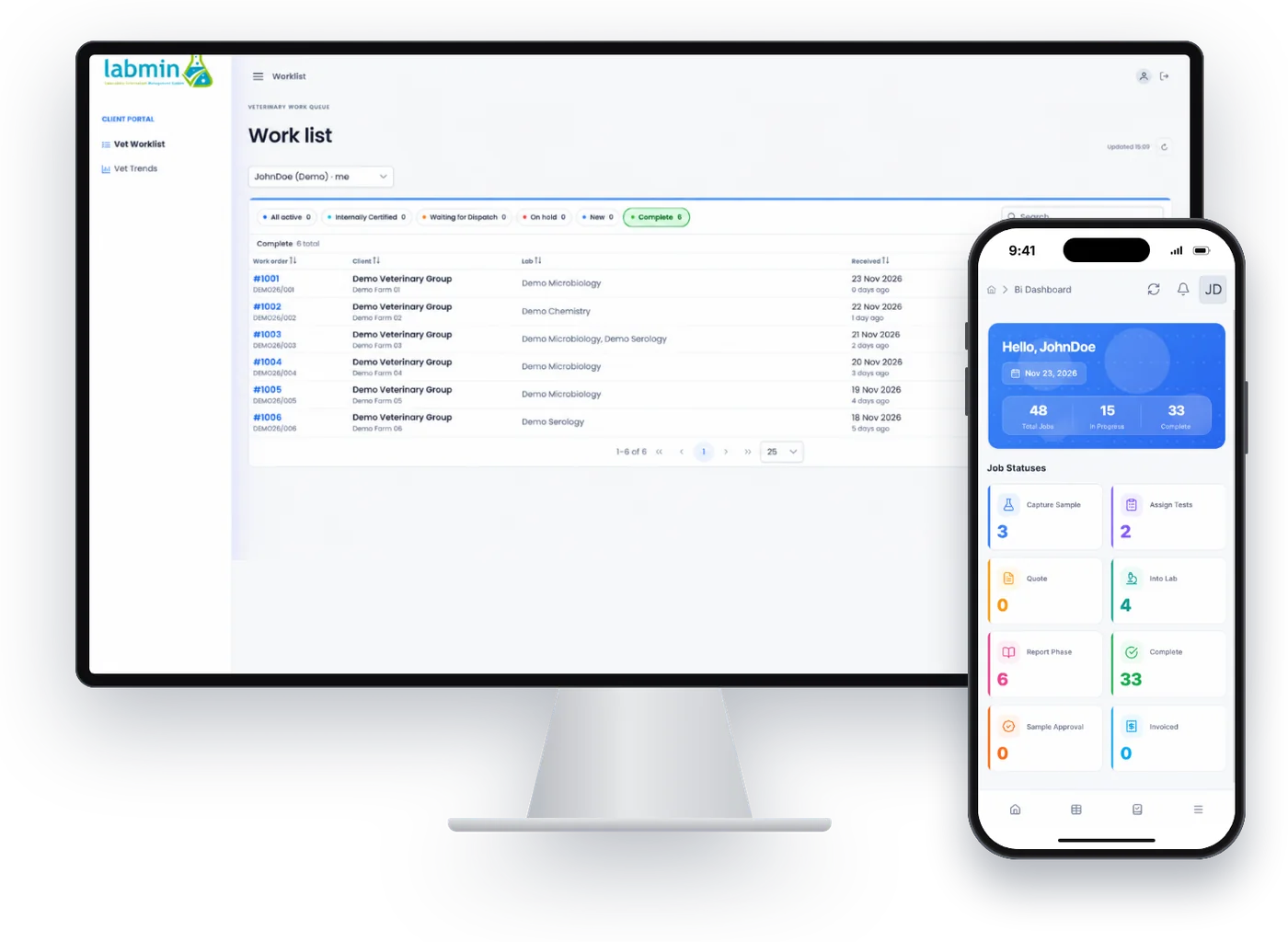
Included in every Labmin system
Start with the tools your team uses every day, from sample registration to approved reports.
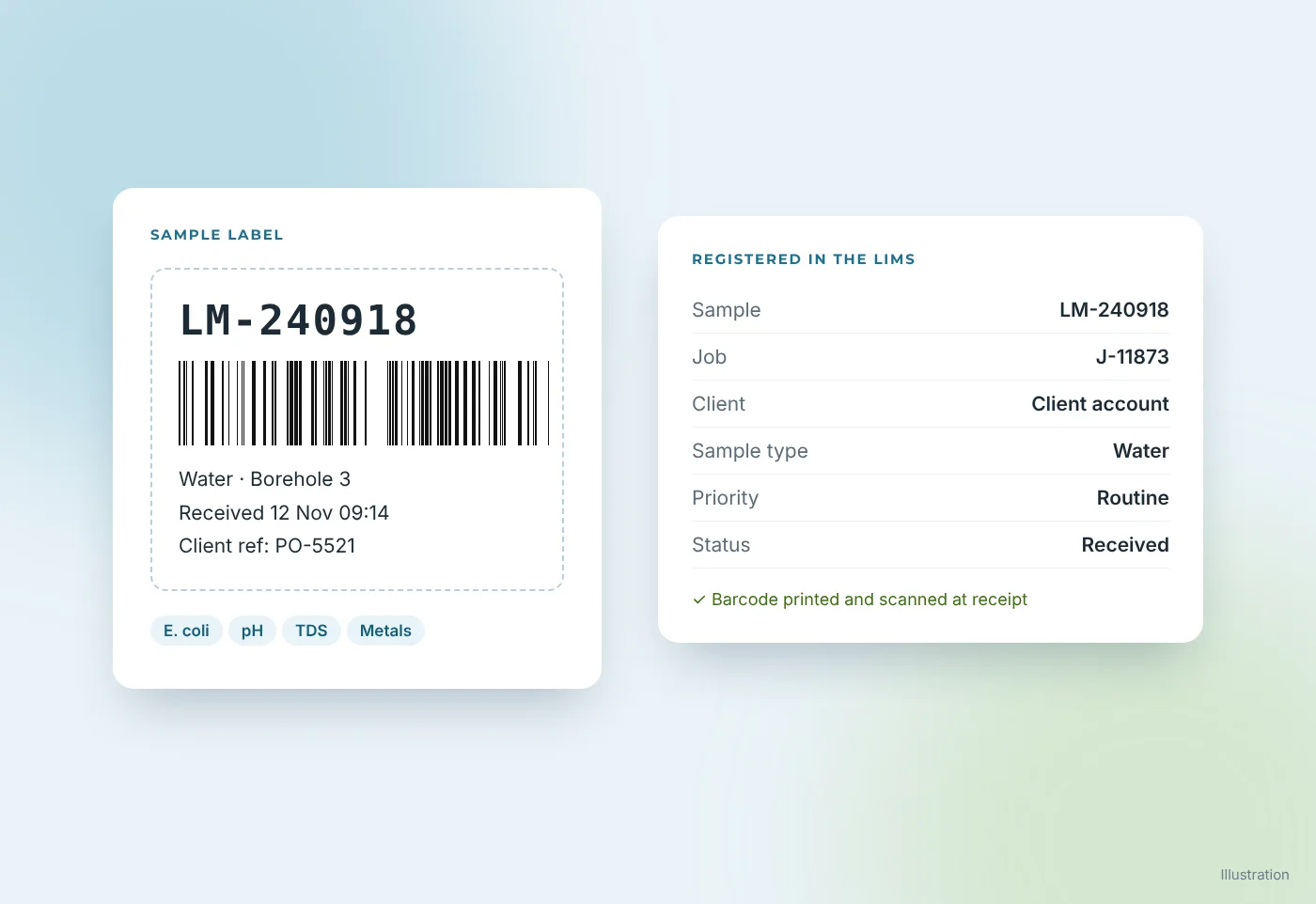
Sample & testing
Move a request into controlled laboratory work.
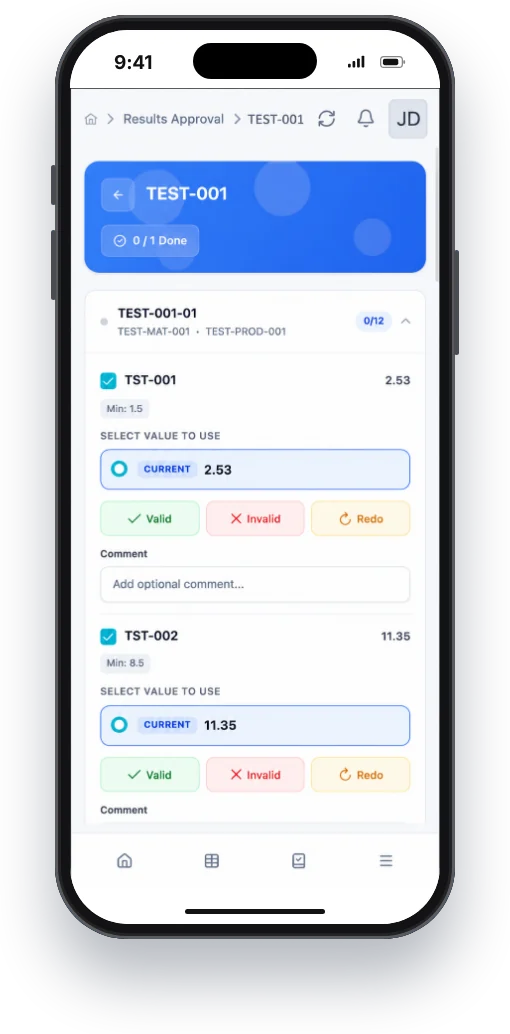
Results & decisions
Keep capture, review and the operational picture together.
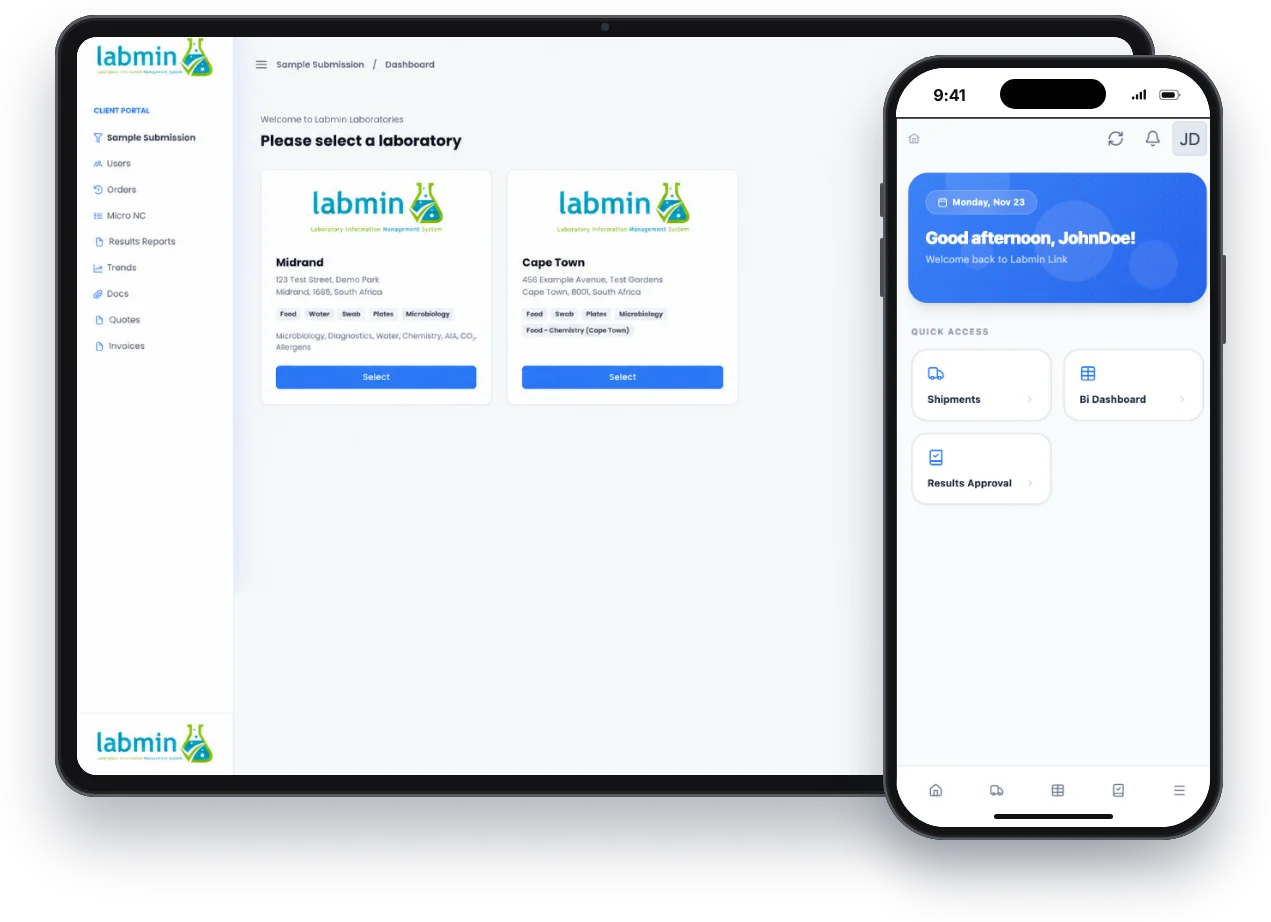
People & operations
Connect customer, site, equipment and commercial context.
Data exchange
Bring existing laboratory data into the same record.
Optional extensions
Choose only the additional capabilities that match your methods, customers and systems.
Highlighted often relevant for research & academic laboratories
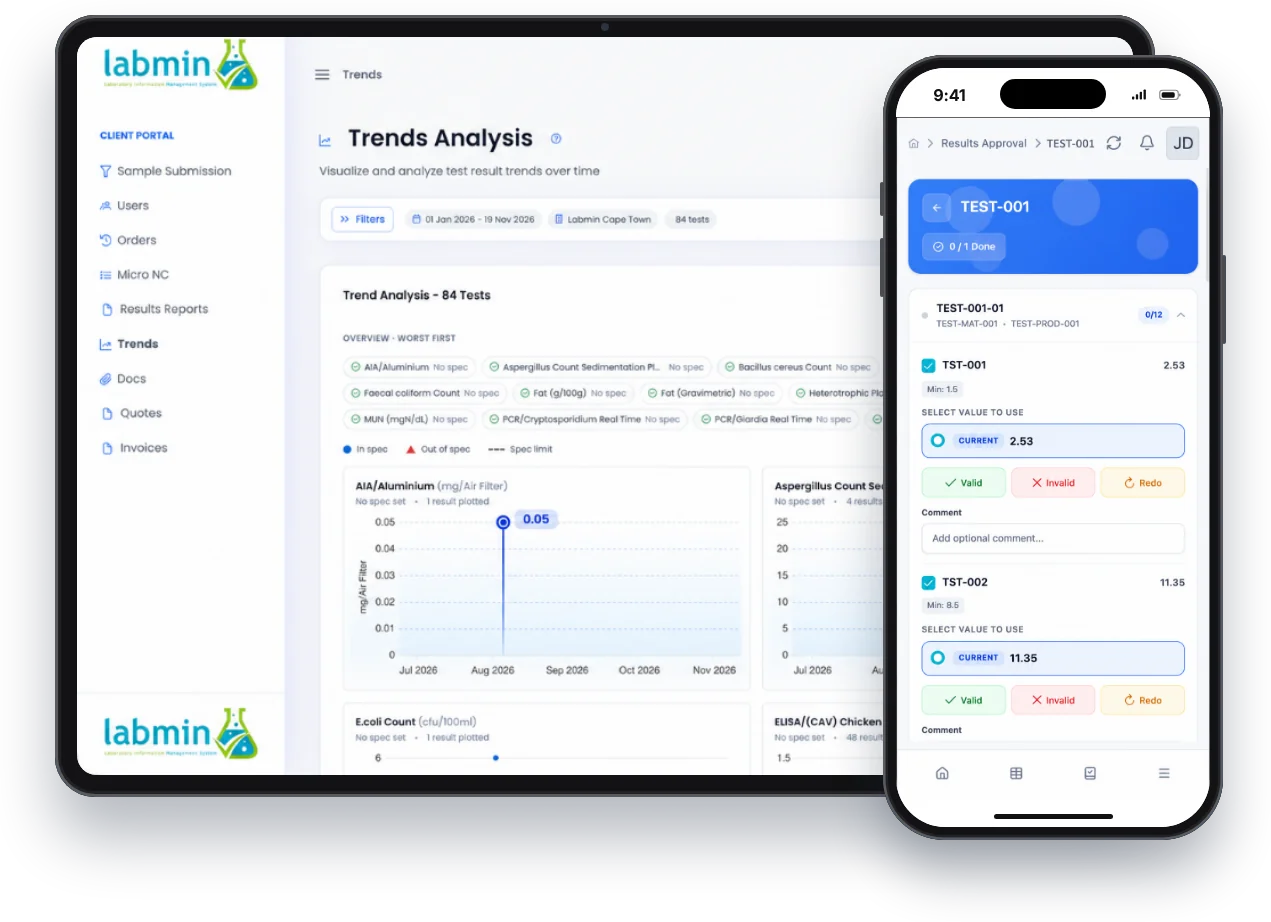
Quality & inventory
Extend control around materials and quality records.
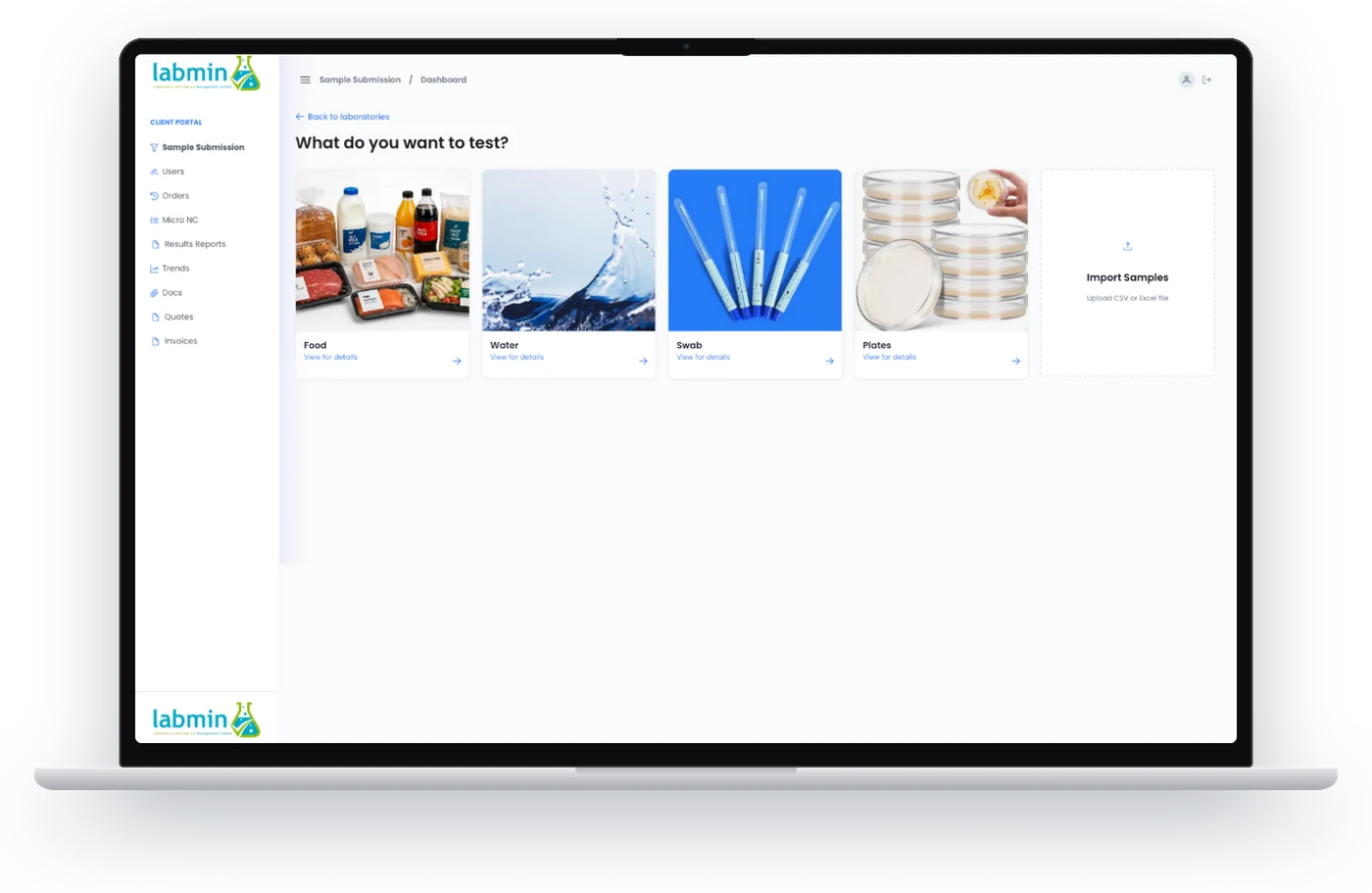
Connections & access
Connect the laboratory to instruments and the people it serves.
Work planning
Organise batches, worksheets and the work ahead.
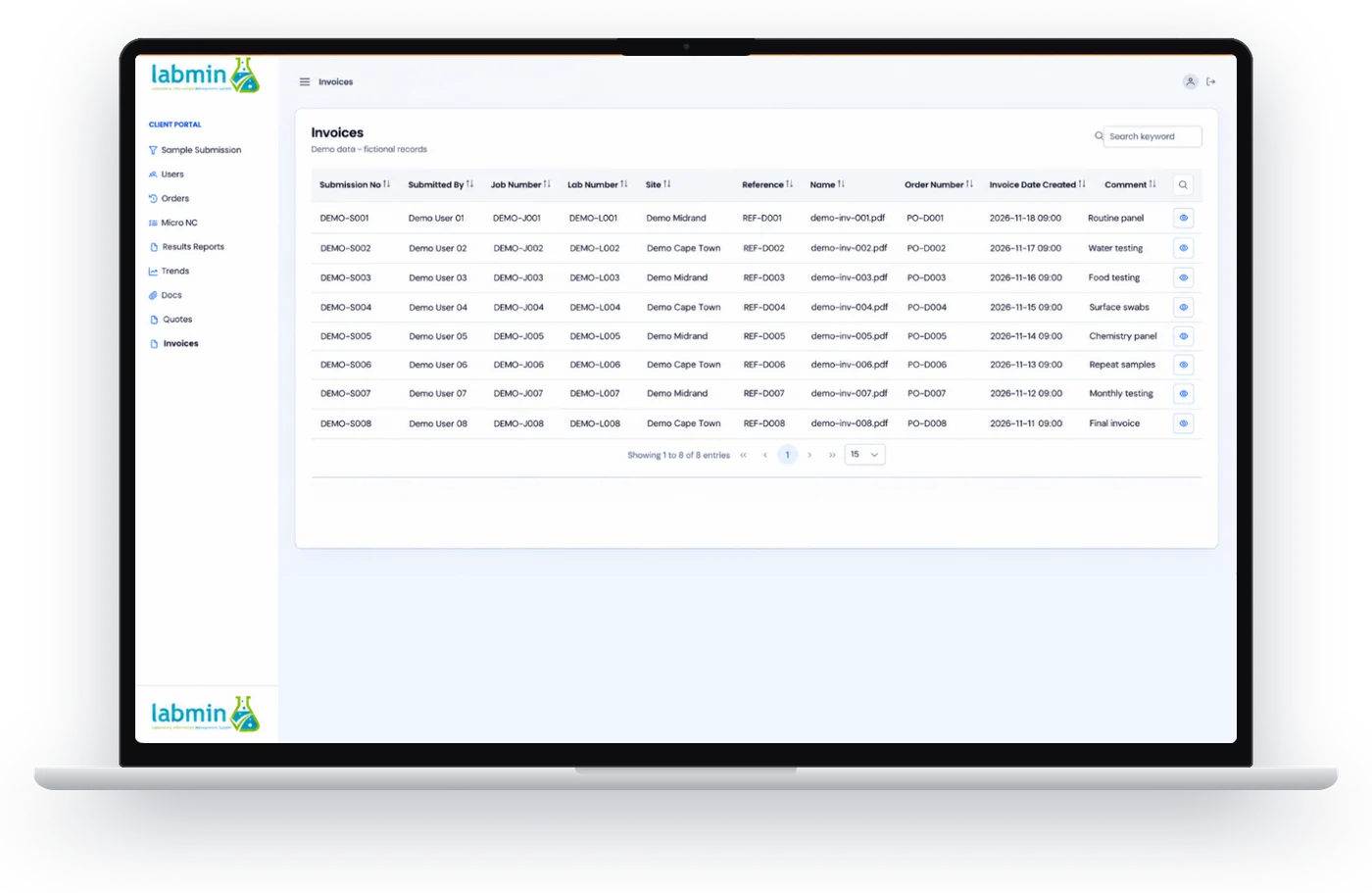
Commercial & review
Bring financial context and result review into the workflow.
Research needs reproducibility without rigidity.
Project context, evolving protocols, samples and datasets should remain understandable to collaborators.

-
01
Project
Associate samples with study and protocol version.
Related workflow example · PROJECT / RES-07- Study
- RES-07
- Sample
- S-018
- Protocol
- Referenced version
-
02
Experiment
Keep observations and datasets linked as methods evolve.
Related workflow example · DATASET / RES-07- Sample ID
- Matched
- Method
- Recorded
- Source data
- Referenced
-
03
Review
Reconstruct changes and the version behind a conclusion.
Related workflow example · SHARED FACILITY- Requested work
- Registered
- Assigned work
- In progress
- Approved reports
- Available
Can a LIMS work with an ELN?
Yes. A LIMS may manage samples and tests while an ELN holds experimental narrative; the boundary depends on the work.
Discuss this workflow with our teamGive collaborators a record they can understand later.
Research and academic laboratories often change methods while working across projects and collaborators. Labmin helps give samples, tests and datasets a consistent operational structure without assuming that every study follows the same path. The aim is to make completed work findable and its context understandable.
Shared facilities may receive similar samples from different projects, each with different requested work.
Capture project and sample identifiers, assign the agreed tests and retain the relevant method or protocol context with the work.
What changes for the team Analysts and collaborators can identify the correct sample and understand why the analysis was requested.
Instrument files, calculations and reported results can drift apart as work is shared.
Assess supported instrument interfaces or controlled imports, then link values to the correct sample and method. Define what belongs in the LIMS and what remains in an ELN or specialist analysis system.
What changes for the team The team has a clearer route from the laboratory result to its source and associated experiment.
Project priorities and collaborator enquiries can interrupt staff who are already working at the bench.
Use sample status, assigned work and turnaround views to make laboratory progress visible. Configure appropriate client access where external researchers need reports.
What changes for the team Managers can discuss workload and progress using the same record as the technical team.
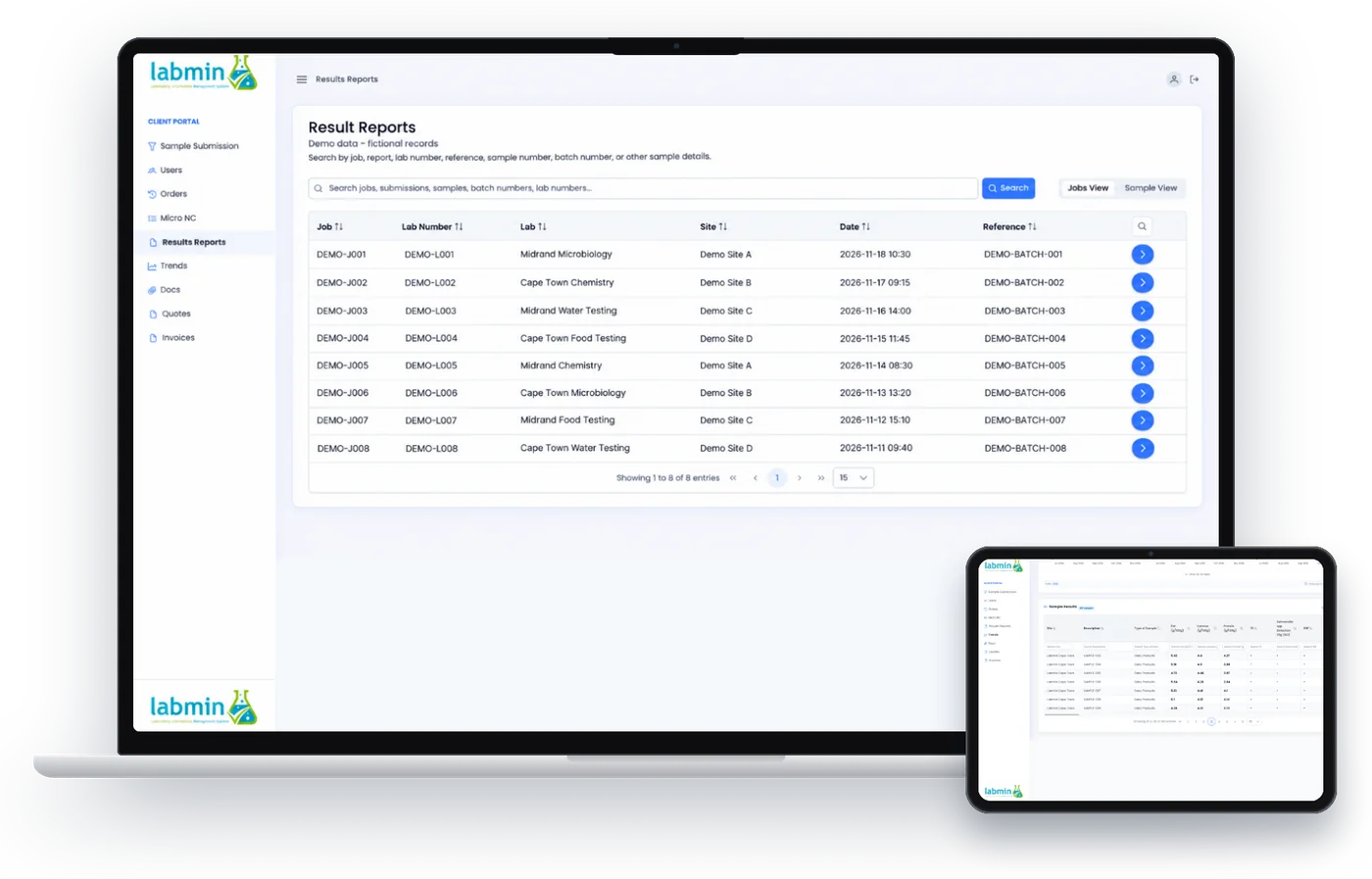
to a useful decision.
PROJECT / RES-07
- Study
- RES-07
- Sample
- S-018
- Protocol
- Referenced version
DATASET / RES-07
- Sample ID
- Matched
- Method
- Recorded
- Source data
- Referenced
SHARED FACILITY
- Requested work
- Registered
- Assigned work
- In progress
- Approved reports
- Available
Choose a scenario to inspect its example record.
The people behind the result
Researchers
Study and protocol context for their samples.
Facility staff
A consistent request and work queue.
Collaborators
A clearer record of completed laboratory work.
Questions before the laboratory walkthrough.
Can Labmin be configured for research & academic laboratories?
Yes. The workflow, master data, authorisation roles, limits, reports and integrations are defined during discovery and configuration.
Can existing research & academic instruments be connected?
Labmin connects instruments using RS-232, TCP/IP, ASTM, HL7, REST APIs and CSV, XML or Excel file exchange. Each instrument’s interface, export format and sample identifiers are assessed before it’s connected, so results arrive against the right sample. See LIMS instrument integration for the options.