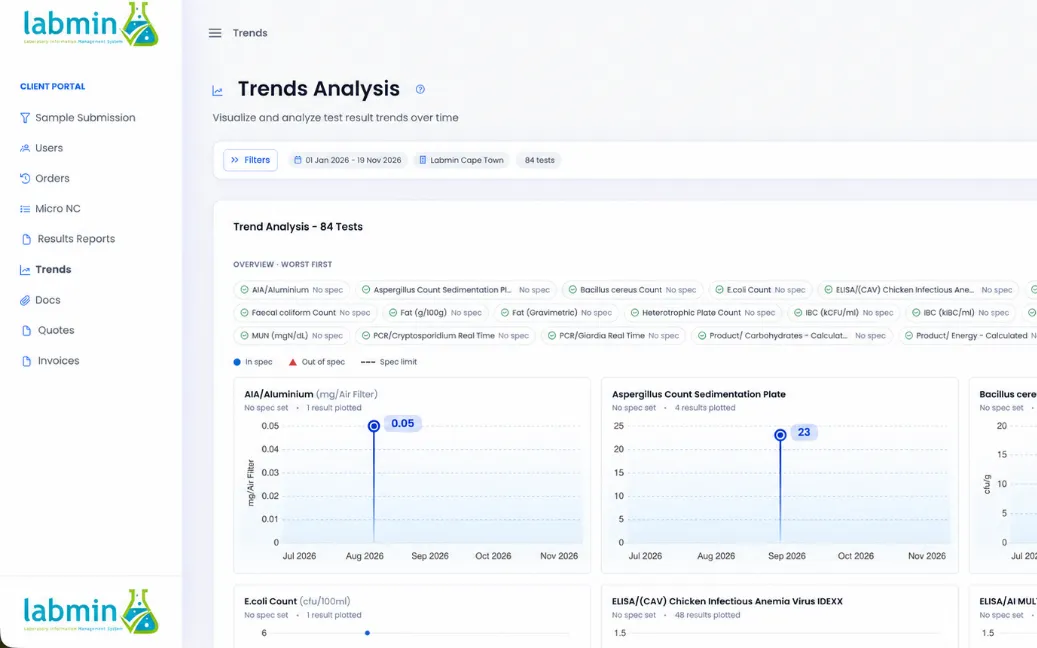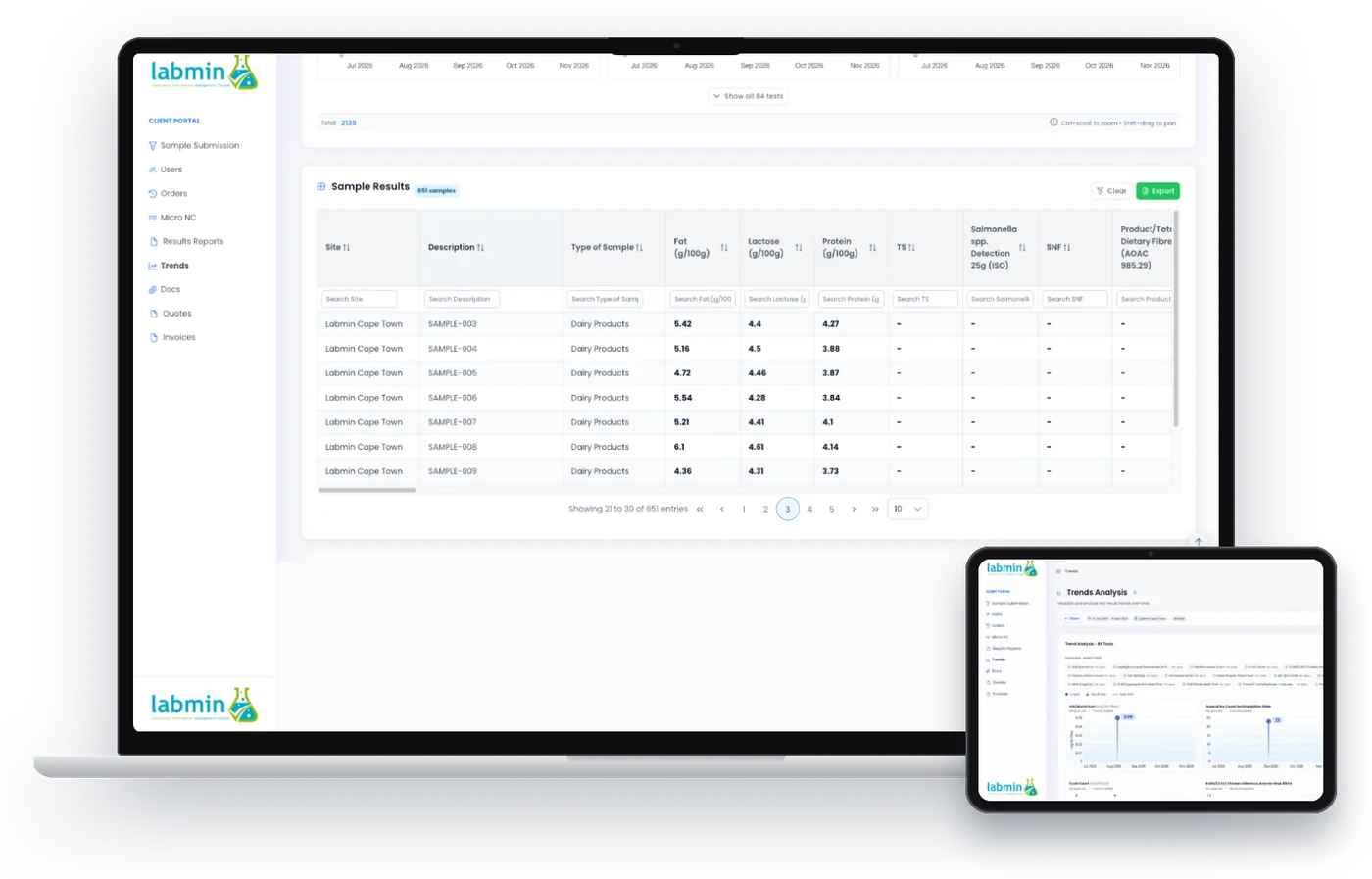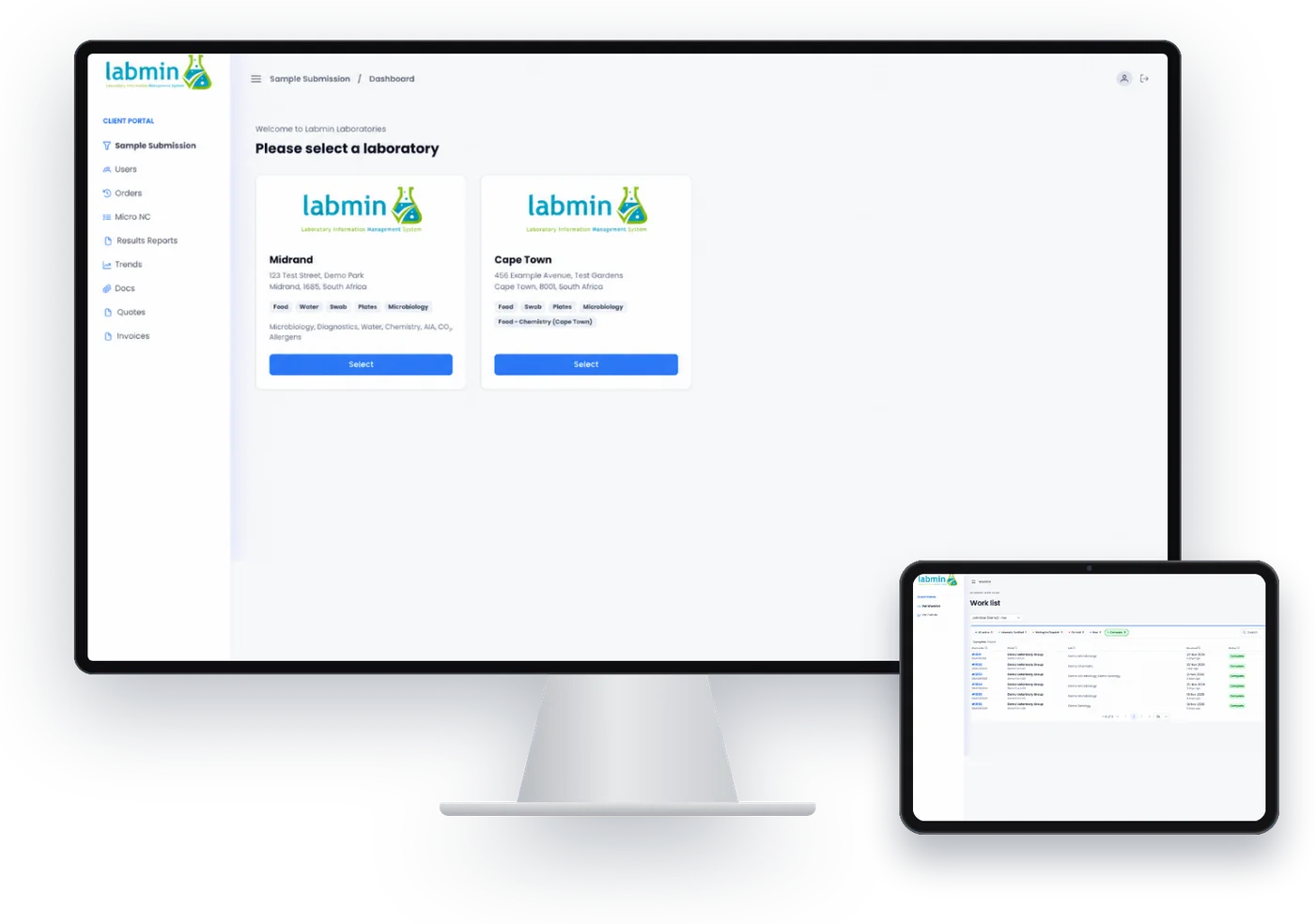
Energy & power LIMS
Turn every test cycle into usable evidence.
Energy and power testing depends on asset identity, conditions, performance results and reporting. Labmin is a LIMS and complete laboratory management solution for energy & power laboratories.
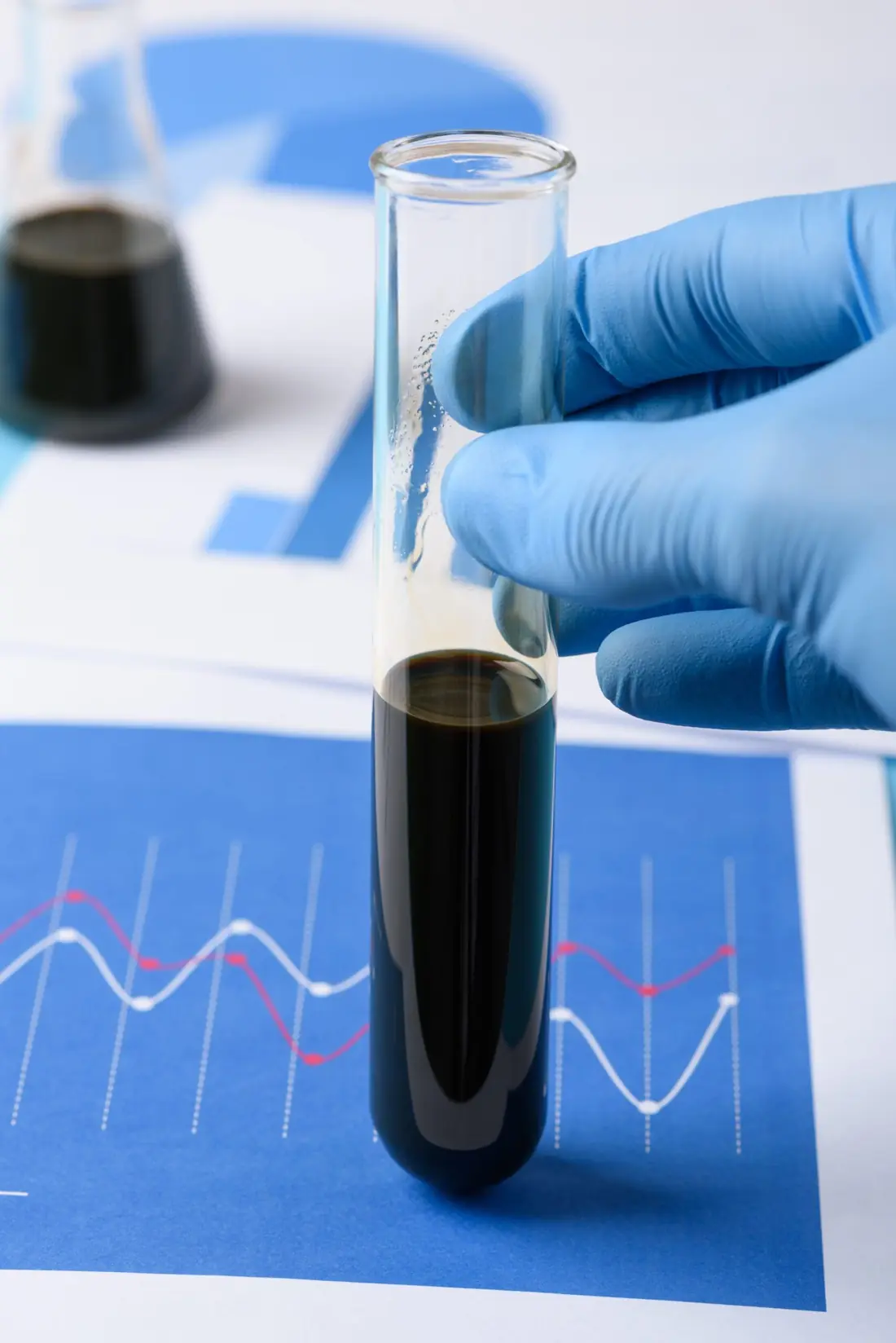
Capacity retention 94.8%
Every cycle becomes usable evidence.
-
01
Asset sample
The right identity starts the record.
-
02
Performance test
Results stay attached to the relevant method and controls.
-
03
Compliance report
The decision remains visible before anything is released.
What the laboratory needs to see
Performance can change across cycles, environments and equipment.

The challenge
Performance can change across cycles, environments and equipment.
See this in practiceThe capabilities behind the workflow.
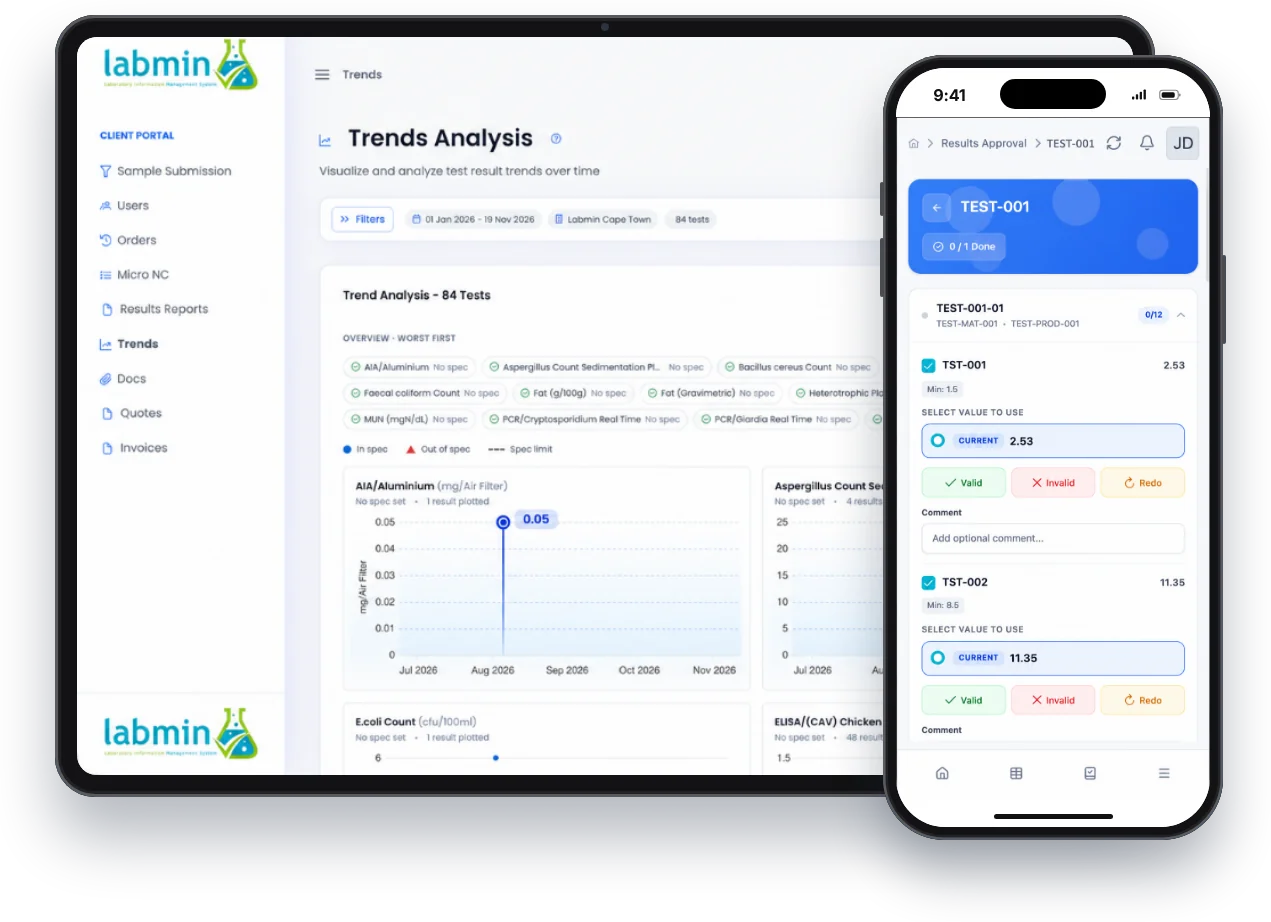
Our modules support the work around every sample. We configure them around your methods, people and reporting needs during discovery.
From sample registration to review, reporting and the day-to-day work around them.
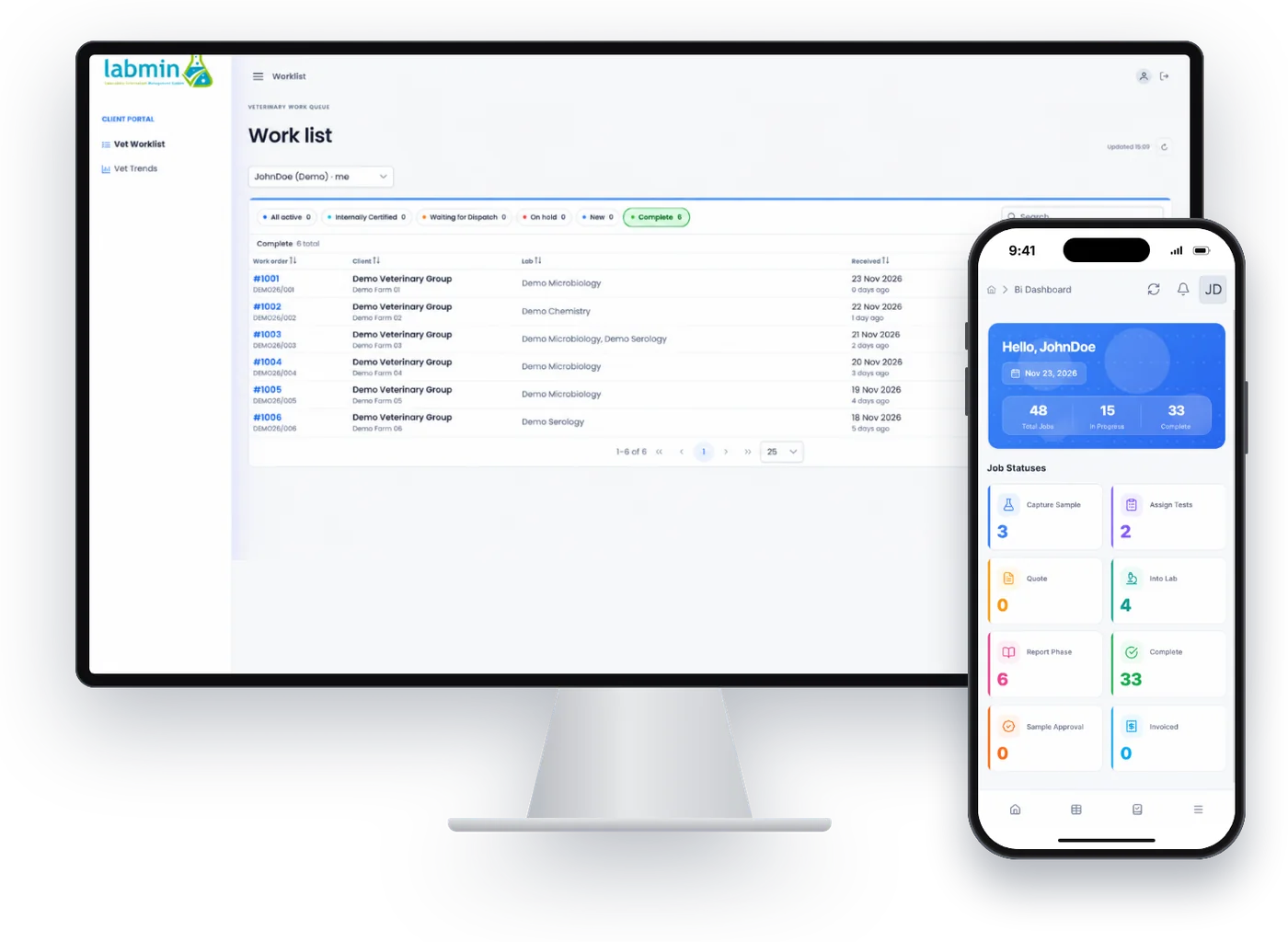
Included in every Labmin system
Start with the tools your team uses every day, from sample registration to approved reports.
Sample & testing
Move a request into controlled laboratory work.
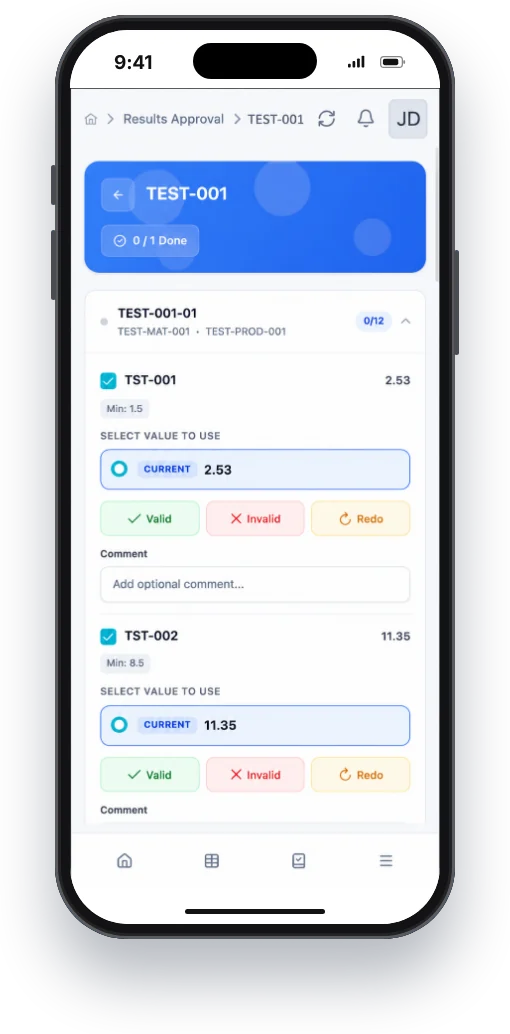
Results & decisions
Keep capture, review and the operational picture together.
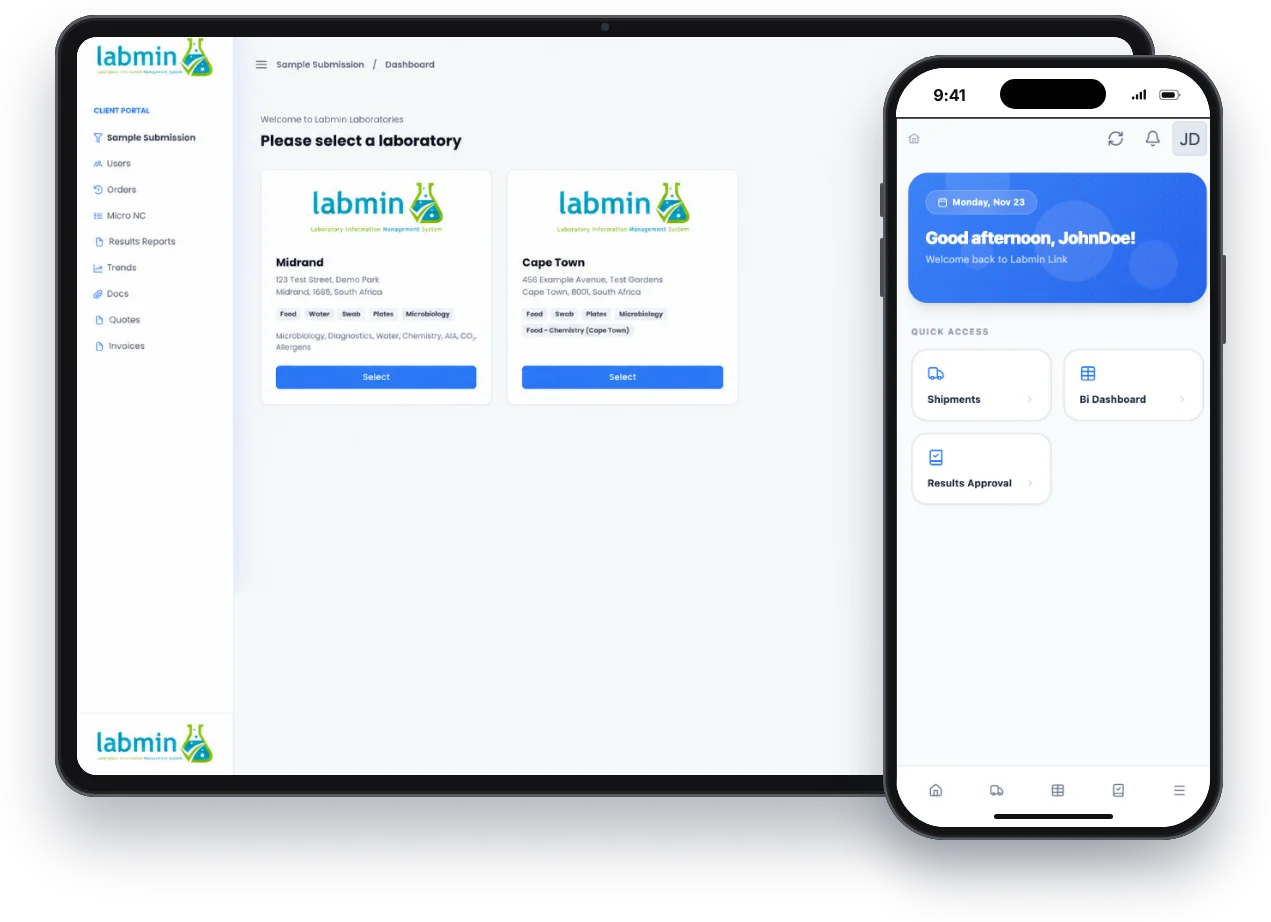
People & operations
Connect customer, site, equipment and commercial context.

Data exchange
Bring existing laboratory data into the same record.
Optional extensions
Choose only the additional capabilities that match your methods, customers and systems.
Highlighted often relevant for energy & power laboratories
Quality & inventory
Extend control around materials and quality records.
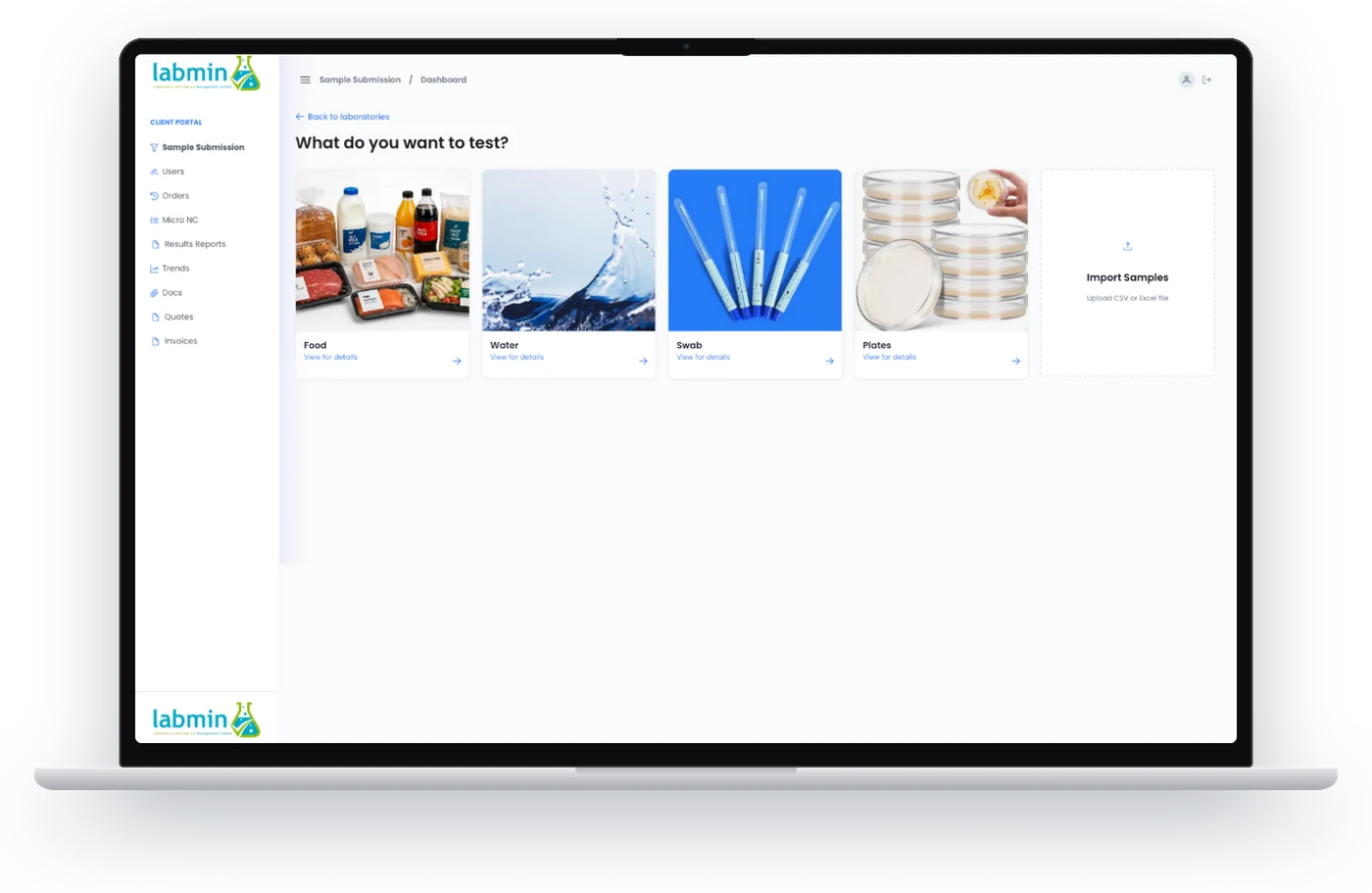
Connections & access
Connect the laboratory to instruments and the people it serves.
Work planning
Organise batches, worksheets and the work ahead.
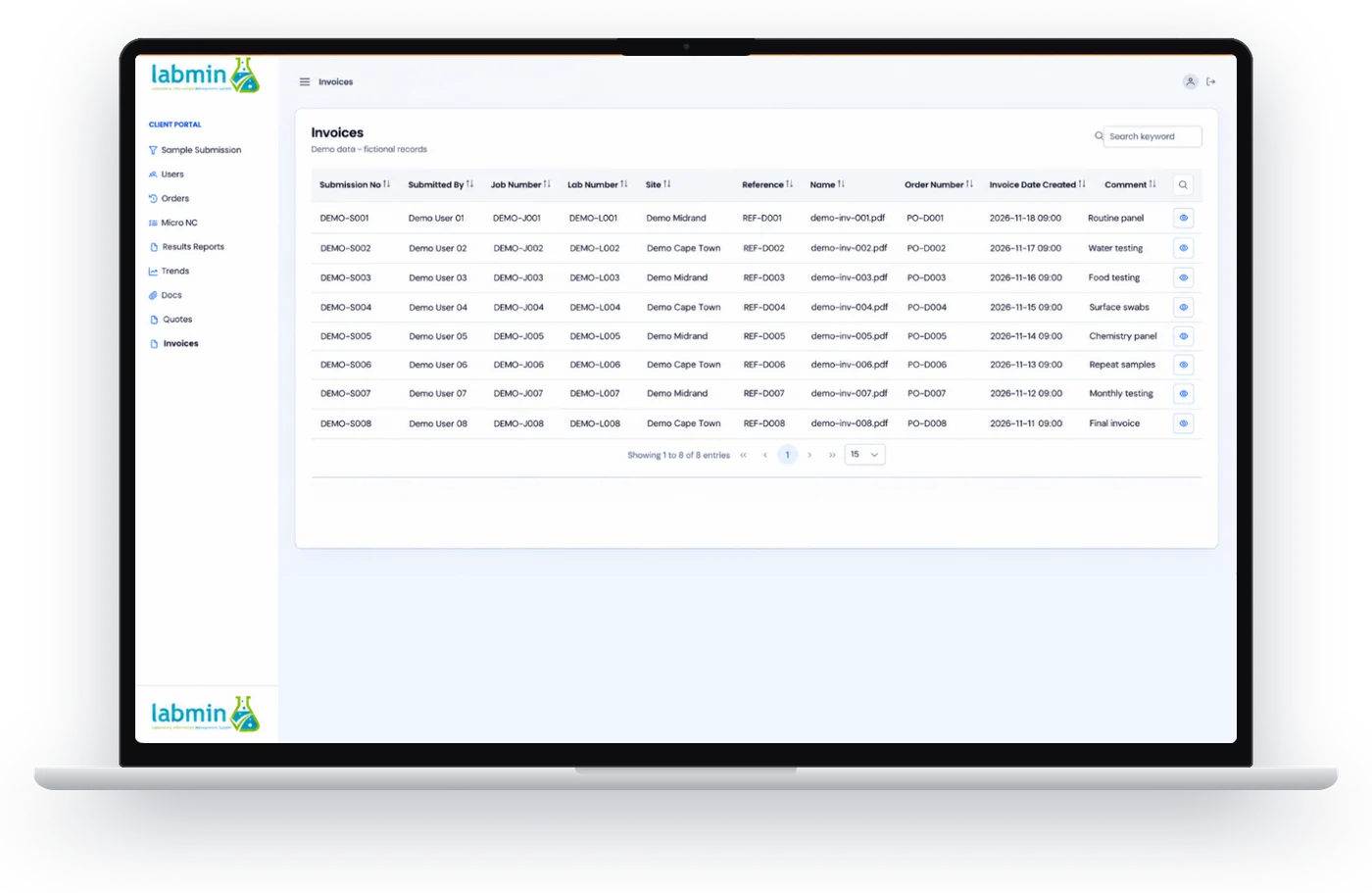
Commercial & review
Bring financial context and result review into the workflow.
Energy testing ties measurements to an asset.
Fuel, batteries, fluids or components may need performance, safety and compliance testing over time.
-
01
Asset
Relate sample to site, equipment and operating history.
Related workflow example · ASSET / EN-124- Site
- Recorded
- Asset
- EN-124
- Sample type
- Condition sample
-
02
Performance
Capture cycle or condition results against the method.
Related workflow example · SERIES / EN-124- Interval
- Recorded
- Method
- Consistent reference
- Results
- Linked series
-
03
Decision
Review trends before maintenance or compliance reporting.
Related workflow example · REPORT / EN-124- Exception
- Visible
- Follow-up
- Recorded
- Asset reference
- Included
Can repeated energy tests be compared?
Measurements can be linked to the same asset or sample series so changes across cycles are visible.
Discuss this workflow with our teamKeep condition and performance measurements with the asset.
Energy and power laboratories may test fuels, oils, batteries, fluids or components across an asset’s operating life. Labmin connects the sample source, requested methods, results and reports. Repeated measurements become easier to review when each retains its asset and testing context.
Samples from similar equipment or sites can be confused when labels hold only a short description.
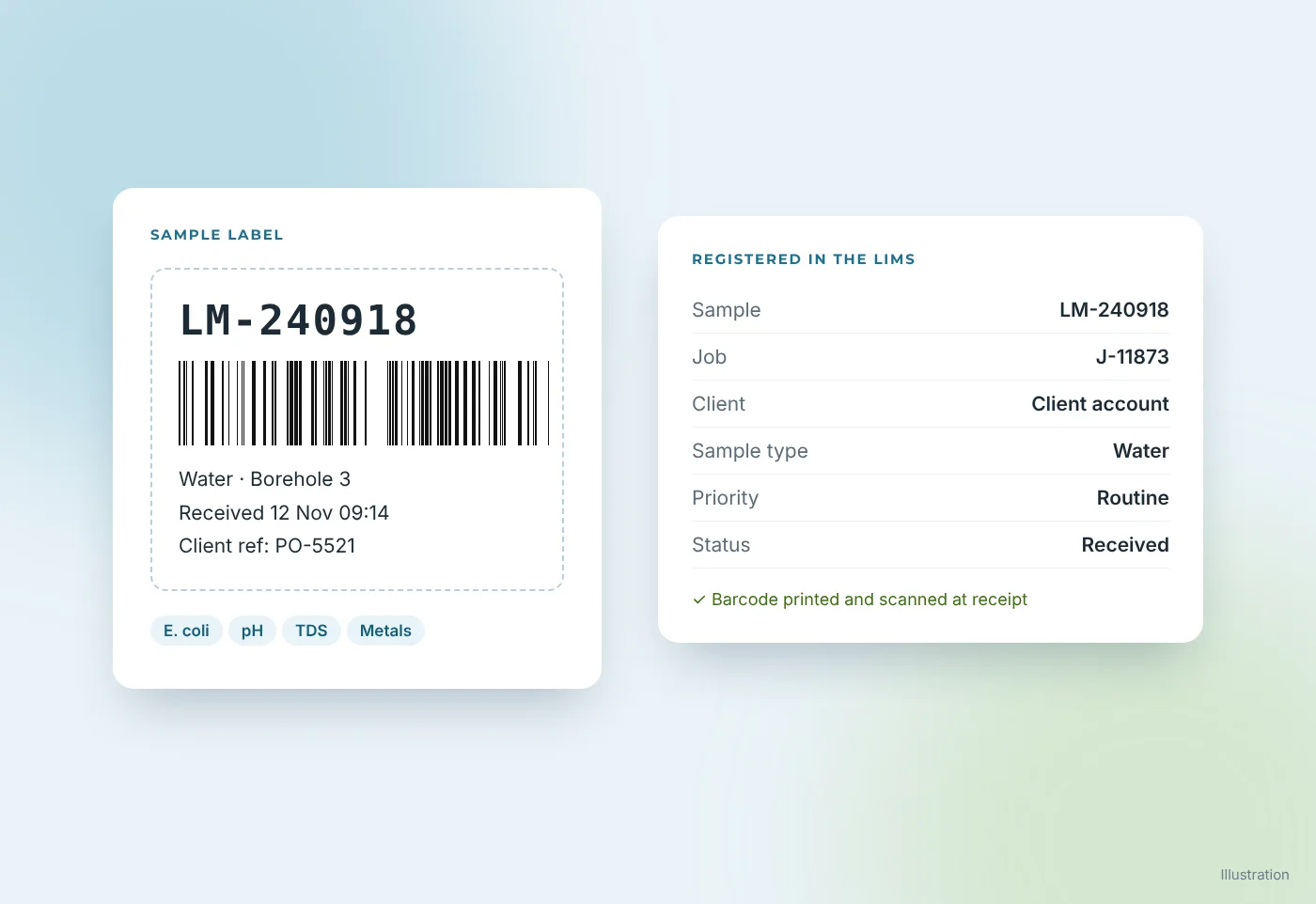
Register the site, asset or component reference with the sample and requested tests. Carry the identifier through preparation, analysis and reporting.
What changes for the team Technical staff can locate the correct record when an operational team asks about a particular asset.
Cycle or condition results lose value when the team can’t tell which operating context they belong to.
Configure the information needed for repeated testing, retain the method and interval context, and use appropriate trend views for review.
What changes for the team Reviewers can examine changes across a sample series with clearer provenance.
An unexpected measurement needs a reviewed explanation before it informs a maintenance or compliance decision.
Apply the configured specifications and approval process, preserve follow-up work and issue an authorised report with the relevant asset information.
What changes for the team The recipient receives the laboratory’s reviewed output with the context needed for their next decision.
to a useful decision.
ASSET / EN-124
- Site
- Recorded
- Asset
- EN-124
- Sample type
- Condition sample
SERIES / EN-124
- Interval
- Recorded
- Method
- Consistent reference
- Results
- Linked series
REPORT / EN-124
- Exception
- Visible
- Follow-up
- Recorded
- Asset reference
- Included
Choose a scenario to inspect its example record.
The people behind the result
Operations teams
Asset references retained through the request.
Testing teams
Methods and interval context with measurements.
Reviewers
Trends and exceptions before authorised reporting.
Questions before the laboratory walkthrough.
Can Labmin be configured for energy & power generation?
Yes. The workflow, master data, authorisation roles, limits, reports and integrations are defined during discovery and configuration.
Can existing energy & power generation instruments be connected?
Labmin connects instruments using RS-232, TCP/IP, ASTM, HL7, REST APIs and CSV, XML or Excel file exchange. Each instrument’s interface, export format and sample identifiers are assessed before it’s connected, so results arrive against the right sample. See LIMS instrument integration for the options.