Nuclear medicine & PET/SPECT LIMS
Every dose has a clock running.
PET and SPECT radiopharmacies work against half-life: each batch is made, tested and released within hours, with every dose traceable to its batch and calibration time. Labmin is a LIMS and complete laboratory management solution for nuclear medicine & pet/spect laboratories.

Appearance and pH PASS
Radiochemical purity PASS
Bacterial endotoxin PASS
Release authorisation NEXT
Release against the half-life.

-
01
Batch and calibration time
The right identity starts the record.
-
02
Quality control tests
Results stay attached to the relevant method and controls.
-
03
Authorised release
The decision remains visible before anything is released.
What the laboratory needs to see
Short half-lives mean quality control and release happen within minutes to hours of production.

The challenge
Short half-lives mean quality control and release happen within minutes to hours of production.
See this in practiceBatch release
Connect the batch, its QC tests, calibration time and the authorised release.
See this in practiceDecision
Release each batch with its QC record, and add later results such as sterility to the same record.
See this in practiceThe capabilities behind the workflow.
Our modules support the work around every sample. We configure them around your methods, people and reporting needs during discovery.
From sample registration to review, reporting and the day-to-day work around them.
Included in every Labmin system
Start with the tools your team uses every day, from sample registration to approved reports.
Sample & testing
Move a request into controlled laboratory work.
Results & decisions
Keep capture, review and the operational picture together.
People & operations
Connect customer, site, equipment and commercial context.
Data exchange
Bring existing laboratory data into the same record.
Optional extensions
Choose only the additional capabilities that match your methods, customers and systems.
Highlighted often relevant for nuclear medicine & pet/spect laboratories
Quality & inventory
Extend control around materials and quality records.
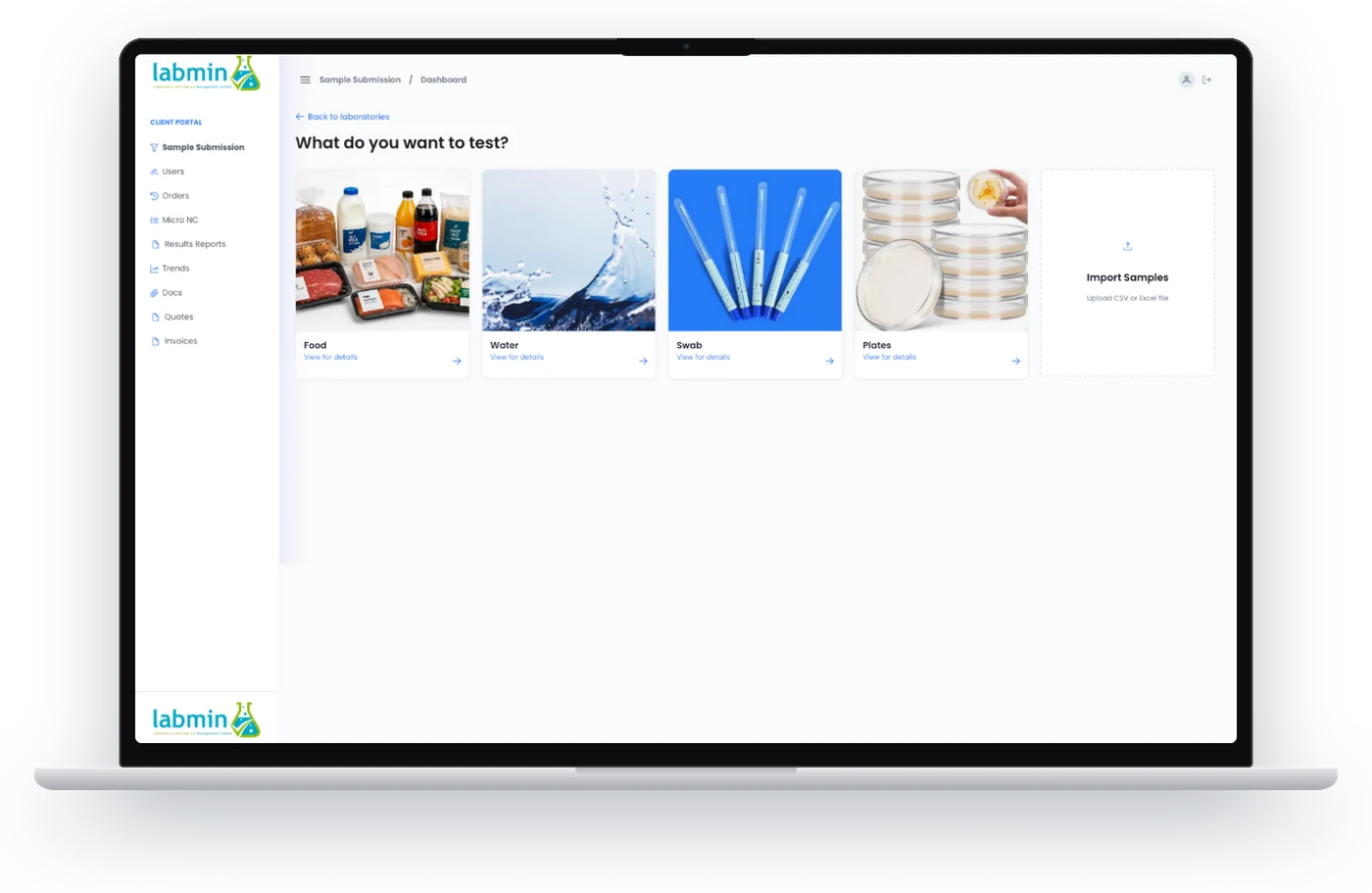
Connections & access
Connect the laboratory to instruments and the people it serves.
Work planning
Organise batches, worksheets and the work ahead.
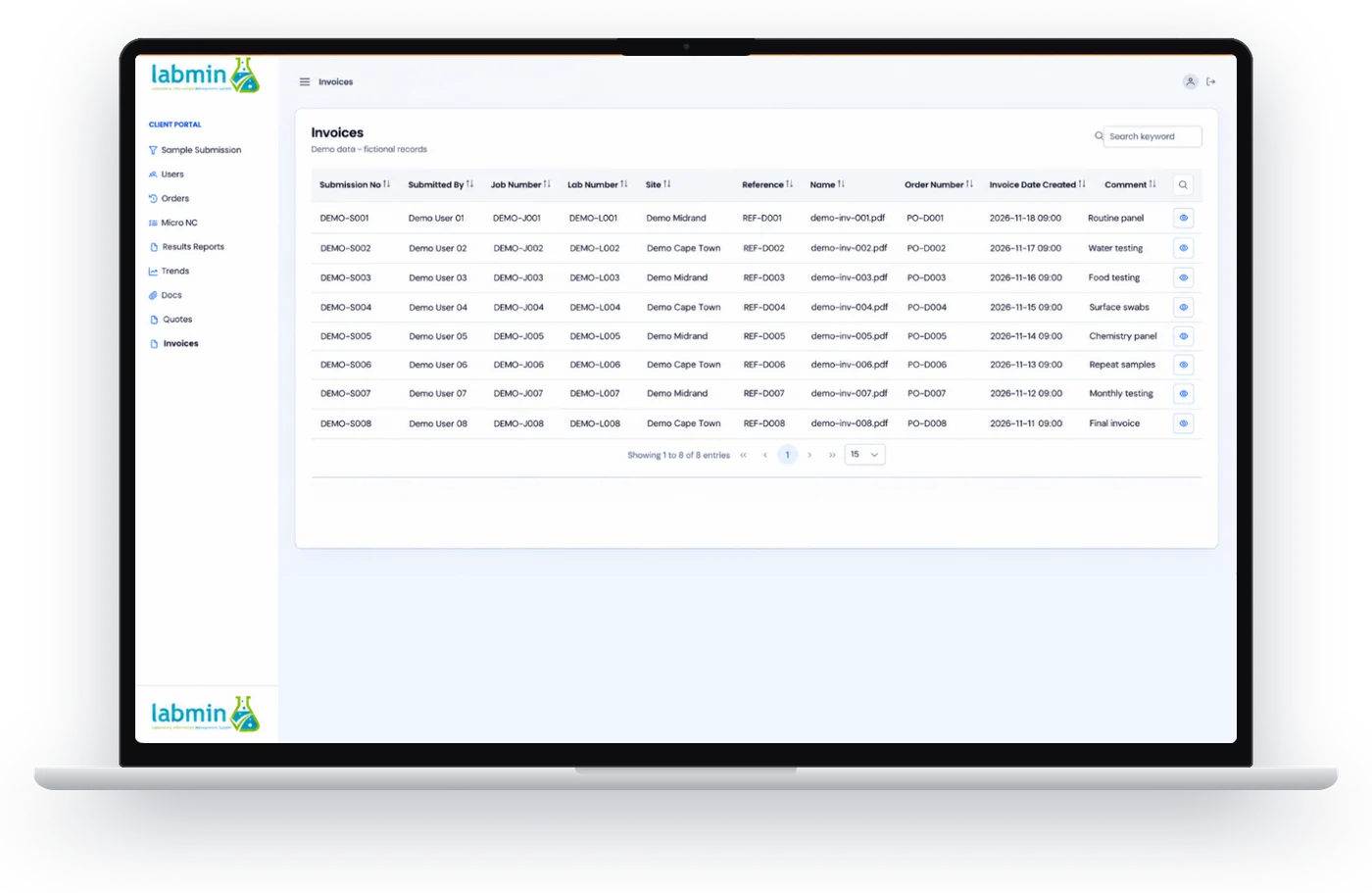
Commercial & review
Bring financial context and result review into the workflow.
Nuclear medicine QC runs against half-life.
PET and SPECT products are tested and released within hours, with results tied to the batch and its calibration time.

-
01
Production
Link the batch to radionuclide, synthesis and calibration time.
Related workflow example · BATCH / FDG-0412- Product
- 18F-FDG
- Calibration
- Time recorded
- QC tests
- Assigned
-
02
Quality control
Record purity, identity, pH and endotoxin results against limits.
Related workflow example · RELEASE / FDG-0412- Pre-release tests
- Passed
- Authorised by
- Responsible person
- Sterility
- In progress
-
03
Release
Authorise the batch, then add later results such as sterility.
Related workflow example · GENERATOR / TC-118- Eluate
- Recorded
- Mo-99 breakthrough
- Within limit
- Dose calibrator
- Daily check done
Can a LIMS handle release before sterility results are back?
A configured workflow can separate the tests required before release from those completed afterwards, keeping both on the batch record.
Discuss this workflow with our teamRelease the batch while the activity still counts.
PET and SPECT radiopharmaceuticals decay while they are being tested. Labmin helps keep each production batch, its quality-control tests, calibration time and release decision on one record. The responsible person can see what has passed, what is still outstanding and what was released, and when.
With half-lives from about an hour to a few hours, a result without its batch and measurement time is hard to interpret.
Register the production batch with its radionuclide, synthesis time and calibration time. Assign the QC tests your procedures require, such as appearance, pH, radiochemical purity, radionuclidic identity and bacterial endotoxin.
What changes for the team Reviewers see each result against the right batch and time.
Some tests, such as sterility, finish after the product has been used, so release is based on a defined set of results.
Configure which tests are required before release and which are completed afterwards. Keep the release authorisation with the batch and add the later results to the same record.
What changes for the team The release decision and the completed test record stay together for inspection.
Generator eluates, dose calibrators and other equipment need routine checks that affect whether a result can be trusted.
Record eluate checks, such as molybdenum-99 breakthrough for technetium-99m generators, and scheduled dose calibrator checks alongside the batches and kits they support.
What changes for the team A reviewer can see that the supporting checks were done when a batch or dose is questioned.
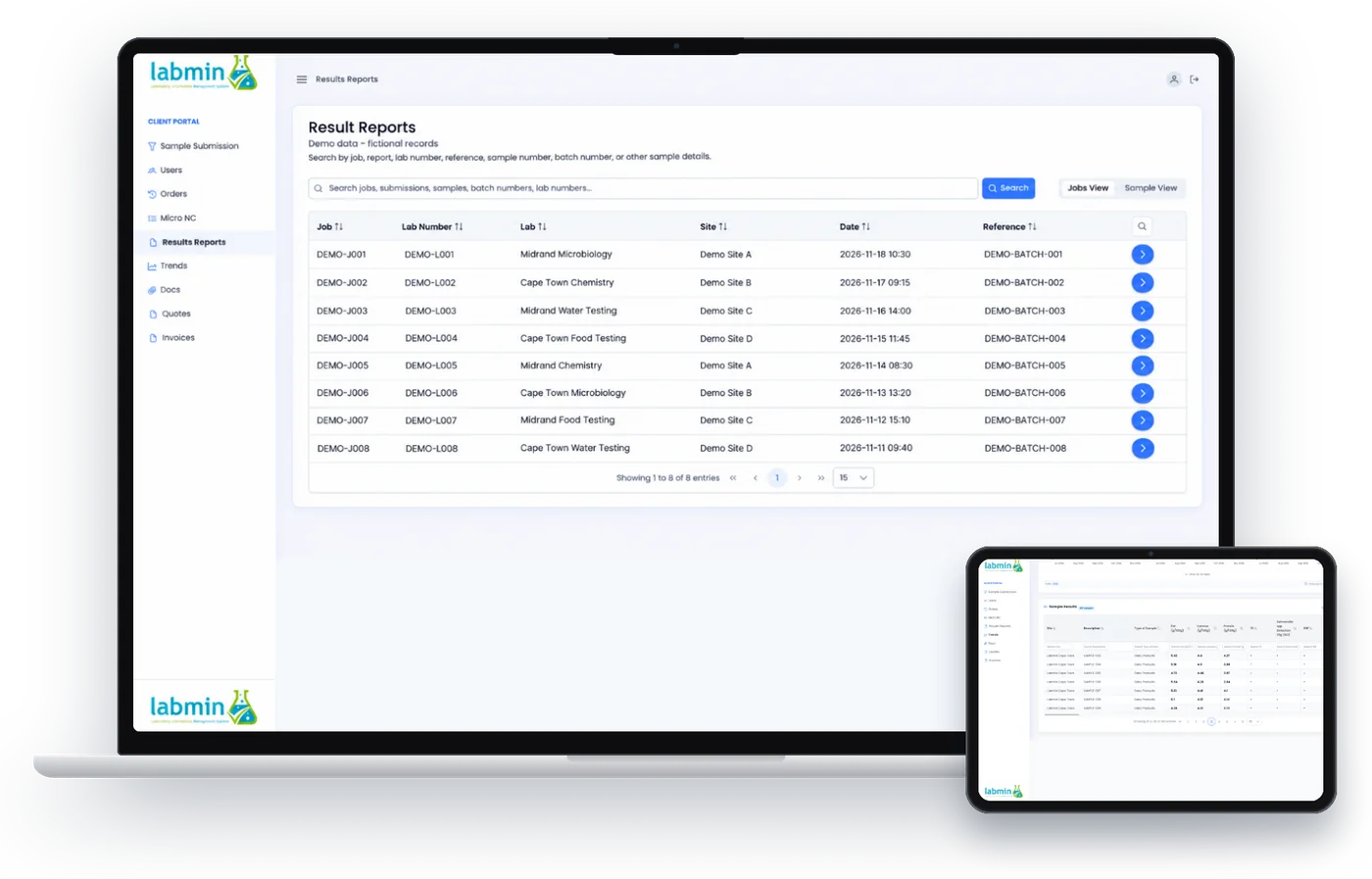
to a useful decision.
BATCH / FDG-0412
- Product
- 18F-FDG
- Calibration
- Time recorded
- QC tests
- Assigned
RELEASE / FDG-0412
- Pre-release tests
- Passed
- Authorised by
- Responsible person
- Sterility
- In progress
GENERATOR / TC-118
- Eluate
- Recorded
- Mo-99 breakthrough
- Within limit
- Dose calibrator
- Daily check done
Choose a scenario to inspect its example record.
The people behind the result
Radiopharmacists
Batch, QC and release in one view.
QC analysts
Tests and times tied to the right batch.
Responsible persons
A complete record behind each release.
Questions before the laboratory walkthrough.
Can Labmin be configured for nuclear medicine and radiopharmacy?
Yes. The workflow, master data, authorisation roles, limits, reports and integrations are defined during discovery and configuration.
Can existing nuclear medicine instruments be connected?
Labmin connects instruments using RS-232, TCP/IP, ASTM, HL7, REST APIs and CSV, XML or Excel file exchange. Each instrument’s interface, export format and sample identifiers are assessed before it’s connected, so results arrive against the right sample. See LIMS instrument integration for the options.