What’s a LIMS?
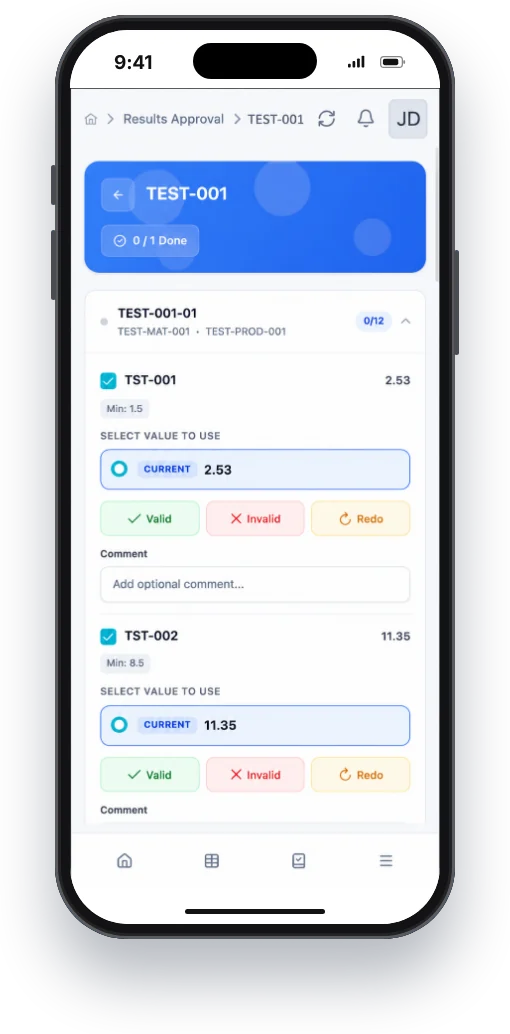
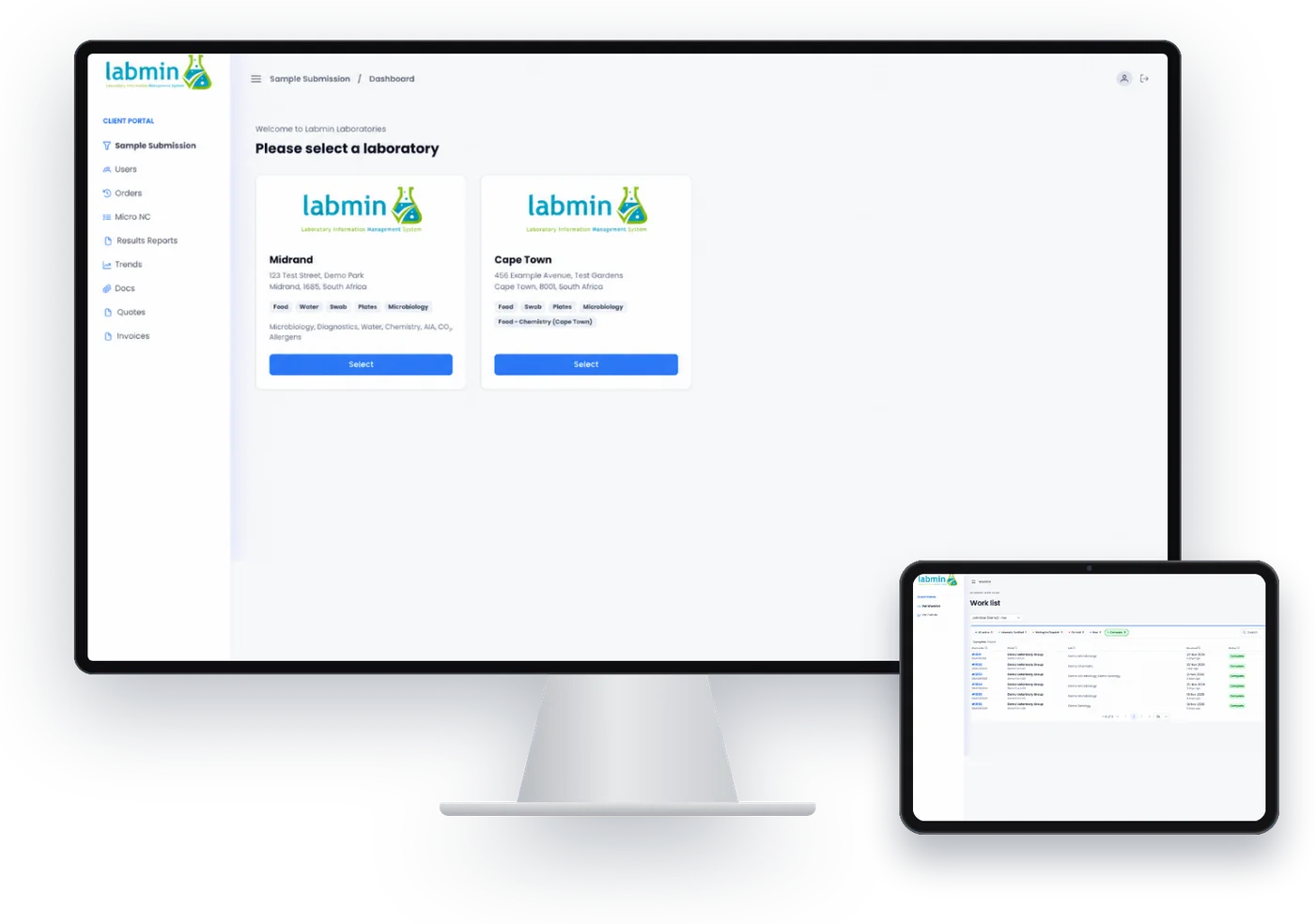
A Laboratory Information Management System is software that connects samples, tests, results, review and reporting in one controlled workflow.
Use this guide to understand what a LIMS does, where it fits among other laboratory tools and what to assess before implementation.
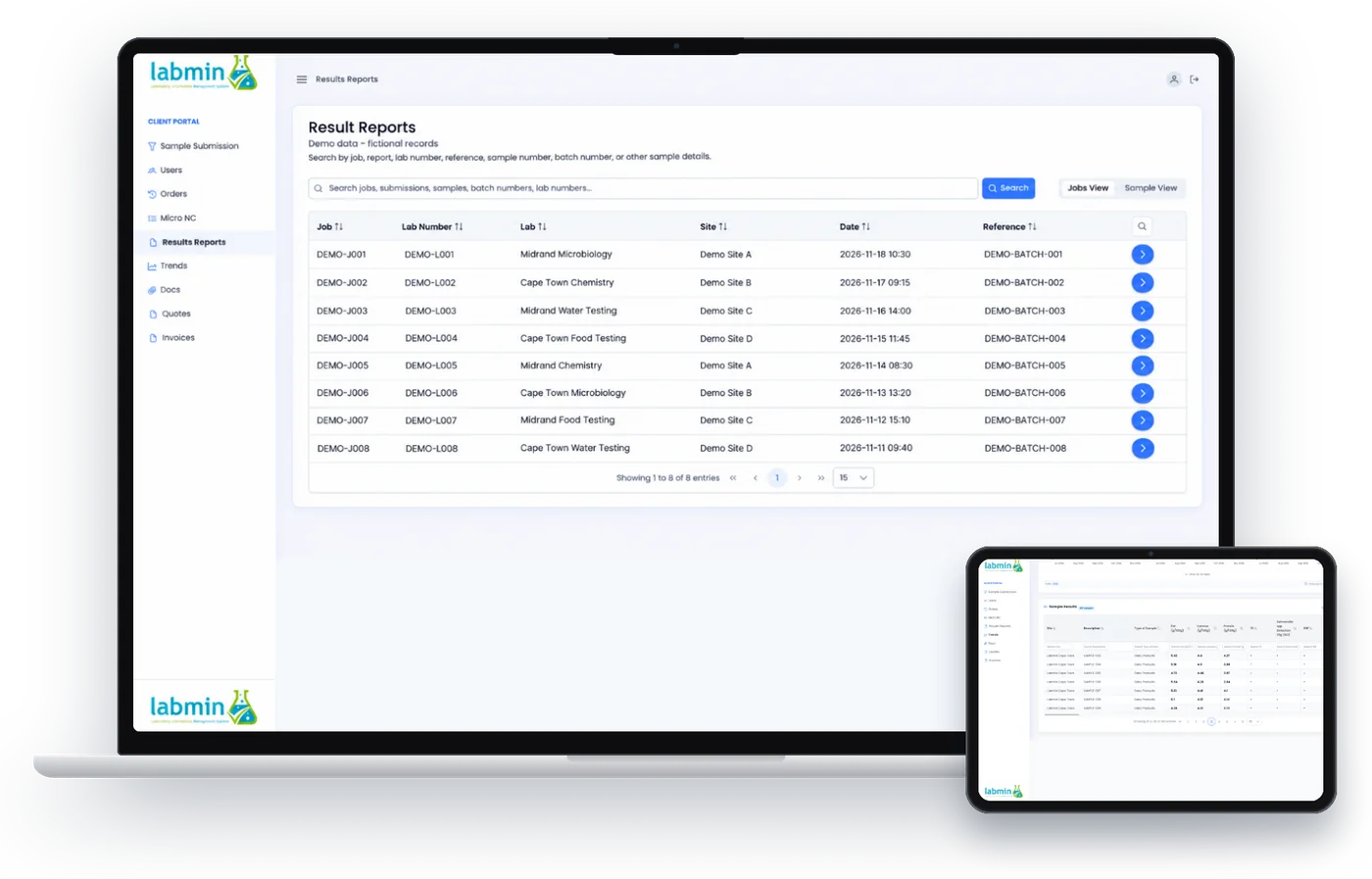
One sample. A chain of accountable decisions.
A LIMS gives each handoff context, so the team can see not only a result but how that result was reached.
-
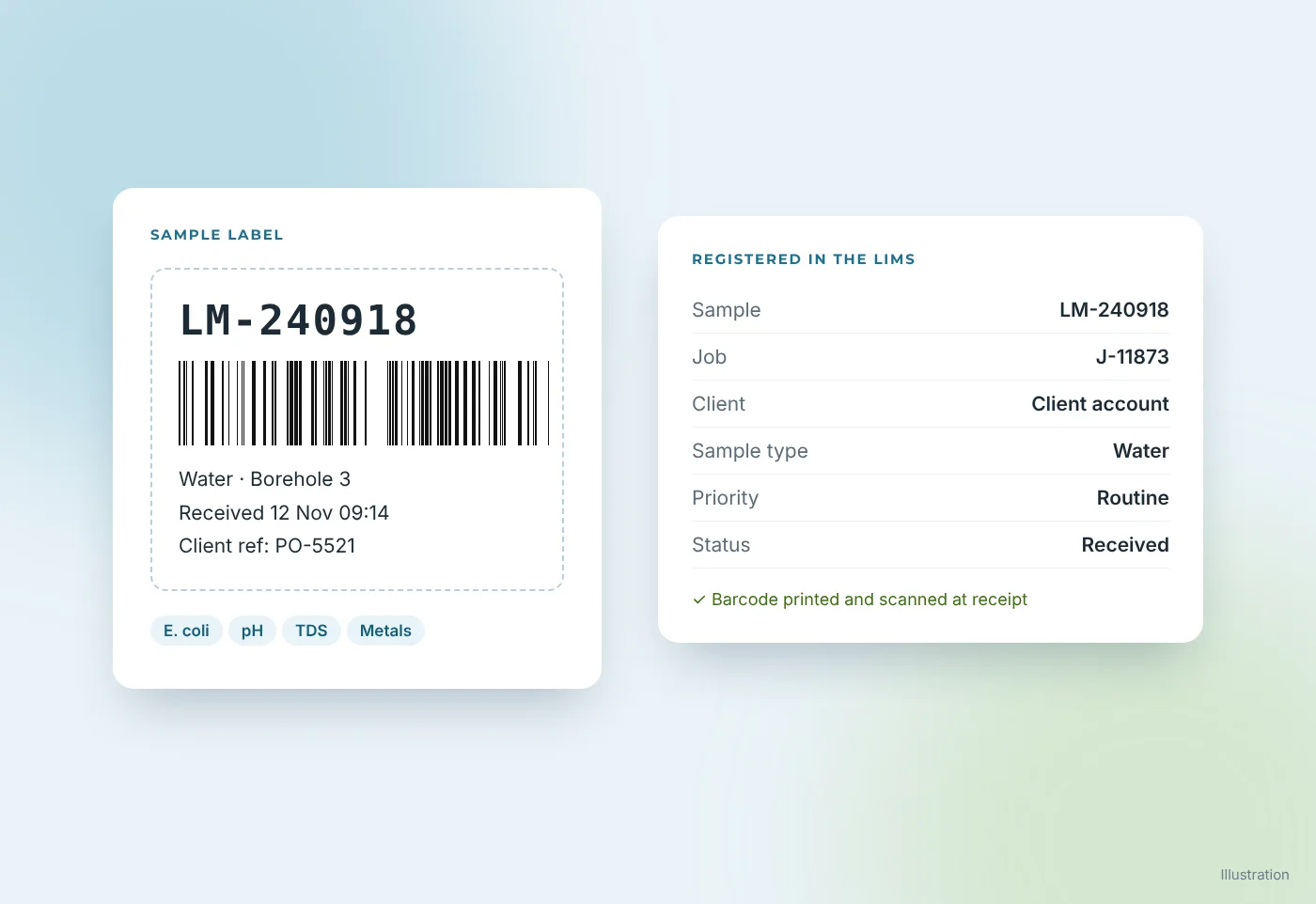
Receive
Register the sample, source, client and requested work.
-
Plan
Assign tests, methods, people and due dates.
-
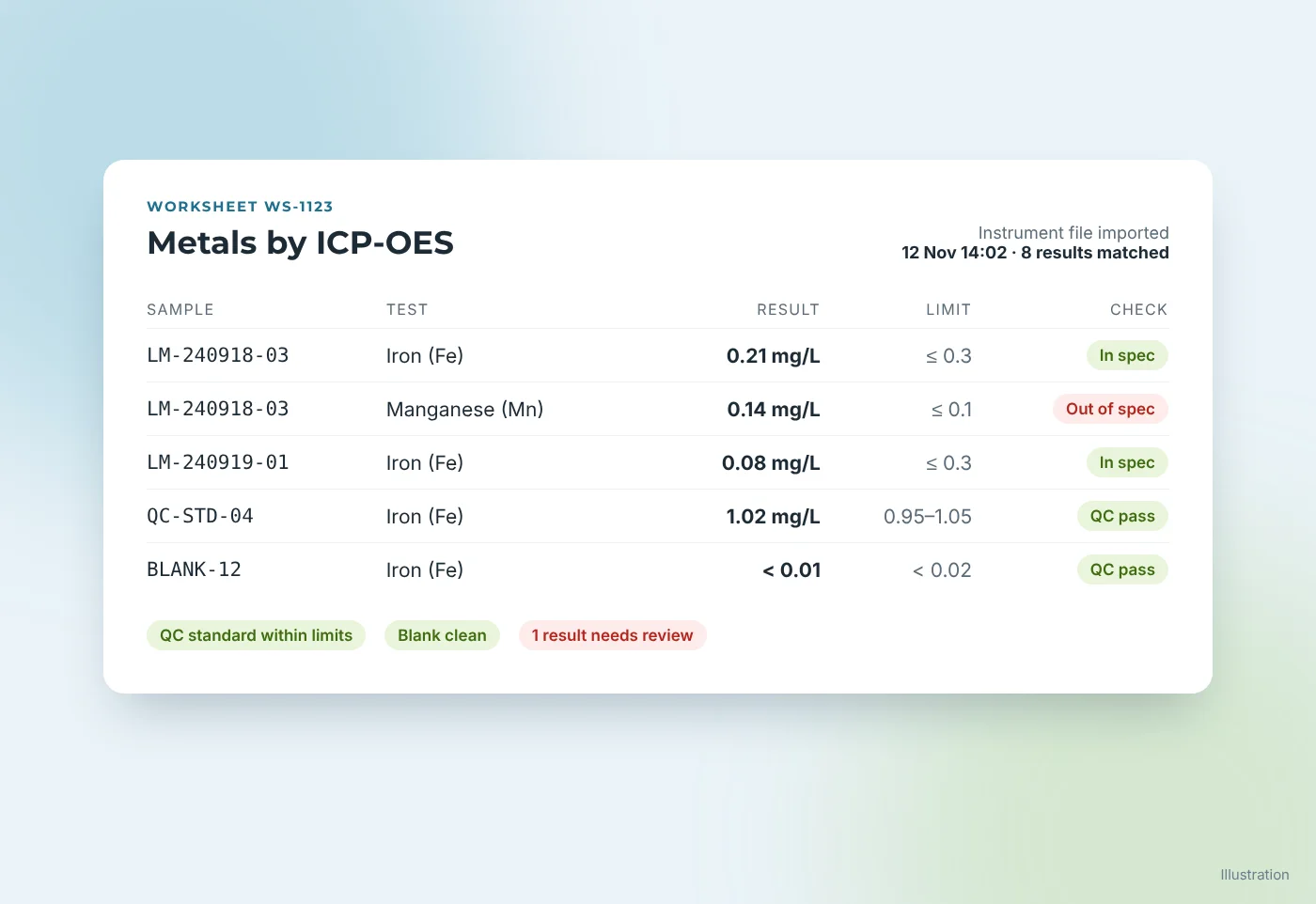
Measure
Capture observations and instrument results against the right identifiers.
-

Check
Apply quality controls, limits and technical review.
-

Release
Authorise the report and make the result available to the right people.
More than a result number.
A useful laboratory information management system connects information that would otherwise be scattered across registers, instruments and inboxes. The exact fields and controls depend on the discipline.
Which sample is this?
Source, collection, receipt, barcode, client or patient context and any sub-samples establish what the result belongs to.
Sample → source → requestWhat was requested and done?
Tests, methods, worklists, people, equipment and due dates explain the planned and completed laboratory activity.
Method + person + equipmentWhere did the value come from?
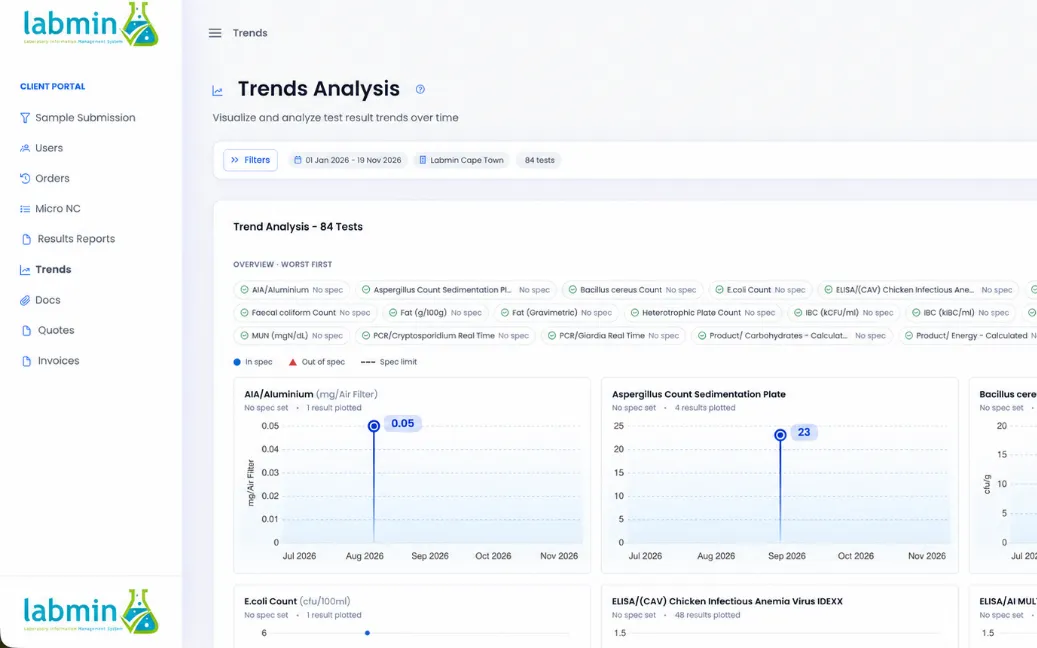
Instrument messages, manual entries, calculations, controls, units and limits give the result its technical context.
Value + unit + controlWho reviewed and released it?
Exceptions, approval status, report version and authorised release make the final communication accountable.
Review → authorise → reportLIMS, LIS, ELN or a spreadsheet?
These tools overlap, but they start from different jobs. The right mix depends on your laboratory’s work and controls.
Follow the sample.
A Laboratory Information Management System connects the operational record: sample identity, requested tests, results, review and reporting.
A laboratory receives a water sample, assigns the required tests and releases an approved report.
Start with the patient.
A Laboratory Information System commonly centres on clinical requests, patient context and diagnostic reporting. The boundary with a LIMS depends on the product and laboratory.
A pathology request connects a patient, specimen, analyser result and practitioner report.
Record the experiment.
An Electronic Laboratory Notebook captures experimental narrative, protocols and observations. It can work alongside a LIMS that manages samples and testing operations.
A researcher records a changing protocol and observations while samples remain tracked in the laboratory system.
Work with a calculation.
Spreadsheets are flexible tools for tables and calculations. As the team grows, permissions, versions and multi-person approval become harder to manage across separate files.
An approved calculation workbook may remain useful while sample tracking and review move into a LIMS.
| Tool | Primary focus | Where it helps |
|---|---|---|
| LIMS | Samples, tests, results and laboratory operations | A traceable workflow from receipt to report. |
| LIS | Clinical requests, patients and diagnostic reporting | Commonly used for patient-centred laboratory workflows. |
| ELN | Experimental notes, protocols and observations | Useful for documenting research activity and evolving experiments. |
| Spreadsheets | Flexible tables and calculations | Useful for specific calculations, but harder to govern as a multi-person workflow. |
Start with the workflow you need to improve.
Map the sample types, current handoffs, instrument interfaces, review rules and reports your team actually uses. Then assess configuration, migration, access control, support and the validation work needed for your environment.
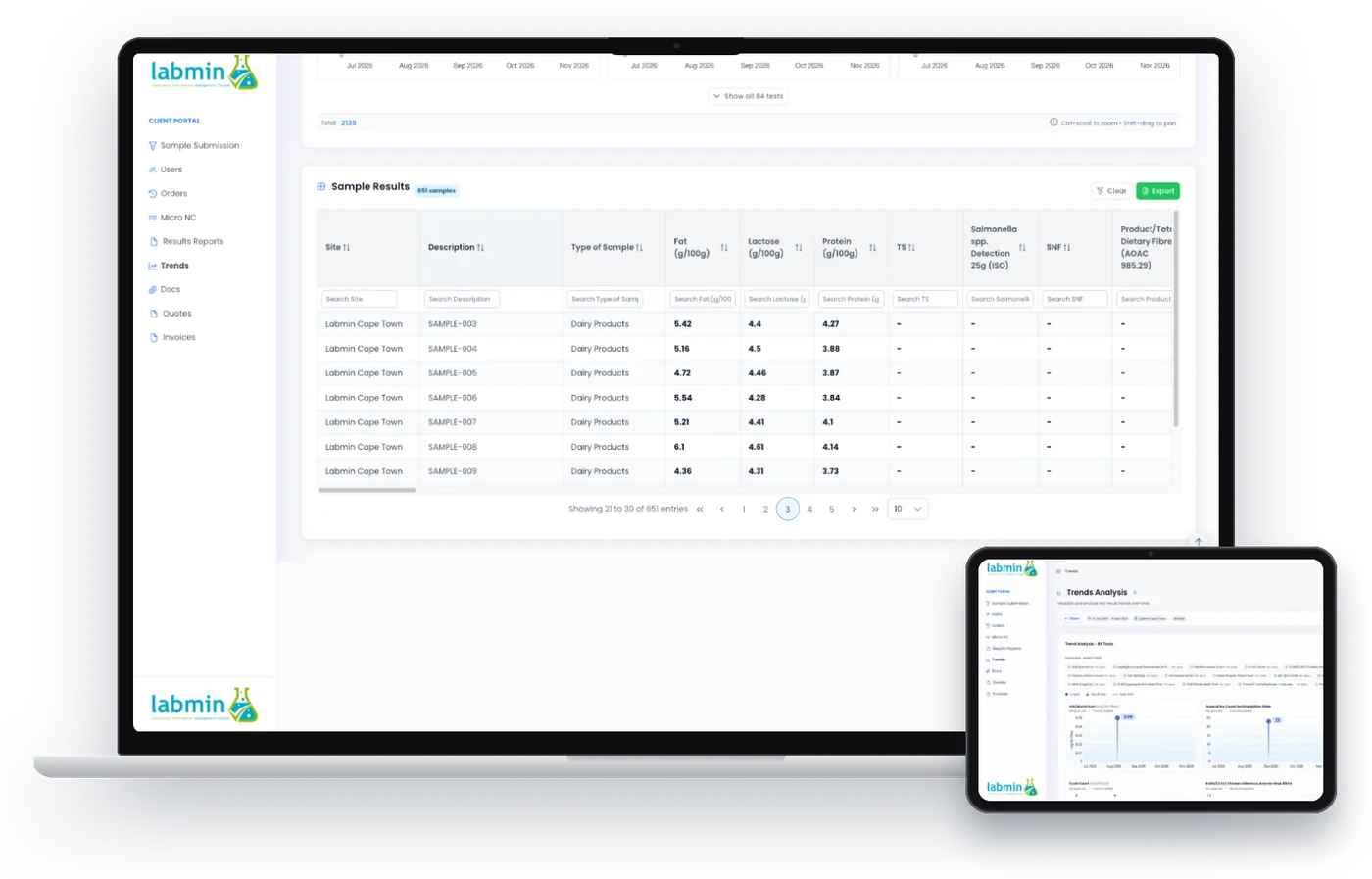
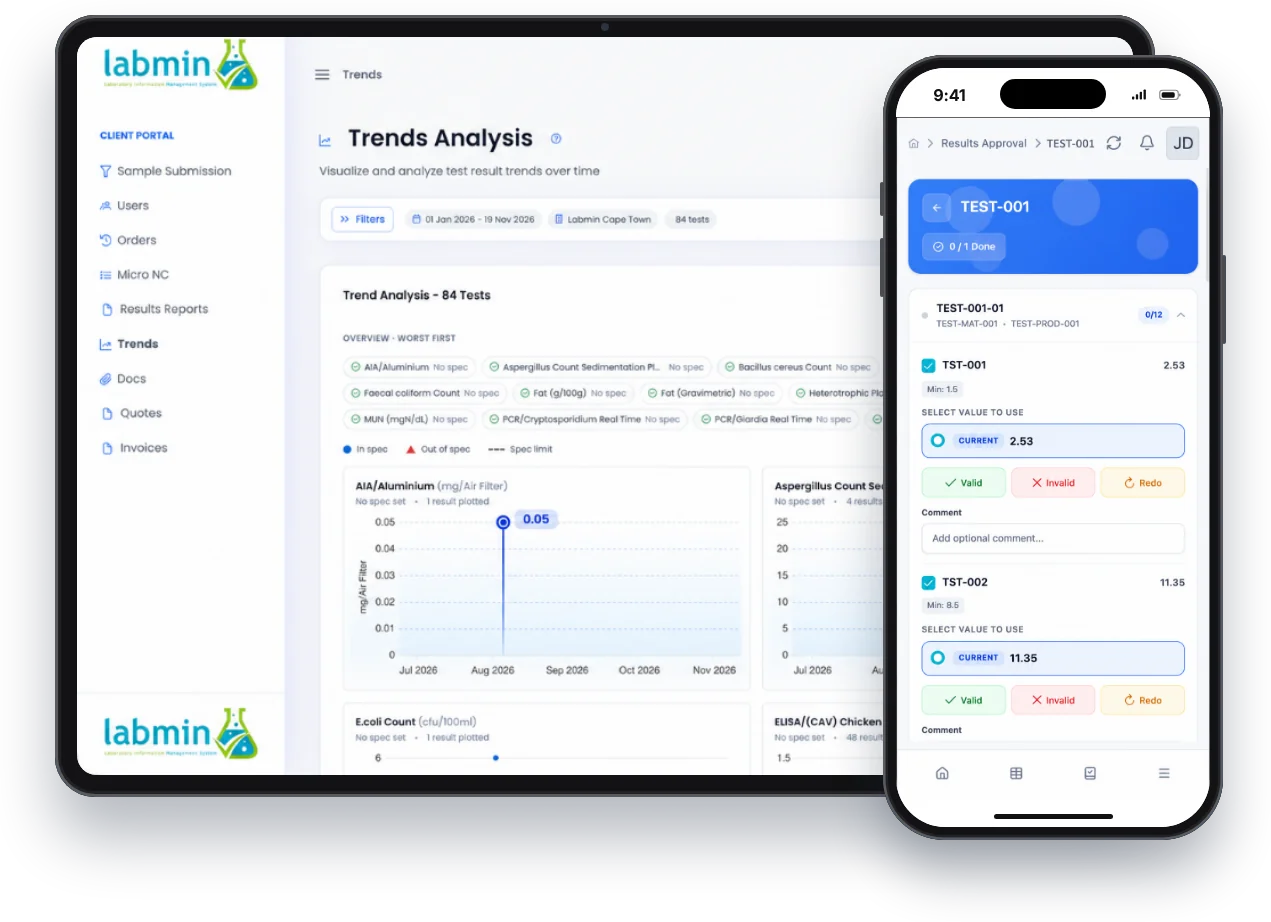
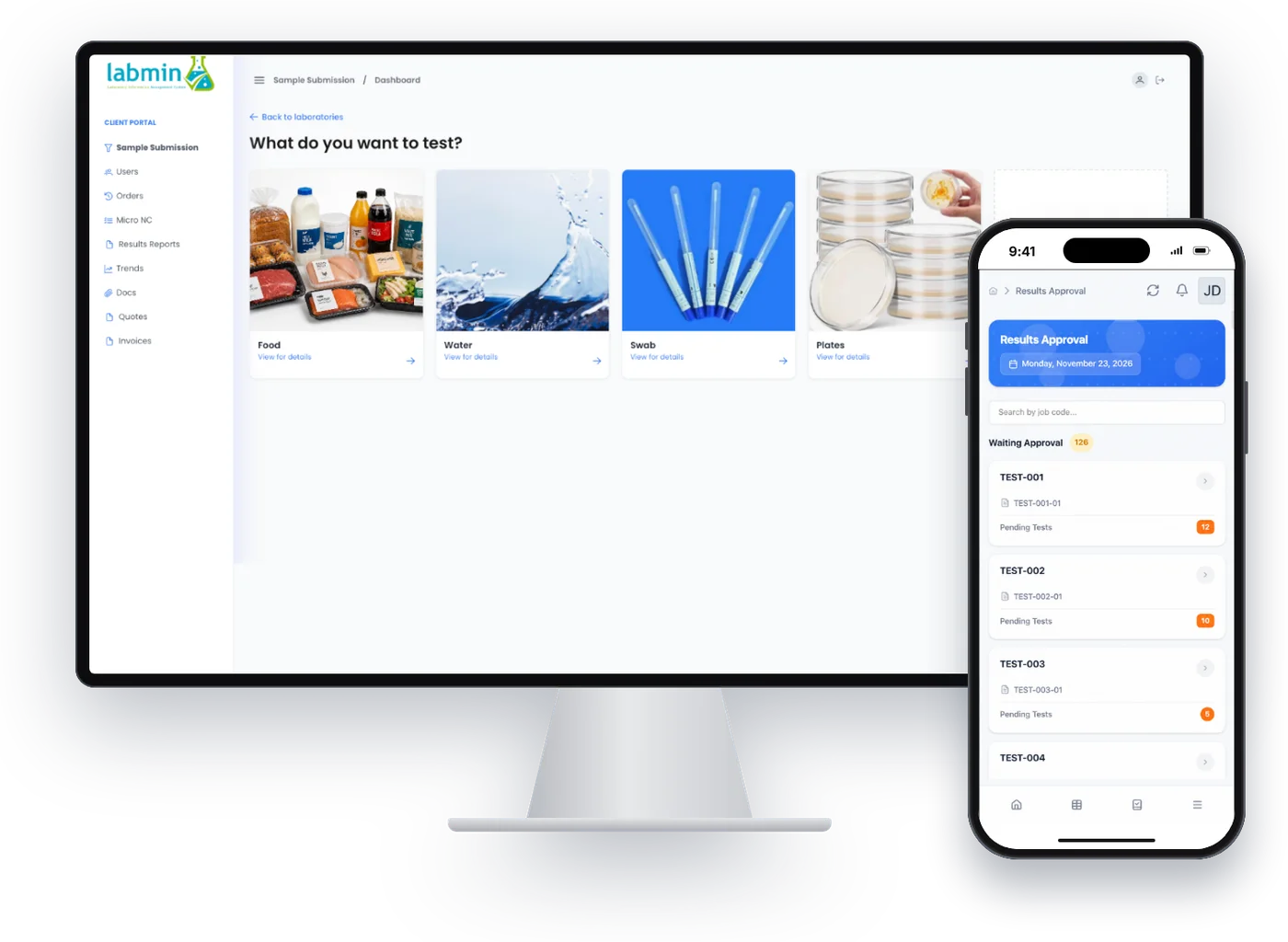
Introduce a LIMS.
Keep the work moving.
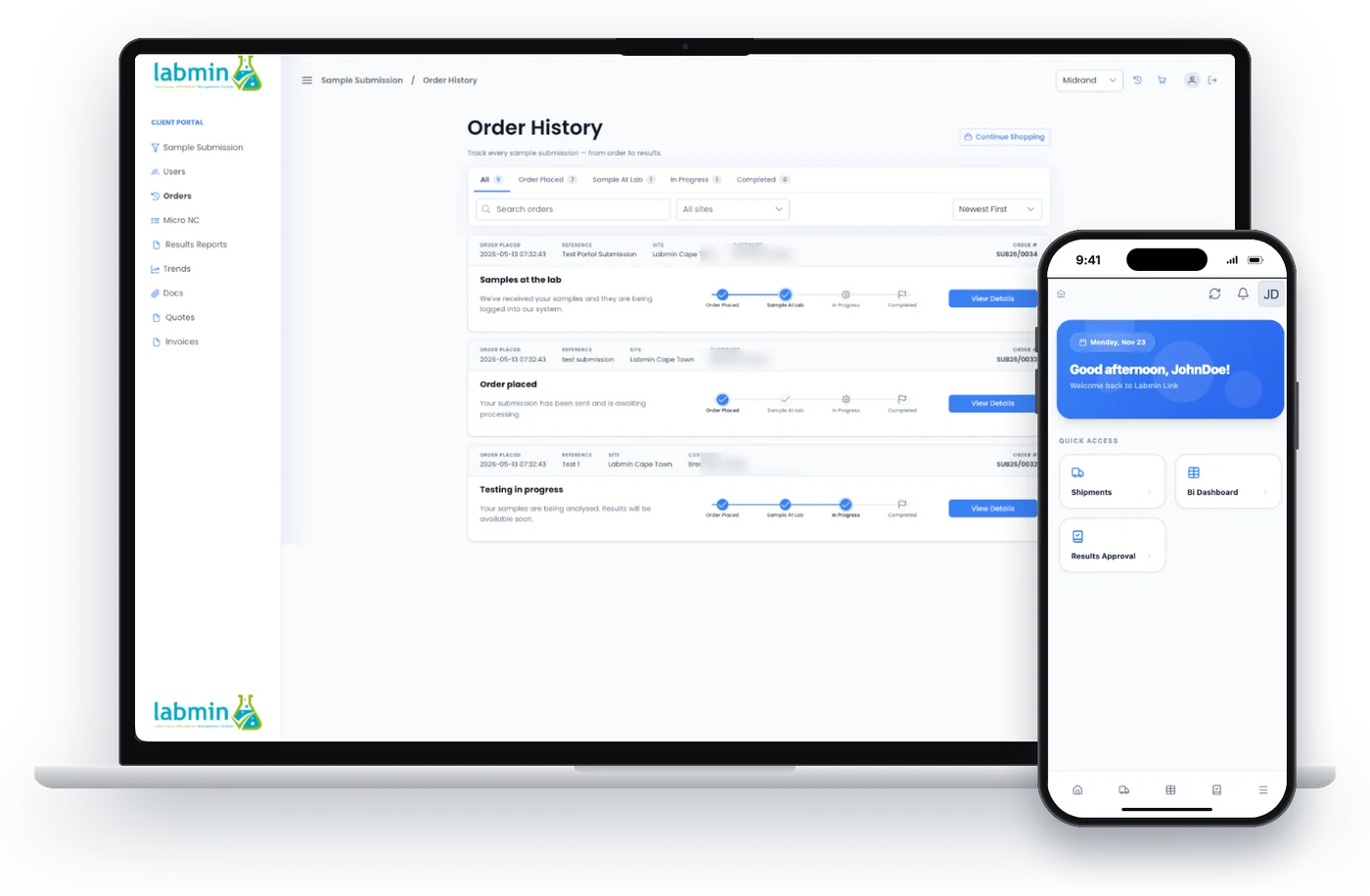
Start with a representative sample journey, then test the unusual cases, not only the happy path. Scope configuration and integration around actual methods, identifiers and decision rules.
- 01
Map current handoffs
Identify where samples enter, where data is copied and which reviews delay reporting.
- 02
Model the real workflow
Define sample types, tests, methods, limits, roles, reports and permissions.
- 03
Assess each interface
Agree instrument protocols, sample matching keys, validation rules and exception handling.
- 04
Prove it in use
Test representative and edge-case workflows, prepare users and document the transition.
Common LIMS questions.
What does LIMS stand for?
LIMS stands for Laboratory Information Management System.
Who needs a LIMS?
Laboratories with growing sample volumes, multiple users, complex tests, audit requirements, instrument data or repeated reporting are common candidates.
Is a LIMS only for large laboratories?
No. The useful threshold depends on workflow complexity and control needs, not only sample volume.
Can a LIMS replace Excel?
A LIMS can replace many sample registers and result-tracking spreadsheets, while spreadsheets may still remain useful for approved specialist calculations.
Why laboratories move beyond disconnected files.
When identifiers, methods, calculations and approvals live in separate places, staff have to reconstruct the story every time a result needs review. A LIMS can keep those records related and make exceptions visible before release.