Food & beverage testing LIMS
Every batch decision should have its evidence.
Microbiology, allergens, chemistry and specifications converge before a food or beverage lot can be cleared. Labmin is a LIMS and complete laboratory management solution for food & beverage testing laboratories.
Microbiology
Allergens
Chemistry
Specification
3 OF 4 CONTROLS CLEAREDRelease the batch with evidence.
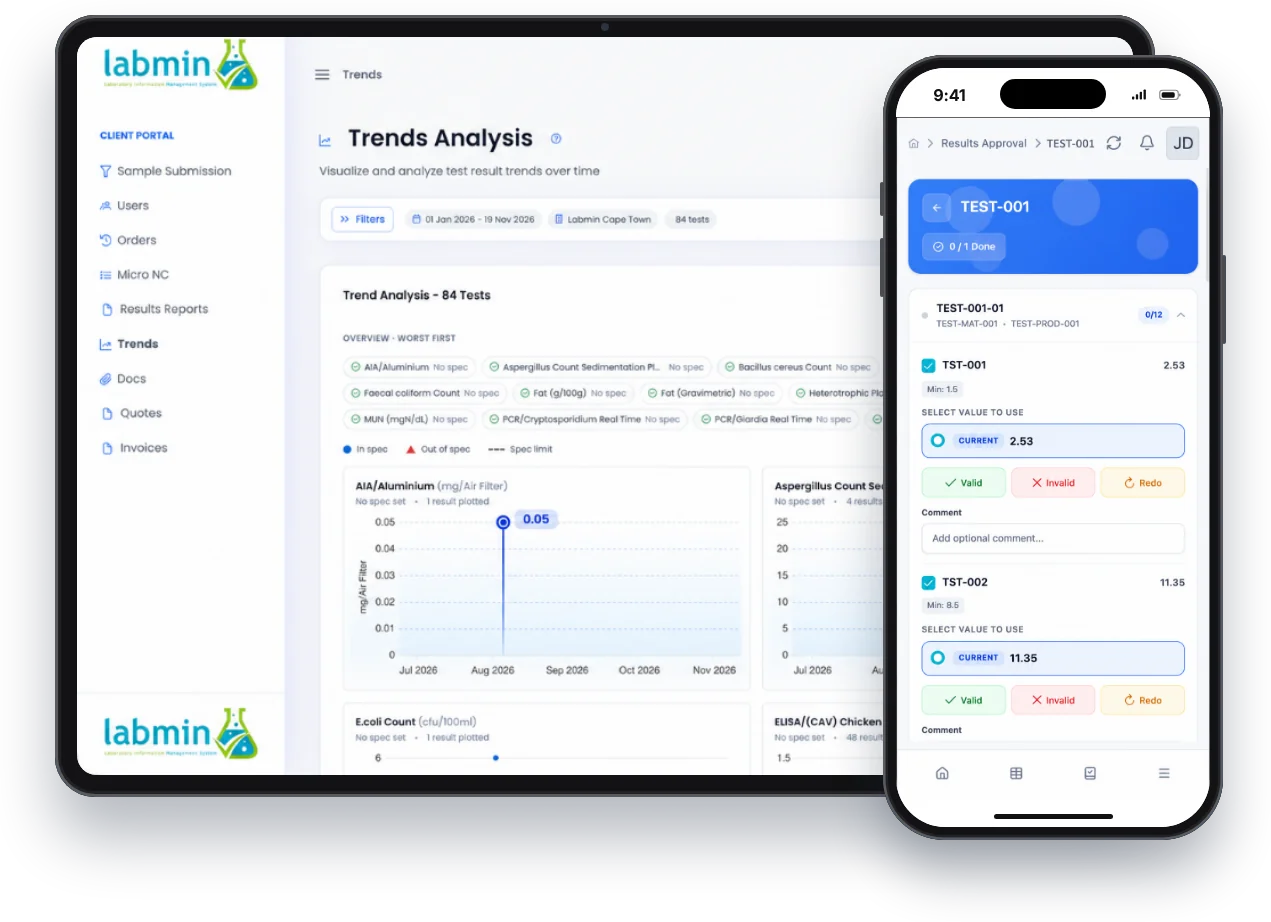
-
01
Lot identity
The right identity starts the record.
-
02
Safety tests
Results stay attached to the relevant method and controls.
-
03
Batch decision
The decision remains visible before anything is released.
What the laboratory needs to see
One lot can depend on several tests with different turnaround times.

The challenge
One lot can depend on several tests with different turnaround times.
See this in practiceSpecification control
Keep the lot, result, specification and exception in the same view.
See this in practiceThe capabilities behind the workflow.
Our modules support the work around every sample. We configure them around your methods, people and reporting needs during discovery.
From sample registration to review, reporting and the day-to-day work around them.
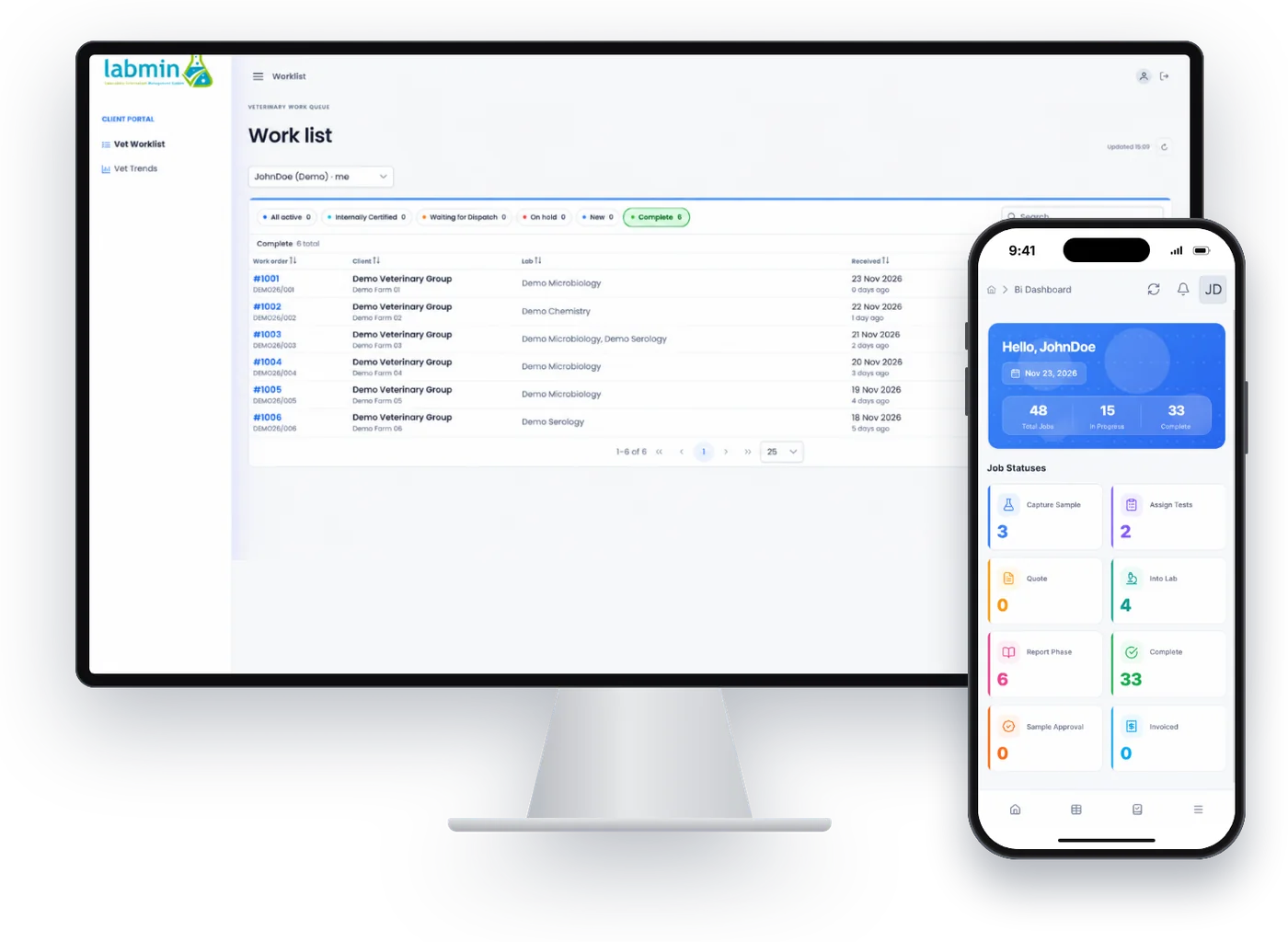
Included in every Labmin system
Start with the tools your team uses every day, from sample registration to approved reports.
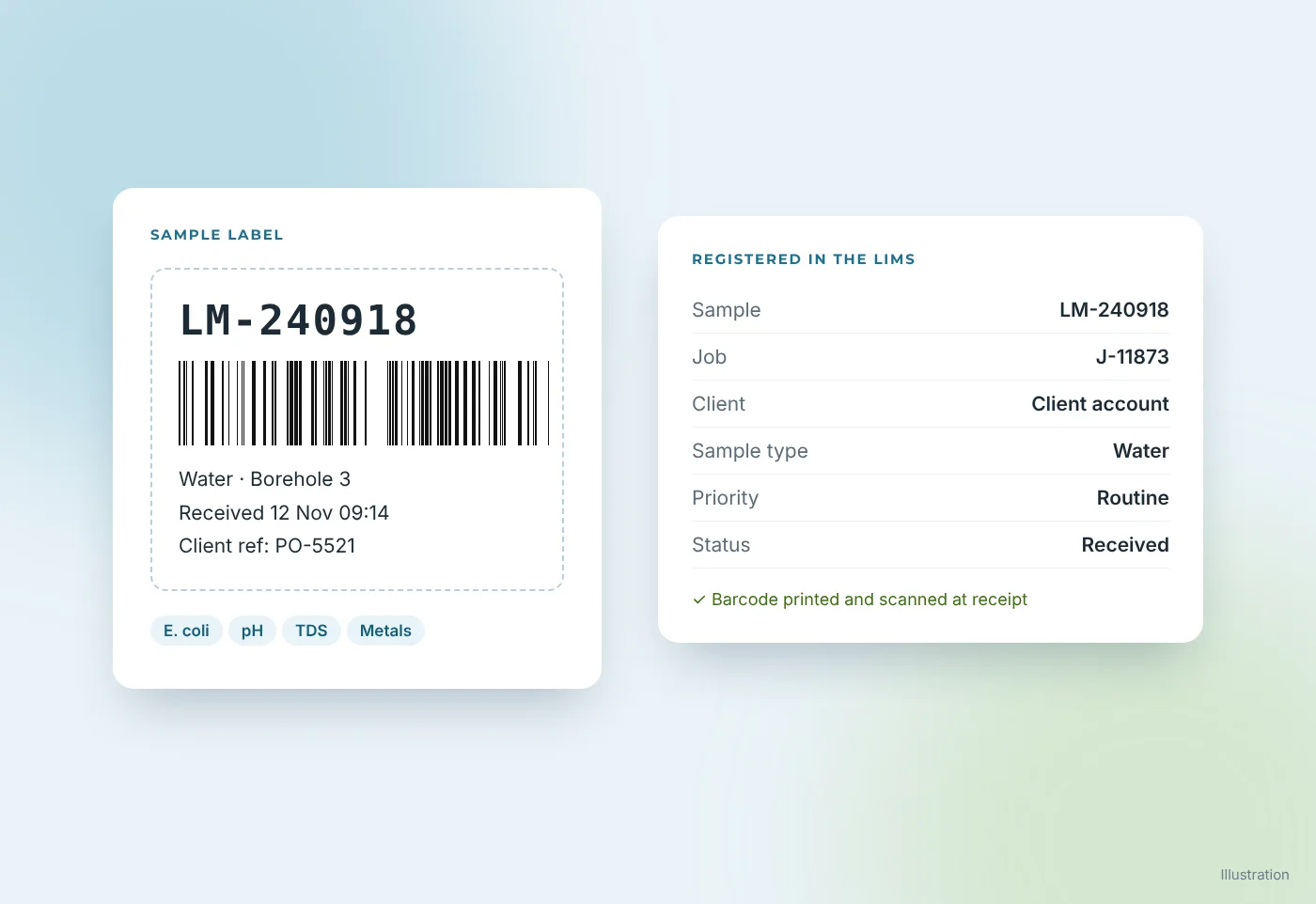
Sample & testing
Move a request into controlled laboratory work.
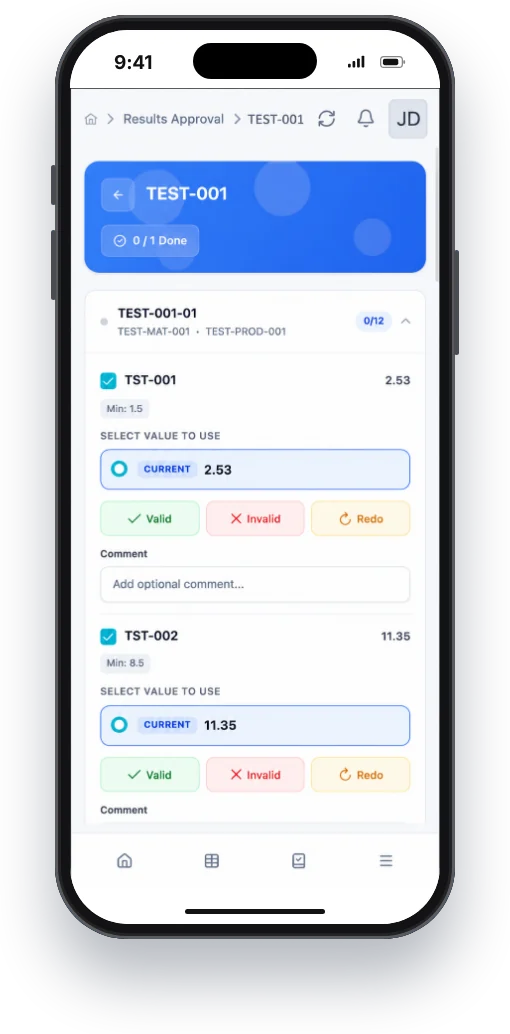
Results & decisions
Keep capture, review and the operational picture together.
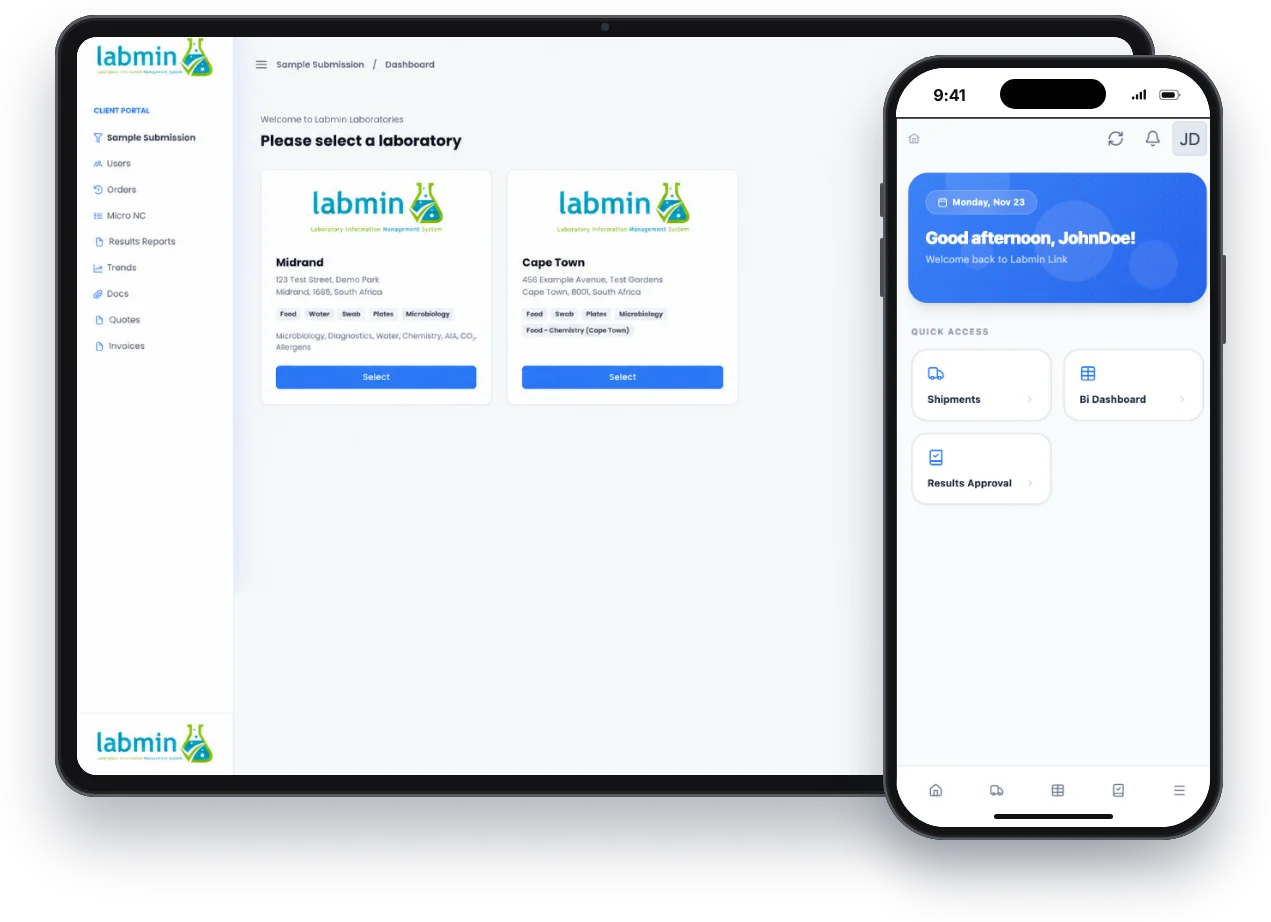
People & operations
Connect customer, site, equipment and commercial context.

Data exchange
Bring existing laboratory data into the same record.
Optional extensions
Choose only the additional capabilities that match your methods, customers and systems.
Highlighted often relevant for food & beverage testing laboratories
Quality & inventory
Extend control around materials and quality records.
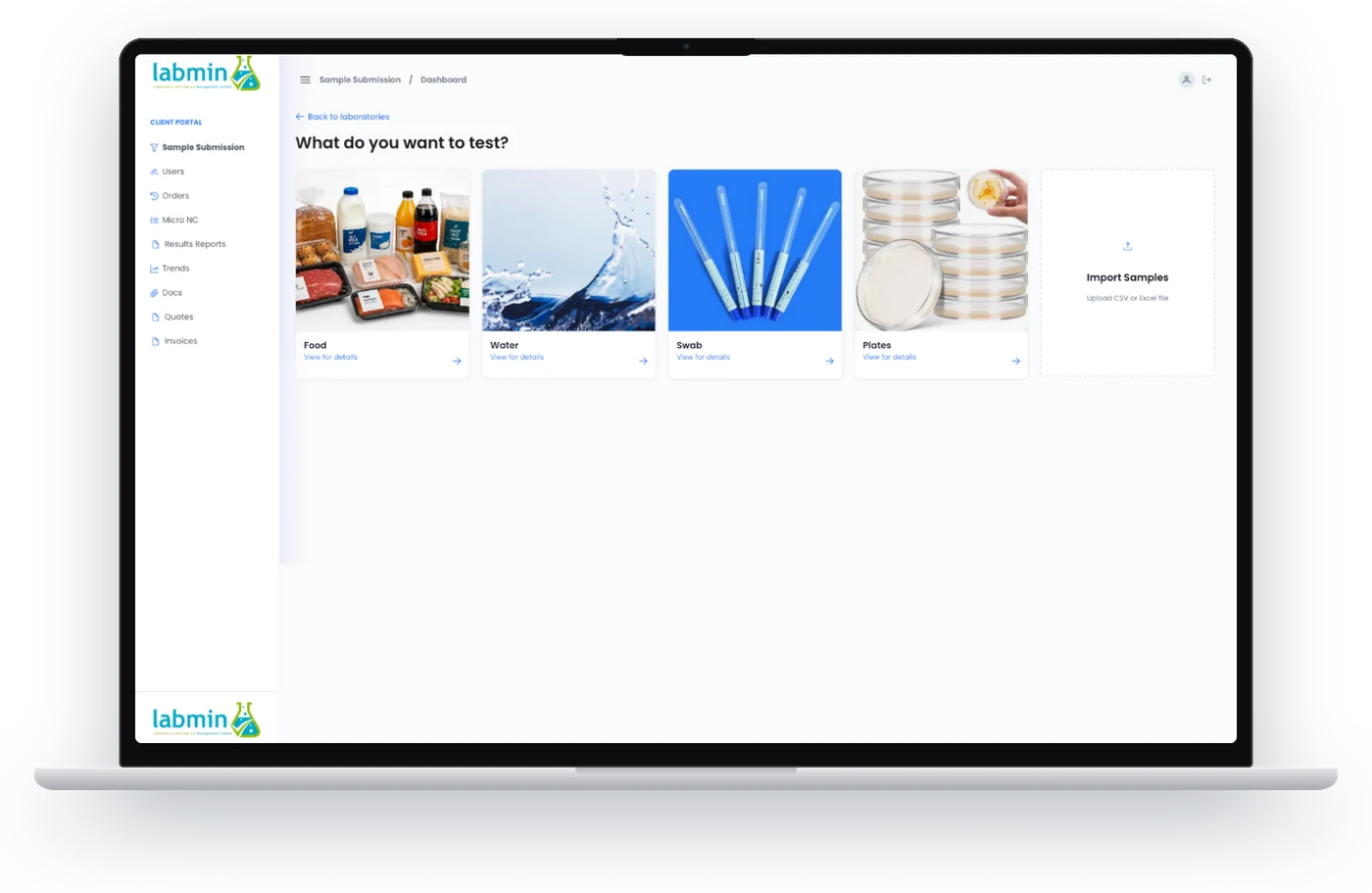
Connections & access
Connect the laboratory to instruments and the people it serves.
Work planning
Organise batches, worksheets and the work ahead.
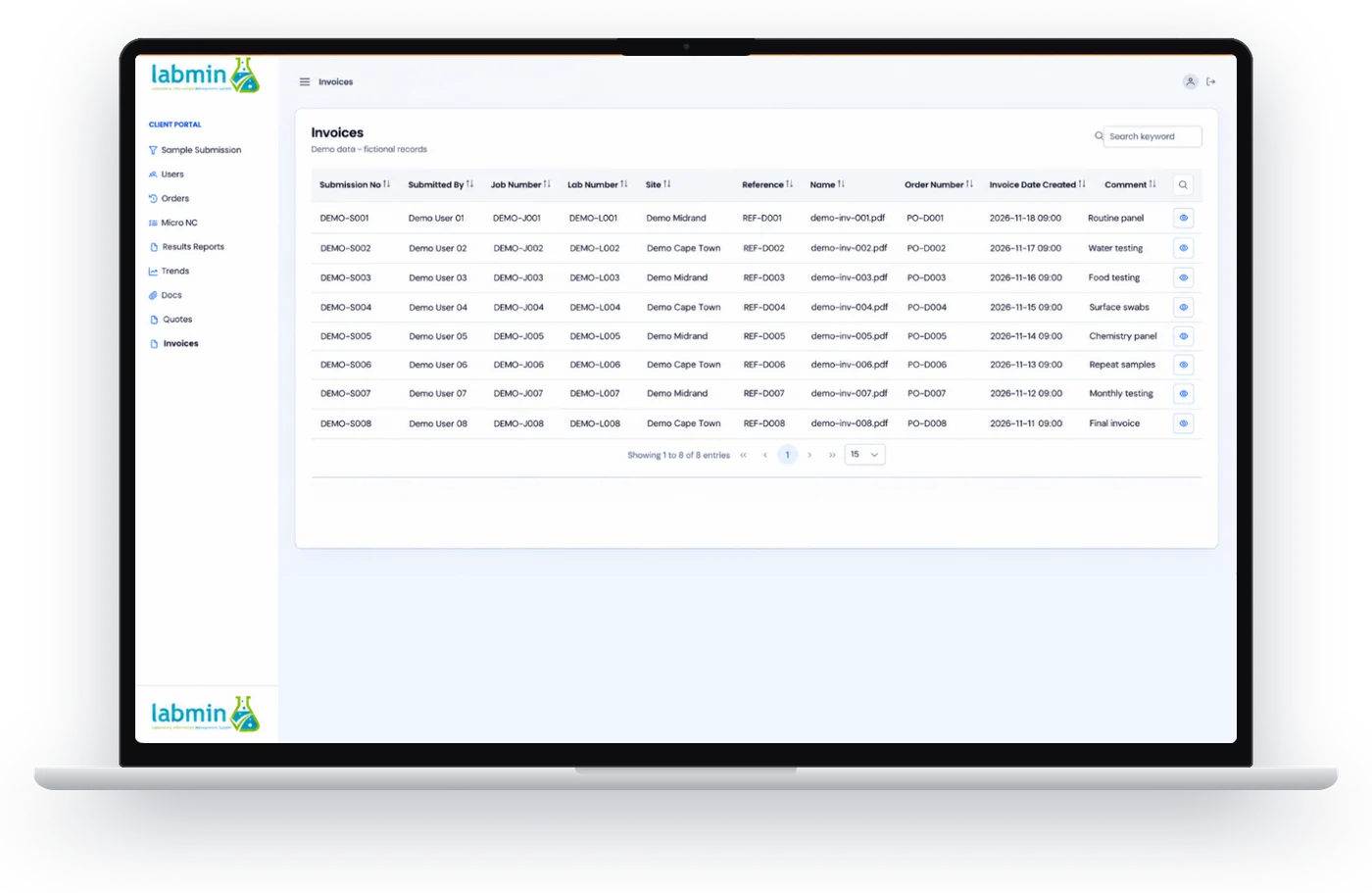
Commercial & review
Bring financial context and result review into the workflow.
Food safety decisions need lot-level evidence.
A food and beverage LIMS brings product lot, sampling plan, microbiology, chemistry and release specifications together.
-
01
Lot intake
Identify product, batch and sampling reason.
Related workflow example · LOT / FB-24081- Chemistry
- Reviewed
- Allergens
- Reviewed
- Microbiology
- In progress
-
02
Testing
Relate allergens, microbiology and chemistry to methods and limits.
Related workflow example · EXCEPTION / FB-24081- Specification
- Linked
- Follow-up work
- Visible
- Release
- Awaiting decision
-
03
Release
Show outstanding work and exceptions before batch approval.
Related workflow example · CLIENT / LOT HISTORY- Lot
- FB-24081
- Certificate
- Authorised
- Client access
- Configured
Can a food LIMS support batch release?
It can present the lot, required tests, limits, results and approval state together; the laboratory defines the release rules.
Discuss this workflow with our teamSee what’s still standing between a lot and its decision.
Food and beverage laboratories combine chemistry, microbiology, allergen and other safety tests for raw materials, production samples and finished goods. Labmin helps relate those activities to the same lot and specification. The laboratory can see the full testing picture before it communicates a batch decision.
Different benches finish at different times, making a single “complete” status misleading.
Register the lot and samples, assign the required tests, and monitor the status of each result. Keep the lot identity visible through review and reporting.
What changes for the team Quality teams can see which work is still outstanding before considering release.
An unexpected result needs the correct specification and any repeat work to be considered together.
Capture results against defined methods and limits, keep quality controls accessible and use approval workflows to record the decision. Configure repeat-test handling for the laboratory.
What changes for the team The reviewer can distinguish an initial observation, a follow-up test and the final authorised outcome.
Finding an older report can mean checking production logs, email and several spreadsheets.
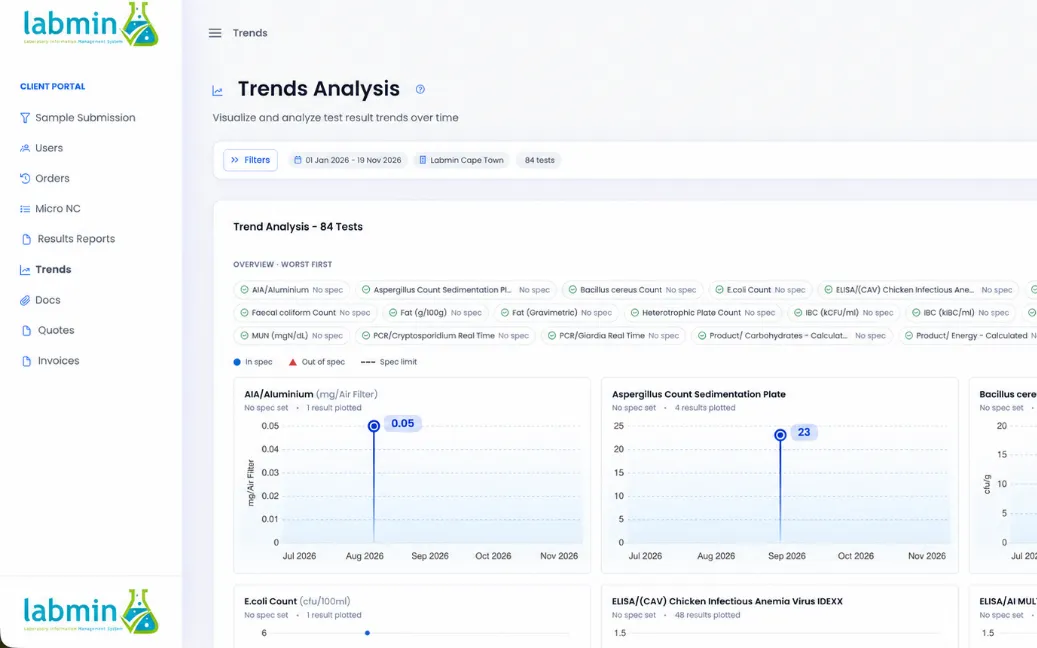
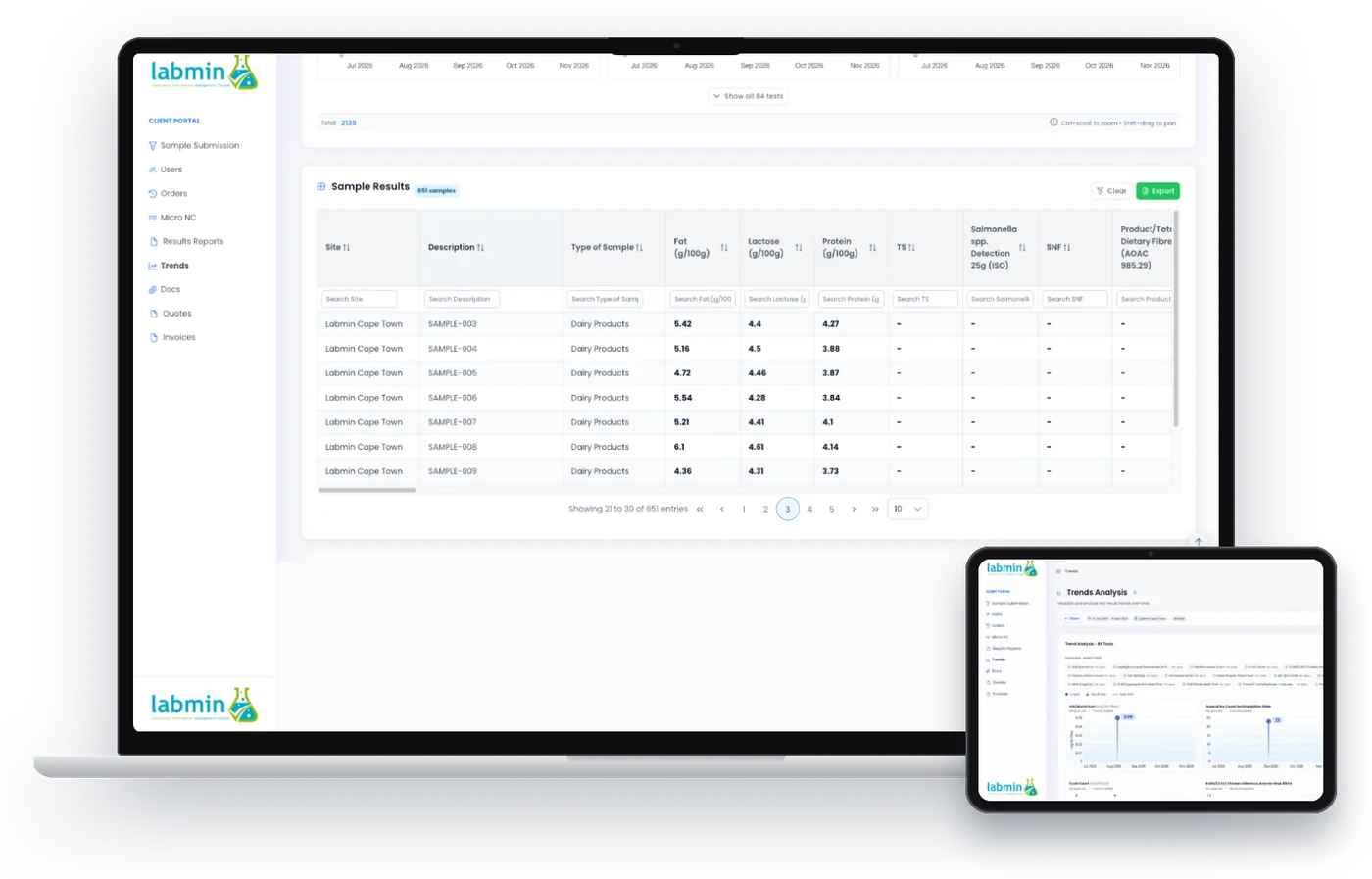
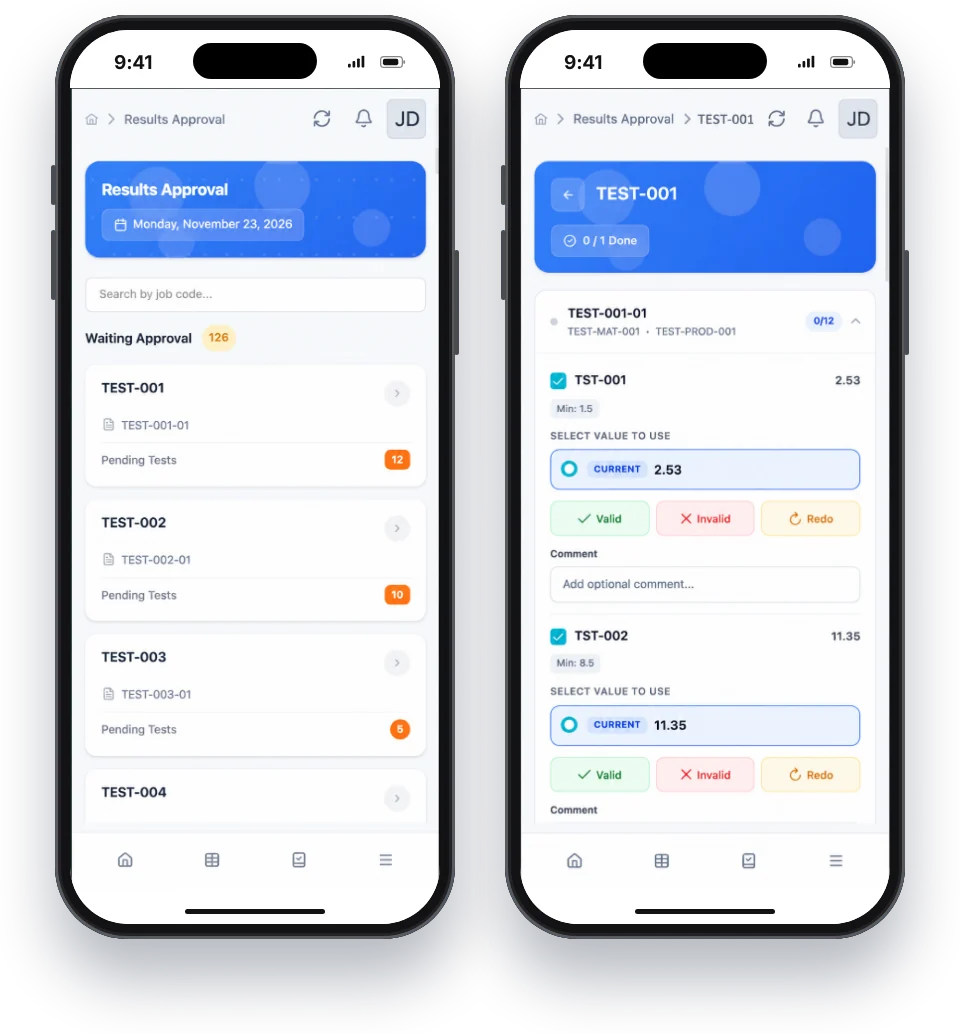
Use the sample and client records to locate the lot, test results and issued report. Through the Labmin Client Portal, customers can search their own reports by lot, batch or sample number and follow results over time in trend charts.
What changes for the team Staff can go straight to the relevant record when a customer asks what was tested and reported.
to a useful decision.
LOT / FB-24081
- Chemistry
- Reviewed
- Allergens
- Reviewed
- Microbiology
- In progress
EXCEPTION / FB-24081
- Specification
- Linked
- Follow-up work
- Visible
- Release
- Awaiting decision
CLIENT / LOT HISTORY
- Lot
- FB-24081
- Certificate
- Authorised
- Client access
- Configured
Choose a scenario to inspect its example record.
The people behind the result
Bench teams
Assigned tests and the correct product context.
Quality teams
Outstanding results and exceptions before a batch decision.
Clients
Approved reports associated with the right lot.
Questions before the laboratory walkthrough.
Can Labmin be configured for food & beverage testing?
Yes. The workflow, master data, authorisation roles, limits, reports and integrations are defined during discovery and configuration.
Can existing food & beverage testing instruments be connected?
Labmin connects instruments using RS-232, TCP/IP, ASTM, HL7, REST APIs and CSV, XML or Excel file exchange. Each instrument’s interface, export format and sample identifiers are assessed before it’s connected, so results arrive against the right sample. See LIMS instrument integration for the options.