Chemical & materials testing LIMS
Make specifications visible at the moment of review.
Analytical results matter in relation to the material, method, unit and acceptance window. Labmin is a LIMS and complete laboratory management solution for chemical & materials testing laboratories.

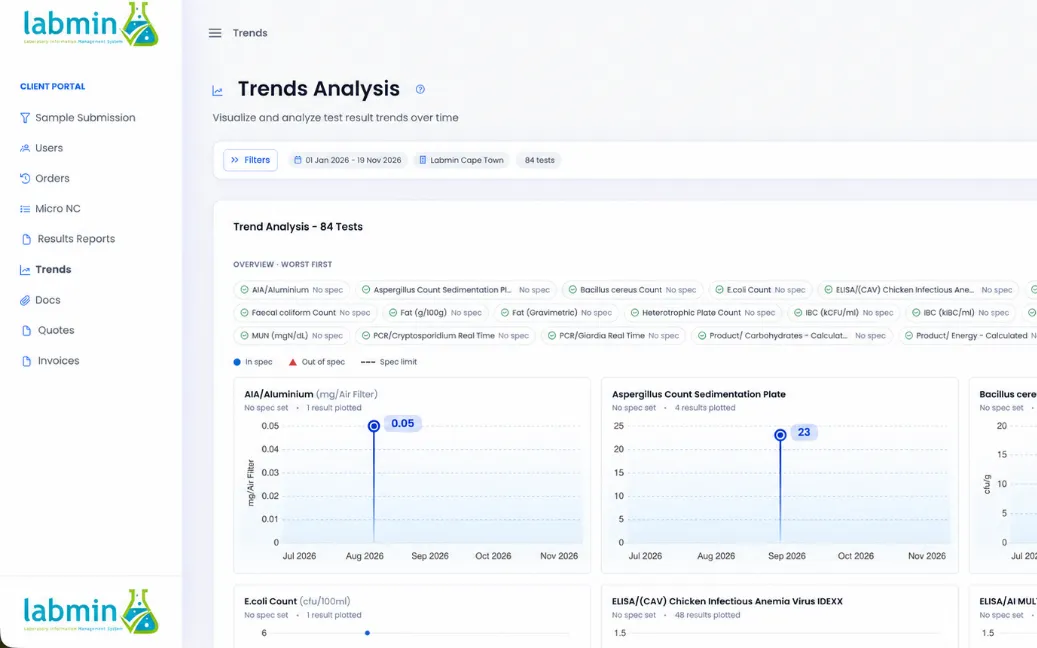
Lower limit Result 0.003 Upper limit
Specifications made visible.
-
01
Analyte mapping
The right identity starts the record.
-
02
Specification
Results stay attached to the relevant method and controls.
-
03
Exception review
The decision remains visible before anything is released.
What the laboratory needs to see
A numeric result alone doesn’t explain whether a material is in specification.

The challenge
A numeric result alone doesn’t explain whether a material is in specification.
See this in practiceResult limit warnings
Map analyte, units, method and configured limits together.
See this in practiceThe capabilities behind the workflow.
Our modules support the work around every sample. We configure them around your methods, people and reporting needs during discovery.
From sample registration to review, reporting and the day-to-day work around them.
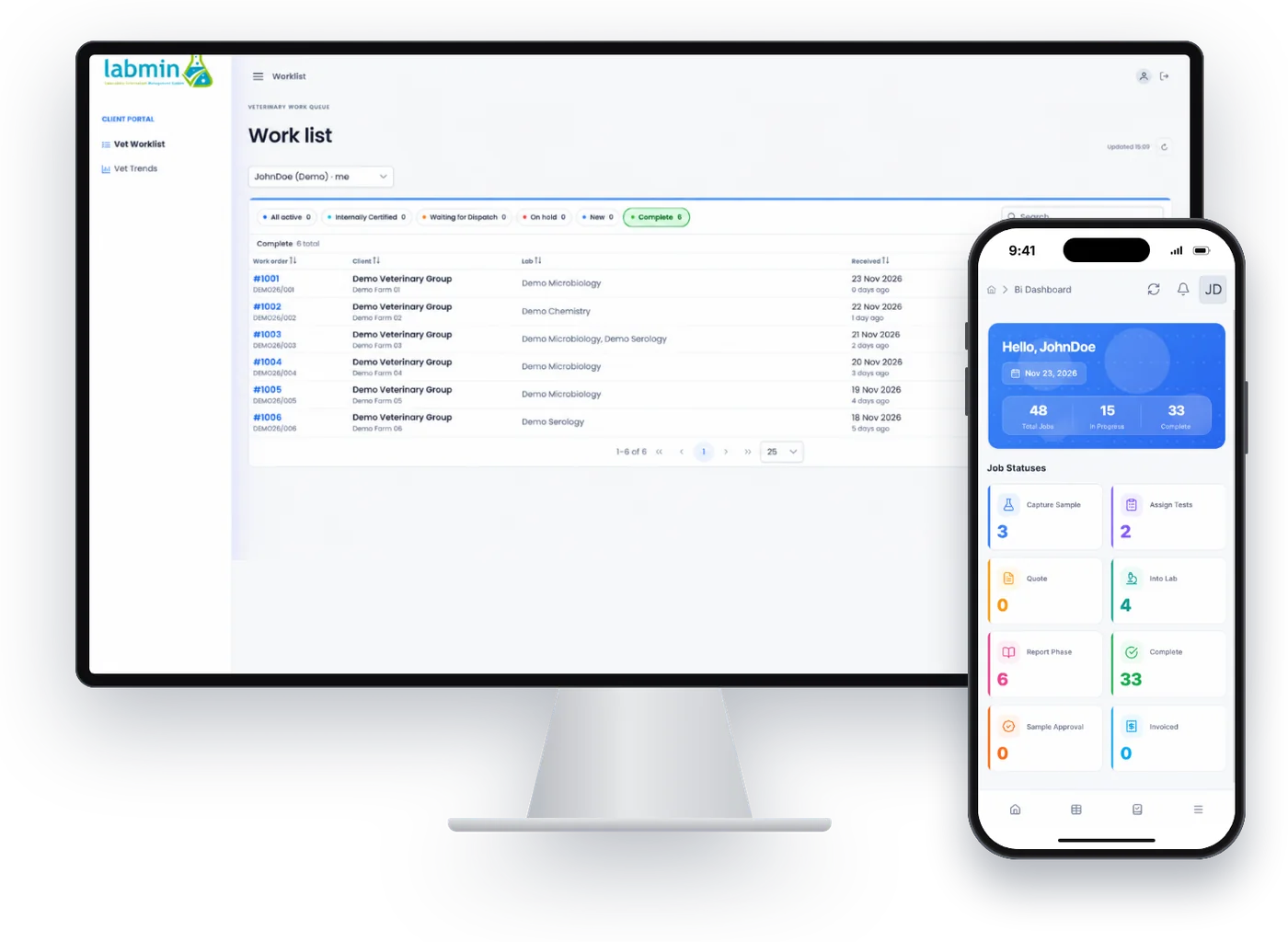
Included in every Labmin system
Start with the tools your team uses every day, from sample registration to approved reports.
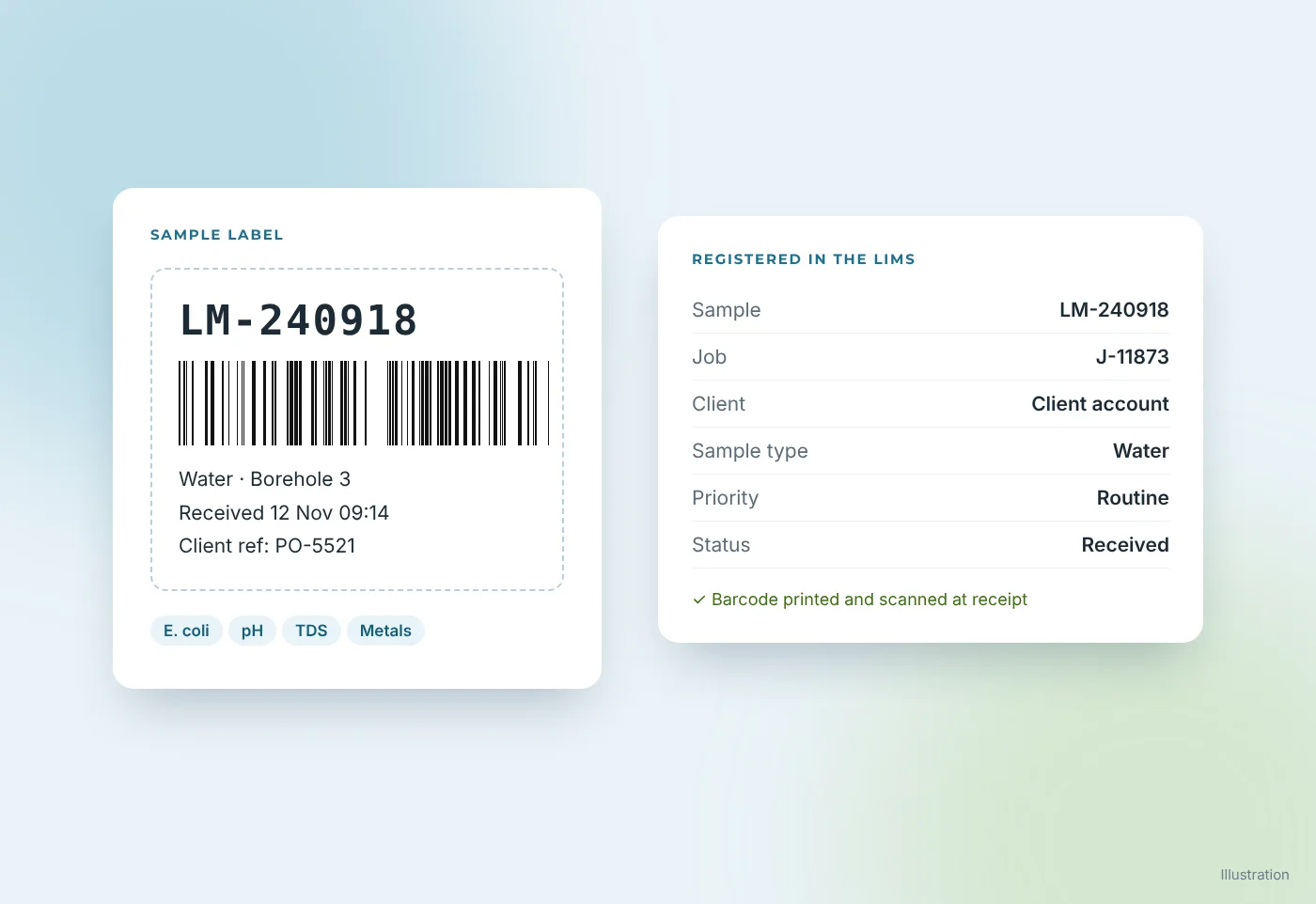
Sample & testing
Move a request into controlled laboratory work.
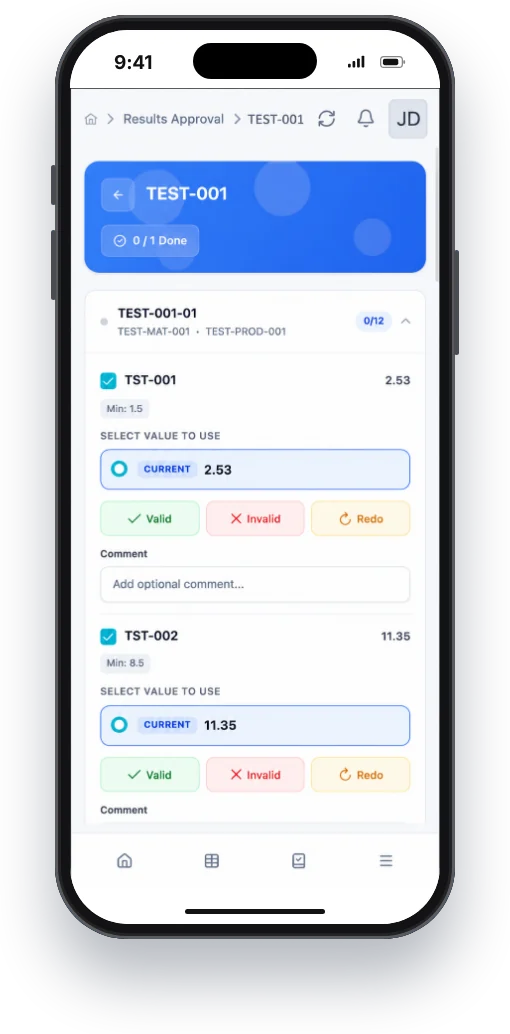
Results & decisions
Keep capture, review and the operational picture together.
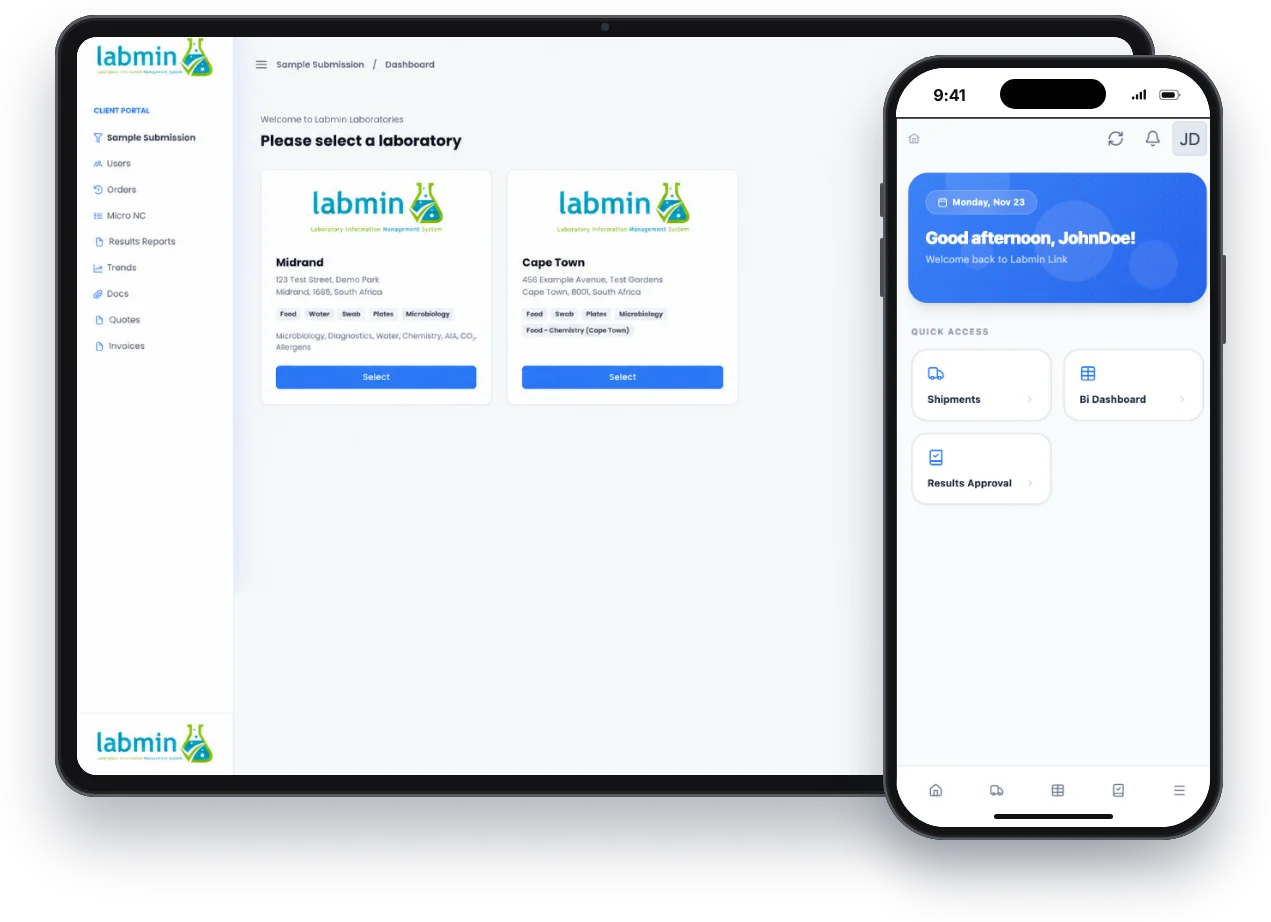
People & operations
Connect customer, site, equipment and commercial context.

Data exchange
Bring existing laboratory data into the same record.
Optional extensions
Choose only the additional capabilities that match your methods, customers and systems.
Highlighted often relevant for chemical & materials testing laboratories
Quality & inventory
Extend control around materials and quality records.
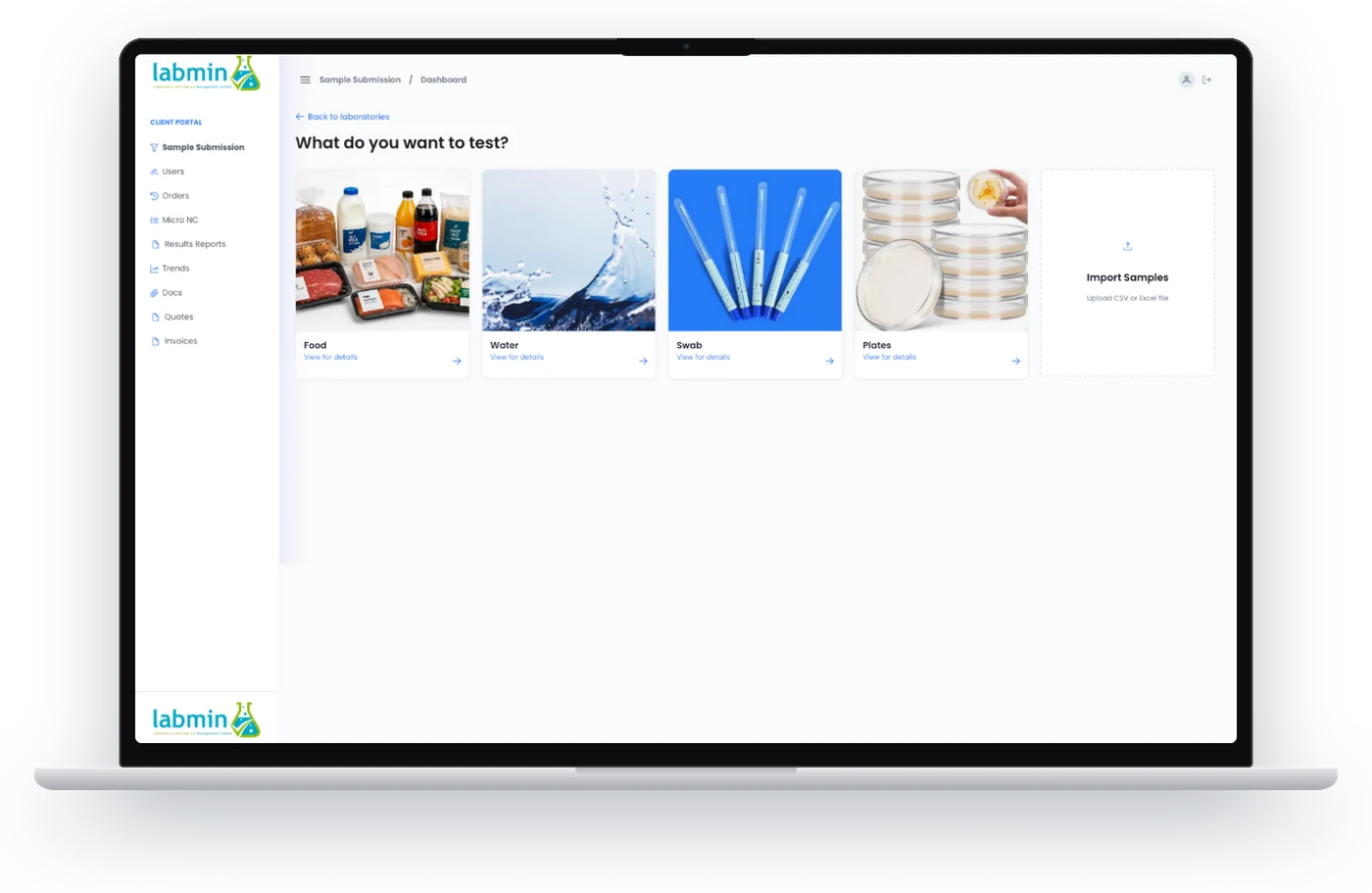
Connections & access
Connect the laboratory to instruments and the people it serves.
Work planning
Organise batches, worksheets and the work ahead.
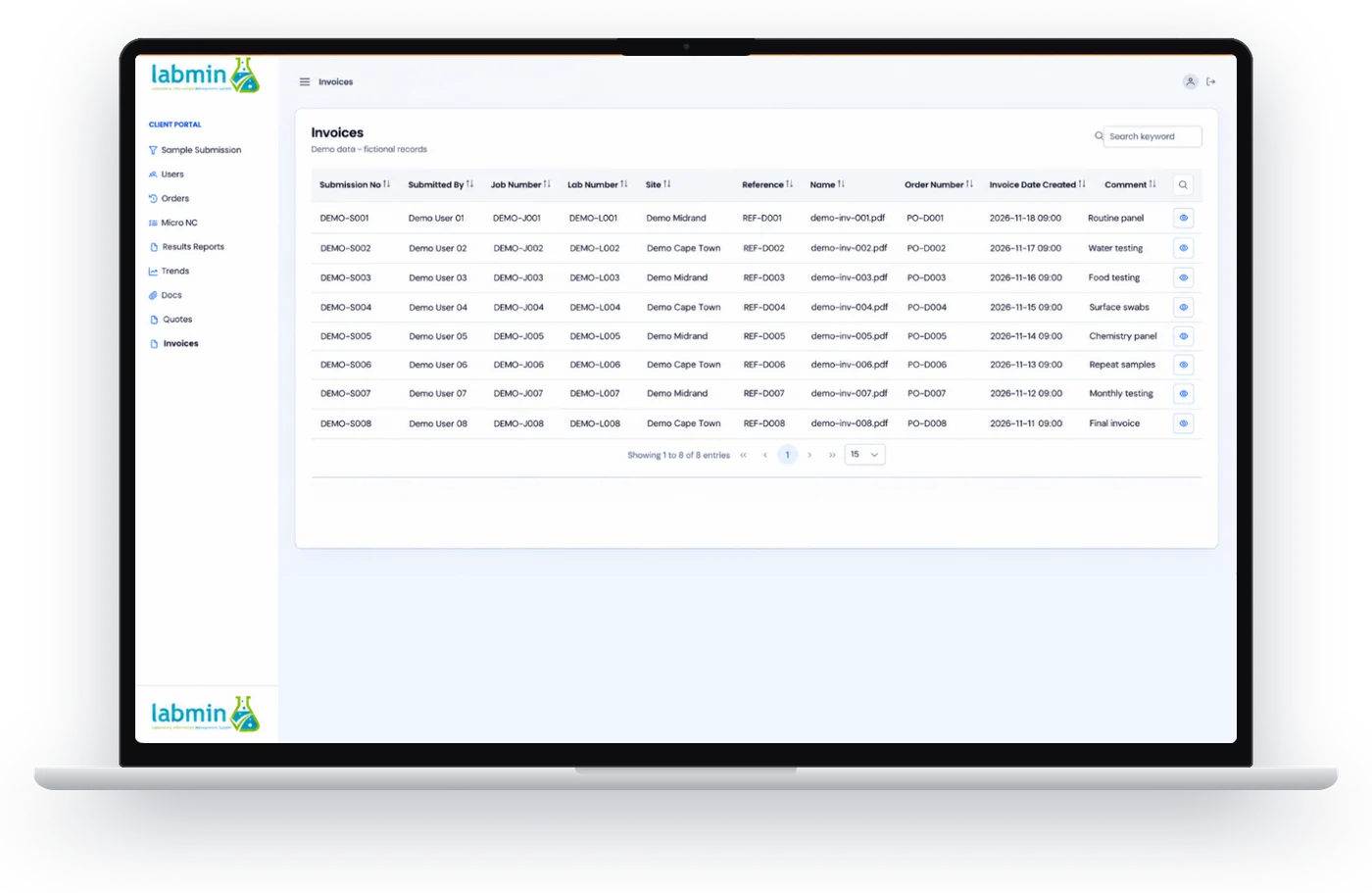
Commercial & review
Bring financial context and result review into the workflow.
Chemical testing needs defined analytes and limits.
A chemical or materials LIMS connects matrix, analyte definitions, units, methods and specifications.
-
01
Material
Record matrix, grade and requested analyses.
Related workflow example · MATERIAL / CH-018- Matrix
- Polymer
- Grade
- Recorded
- Test plan
- Assigned
-
02
Measurement
Map instrument values to analyte, unit and calculation.
Related workflow example · INSTRUMENT / CH-018- Sample ID
- Matched
- Analyte
- Known test
- Units
- Validated mapping
-
03
Exception
Compare results with limits and document re-tests.
Related workflow example · REVIEW / CH-018- Method
- Referenced
- Calculation
- In context
- Repeat work
- Linked
How can unit confusion be reduced?
Define analyte and unit mappings and validate incoming values before they enter the controlled result record.
Discuss this workflow with our teamTurn complex analytical data into a reviewable result.
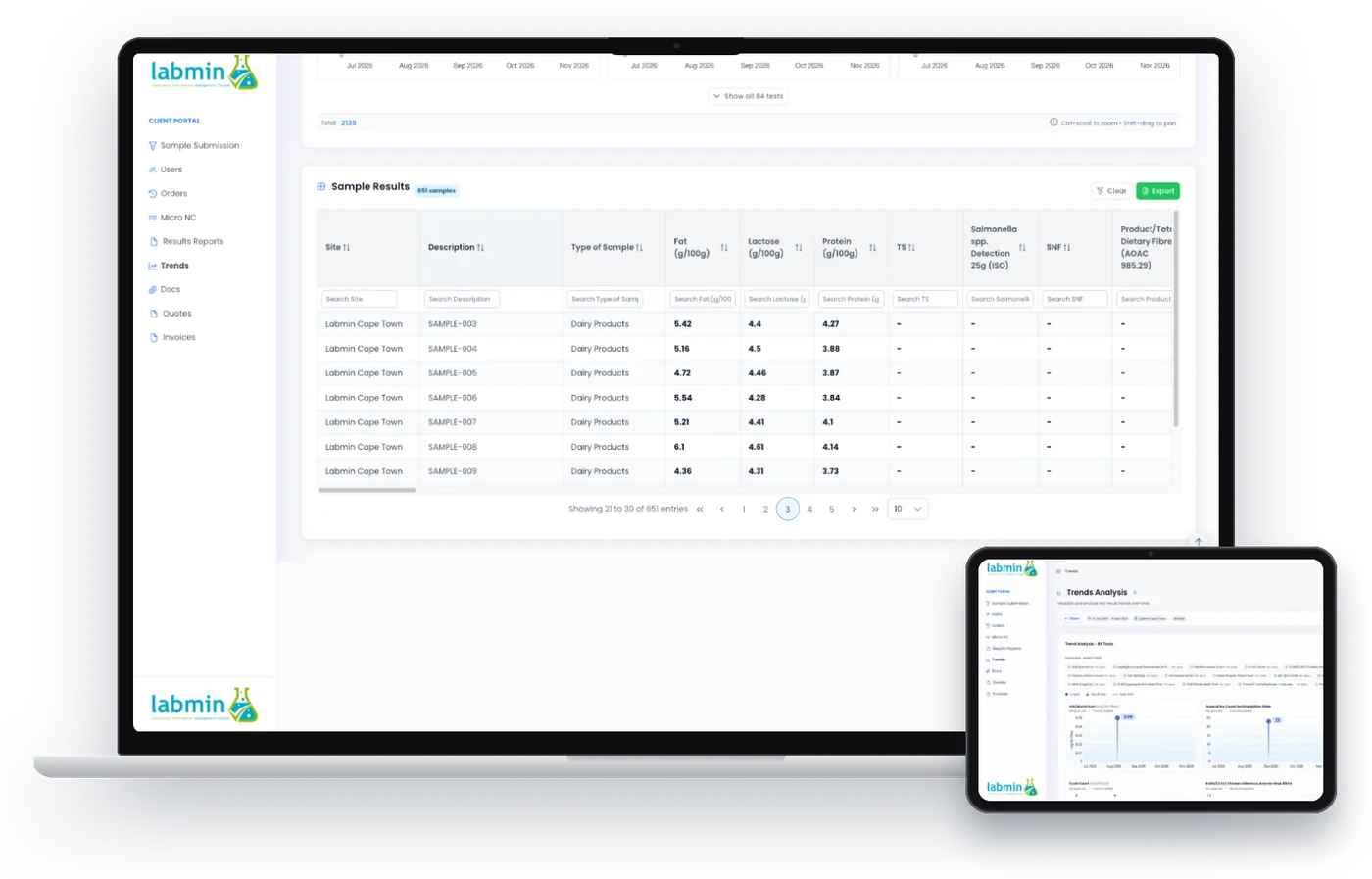
Chemical and materials laboratories work with different matrices, grades, analytes, units and calculations. Labmin connects the requested analysis to the method and result record, helping technical teams see what was measured and managers understand which work is ready for review.
The same test can have different acceptance criteria for different products or material grades.
Capture the material and grade at registration, assign the relevant tests and associate the configured specification with the result workflow.
What changes for the team Reviewers can assess the value against its intended context instead of a detached limit sheet.
Copying an instrument export into a spreadsheet and then a report creates extra handling and opportunities for transcription errors.
Assess the available instrument interface or controlled file import. Map sample identifiers, analytes and units, with exceptions held for review.
What changes for the team A suitable connection can move the value into its sample record with less manual re-entry.
Dilutions, calculations and repeat measurements can make a final value difficult to reconstruct.
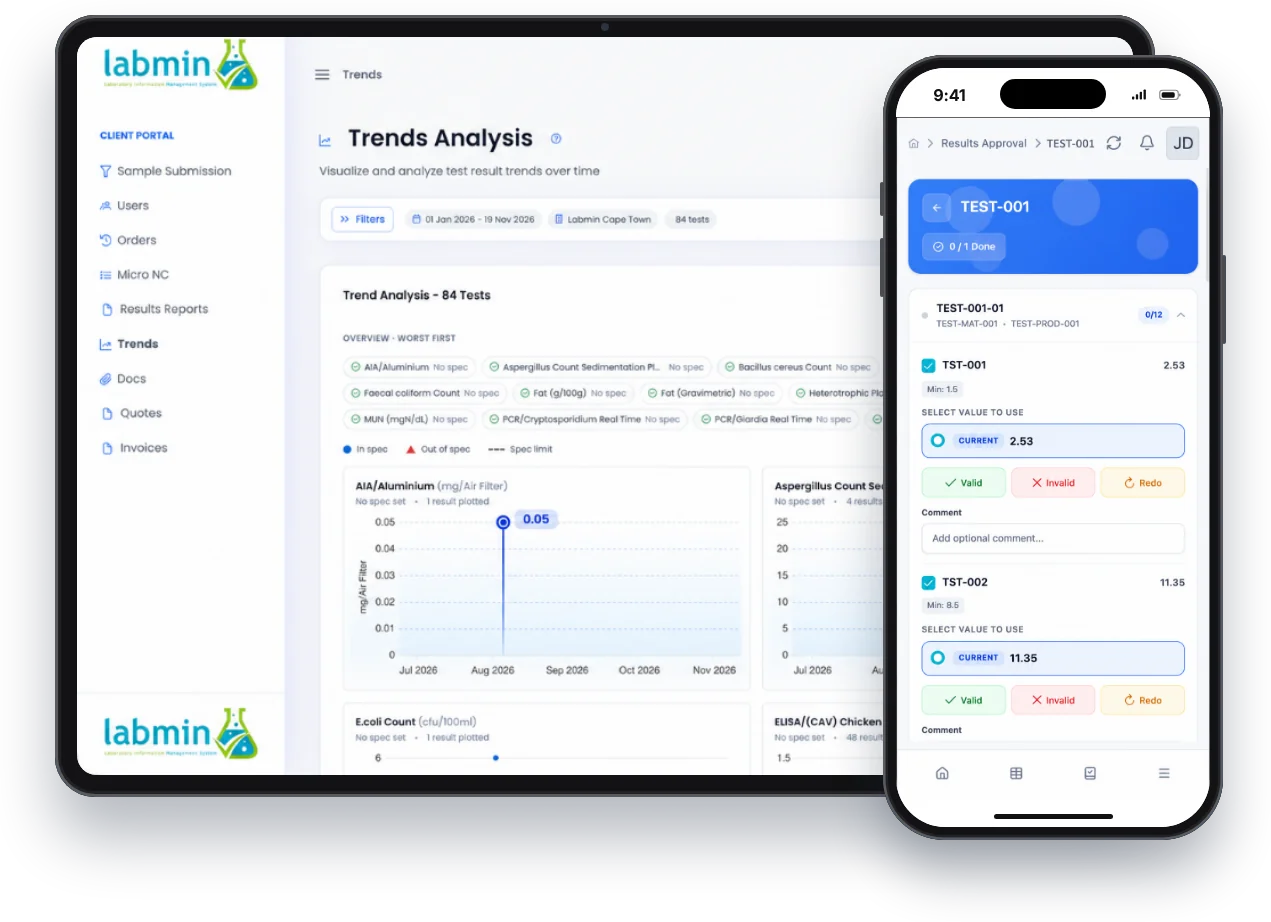
Define result-entry and calculation workflows around the method, preserve the relevant supporting records and route the work to technical approval.
What changes for the team The person signing the report can see the analytical path and the reason further work was performed.
to a useful decision.
MATERIAL / CH-018
- Matrix
- Polymer
- Grade
- Recorded
- Test plan
- Assigned
INSTRUMENT / CH-018
- Sample ID
- Matched
- Analyte
- Known test
- Units
- Validated mapping
REVIEW / CH-018
- Method
- Referenced
- Calculation
- In context
- Repeat work
- Linked
Choose a scenario to inspect its example record.
The people behind the result
Analytical teams
Consistent analyte, unit and method context.
Technical reviewers
Calculations and exceptions alongside the result.
Managers
Sample status and turnaround across different analytical services.
Questions before the laboratory walkthrough.
Can Labmin be configured for chemical & materials testing?
Yes. The workflow, master data, authorisation roles, limits, reports and integrations are defined during discovery and configuration.
Can existing chemical & materials testing instruments be connected?
Labmin connects instruments using RS-232, TCP/IP, ASTM, HL7, REST APIs and CSV, XML or Excel file exchange. Each instrument’s interface, export format and sample identifiers are assessed before it’s connected, so results arrive against the right sample. See LIMS instrument integration for the options.