Mining & minerals LIMS
Mining LIMS for high-volume sample preparation and assay workflows
Manage the path from geological sample receipt through preparation, analysis, QA/QC and authorised reporting with traceability at each stage. Labmin is a LIMS and complete laboratory management solution for mining & minerals laboratories.
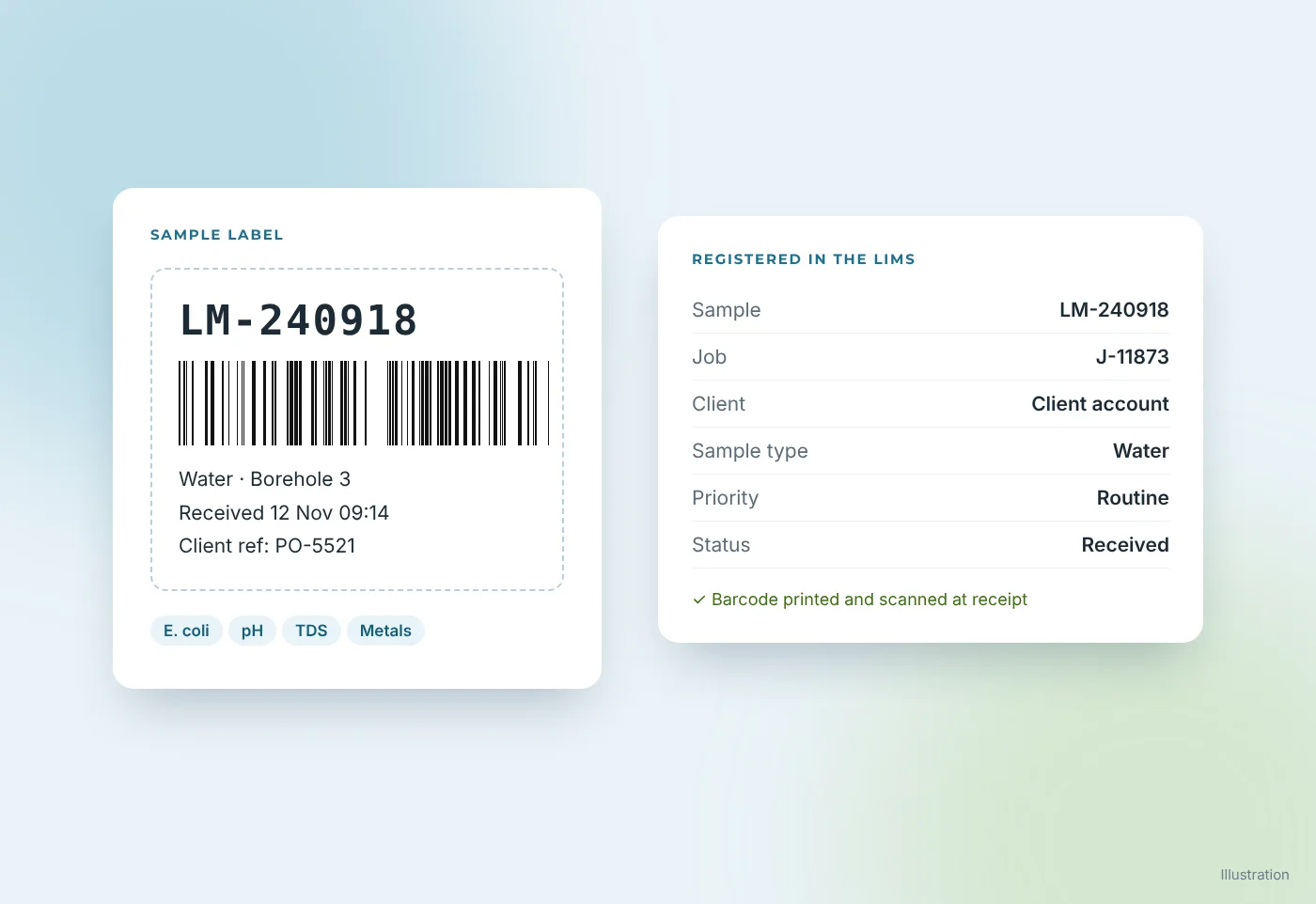
Received & barcoded
Crushed and split
QA/QC batch assembled
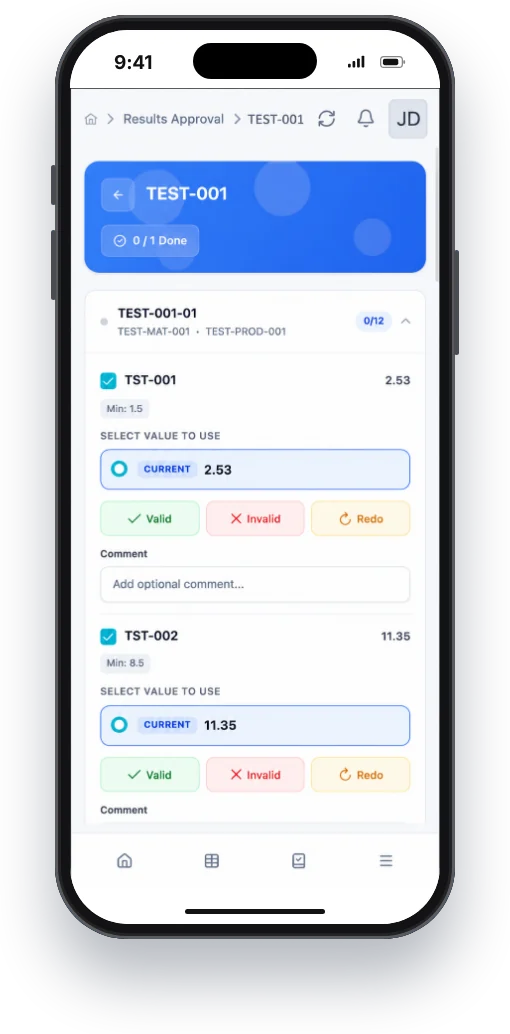
Assay review
An assay begins before the instrument.
-
01
Receipt and preparation
The right identity starts the record.
-
02
Assay and QA/QC batch
Results stay attached to the relevant method and controls.
-
03
Authorised Certificate of Analysis
The decision remains visible before anything is released.
Track every physical step before analysis
Mining and minerals laboratories need to preserve sample identity across high-volume preparation processes where splits, residues and pulps may be handled by different teams.

Batch creation
Group samples into preparation or analytical batches with positions, methods and expected controls.
See this in practiceCrushing & milling
Record preparation status, equipment, operators, weights and exceptions from receipt through pulp creation.
See this in practiceAliquots & storage
Maintain identifiers for splits, pulps, residues and retained material so the sample remains traceable.
See this in practiceThe capabilities behind the workflow.
Our modules support the work around every sample. We configure them around your methods, people and reporting needs during discovery.
From sample registration to review, reporting and the day-to-day work around them.
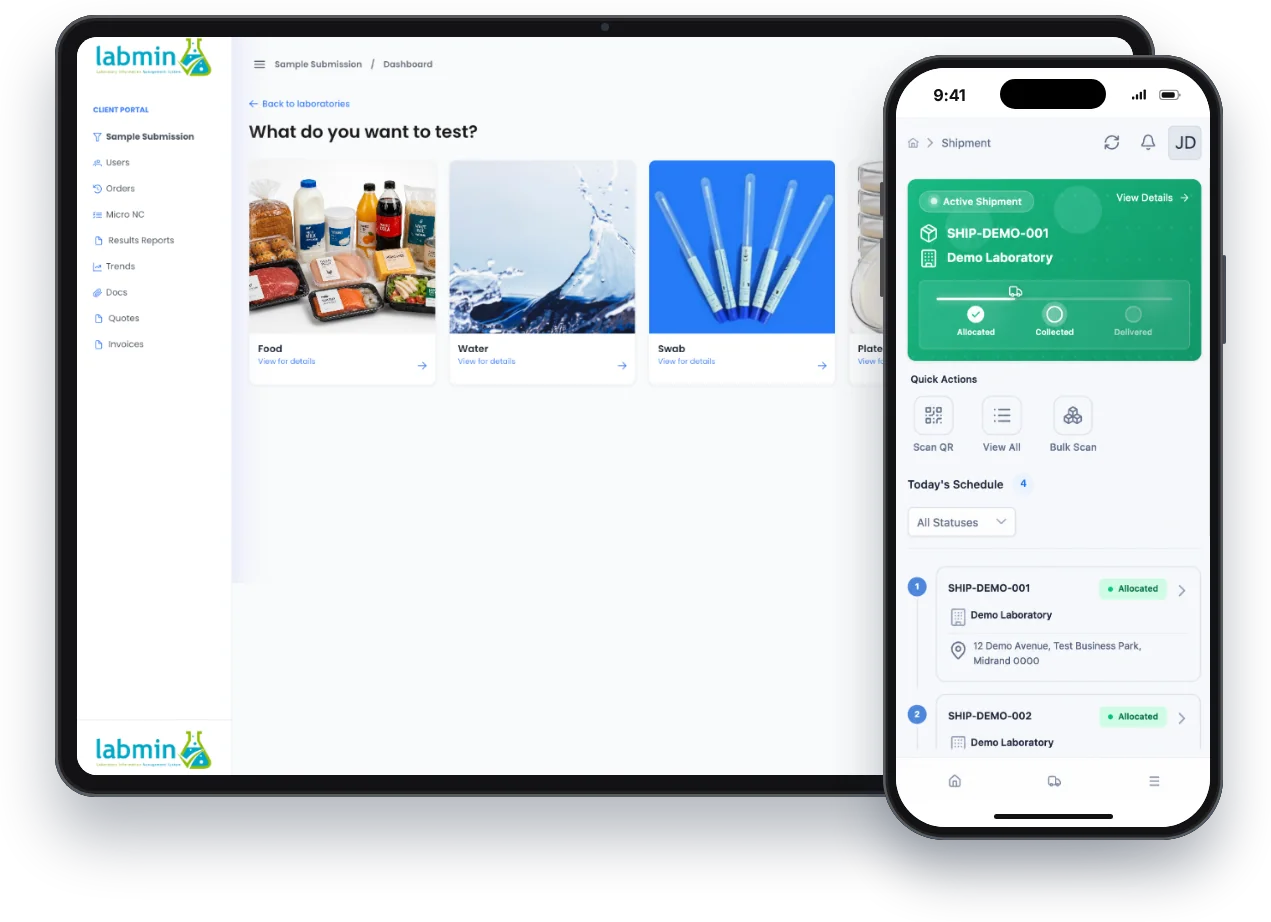
Included in every Labmin system
Start with the tools your team uses every day, from sample registration to approved reports.
Sample & testing
Move a request into controlled laboratory work.
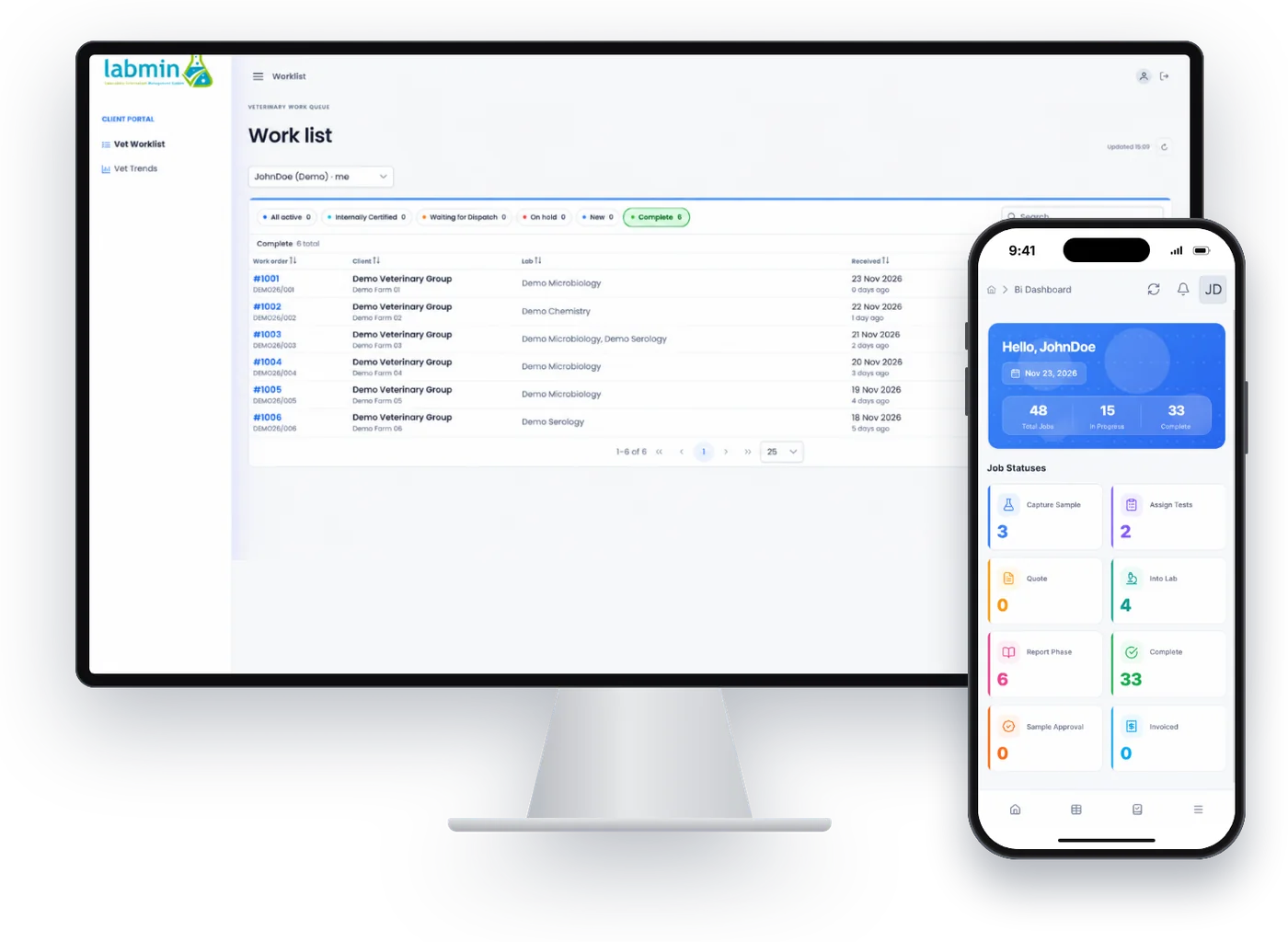
Results & decisions
Keep capture, review and the operational picture together.
People & operations
Connect customer, site, equipment and commercial context.

Data exchange
Bring existing laboratory data into the same record.
Optional extensions
Choose only the additional capabilities that match your methods, customers and systems.
Highlighted often relevant for mining & minerals laboratories
Quality & inventory
Extend control around materials and quality records.
Connections & access
Connect the laboratory to instruments and the people it serves.
Work planning
Organise batches, worksheets and the work ahead.
Commercial & review
Bring financial context and result review into the workflow.
Mining assay records begin with preparation.
A mining LIMS should connect source, preparation, analytical batches, quality controls and the final Certificate of Analysis.
-
01
Receipt and preparation
Record source, condition, crushing, splitting and sub-samples.
Related workflow example · PREPARATION / MIN-017- Source sample
- MIN-017
- Preparation batch
- B-017
- Derived material
- Linked pulp
-
02
Assay and QA/QC
Keep blanks, standards, duplicates and re-tests alongside the measured values.
Related workflow example · ASSAY / B-017- Standards
- Linked
- Duplicates
- Available
- Exceptions
- Awaiting review
-
03
Authorised reporting
Review batch exceptions before a Certificate of Analysis is issued.
Related workflow example · COA / MIN-017- Sample identity
- Confirmed
- Assay results
- Reviewed
- Certificate
- Configured template
How does a mining LIMS handle assay QA/QC?
It links controls and exceptions to the preparation and analytical batch so reviewers can evaluate results before release.
Discuss this workflow with our teamKeep the assay linked to the preparation that made it possible.
Mining and mineral laboratories manage receipt, crushing, splitting, milling, digestion, analytical batches and QA/QC. Each handoff can create new containers or identifiers. Labmin helps maintain the relationship between the submitted sample, its preparation history, analytical results and the final Certificate of Analysis.
A pulp, split or digest must remain traceable to the original submission even as batches move between work areas.
Register the source sample, assign identifiers and configure the preparation stages and derived-sample relationships used by the laboratory.
What changes for the team Staff can locate the relevant material and reconstruct the route from receipt to analysis.
An assay value needs its blanks, standards, duplicates and any repeat work to be considered in context.
Use the relevant batching and QC capabilities to associate controls and results with the work. Make exceptions visible before technical approval.
What changes for the team Reviewers can assess the analytical batch and investigate the controls that affect release.
Preparing a report from several result files can break the connection to the reviewed data.
Assess direct instrument capture or controlled imports, map sample and analyte identifiers, then generate the configured Certificate of Analysis after approval.
What changes for the team The issued certificate stays linked to the sample and authorised result workflow.
to a useful decision.
PREPARATION / MIN-017
- Source sample
- MIN-017
- Preparation batch
- B-017
- Derived material
- Linked pulp
ASSAY / B-017
- Standards
- Linked
- Duplicates
- Available
- Exceptions
- Awaiting review
COA / MIN-017
- Sample identity
- Confirmed
- Assay results
- Reviewed
- Certificate
- Configured template
Choose a scenario to inspect its example record.
The people behind the result
Preparation teams
Defined material identity and work status.
Assay reviewers
Batch controls and exceptions alongside results.
Clients
Certificates associated with the correct submitted samples.
Questions before the laboratory walkthrough.
Can Labmin manage preparation and analytical batches?
Yes, workflows can be configured around receipt, preparation, batch assembly, analysis, QC and approval. Exact configuration should match the laboratory’s methods.
Can XRF and ICP results be captured automatically?
Labmin can capture XRF, ICP and balance results through RS-232, TCP/IP, ASTM or file-based interfaces. The available interface, export format and sample identifier strategy are assessed for each instrument before it’s connected.
How are failed quality controls handled?
Rules can flag controls for review and hold dependent results from approval. The laboratory defines the limits, actions and authorisation process.