Labmin Staff App
Your lab, in your pocket.
The Staff App is the mobile companion to Labmin LIMS. Lab managers, approvers and drivers get the parts of the lab they need on a phone: live job numbers, results approval on the go, and a full collection-and-delivery workflow for sample shipments.

What the Staff App does
Managers watch live job numbers, approvers clear results on the go, and drivers run sample collection and delivery.
Home
A personal welcome screen with Quick Access tiles for each of your modules.
BI Dashboard
Total jobs, in progress and complete, with status cards for every stage.
Results Approval
Your approval queue, with pending test counts on every job.
Shipments
Collection and delivery for drivers, from allocated to delivered.
Notifications
Refresh and notifications keep you up to date with the lab.
Connected to Labmin
Everything you see and do on your phone reflects the LIMS.
The pulse of your lab, at a glance
The BI Dashboard shows the state of every job. A headline banner gives total jobs, in progress and complete, and colour-coded status cards show where the work is sitting: capture sample, assign tests, quote, into lab, report phase, sample approval, complete and invoiced.
- Spot bottlenecks instantly
- See how much work is in the pipeline, from anywhere
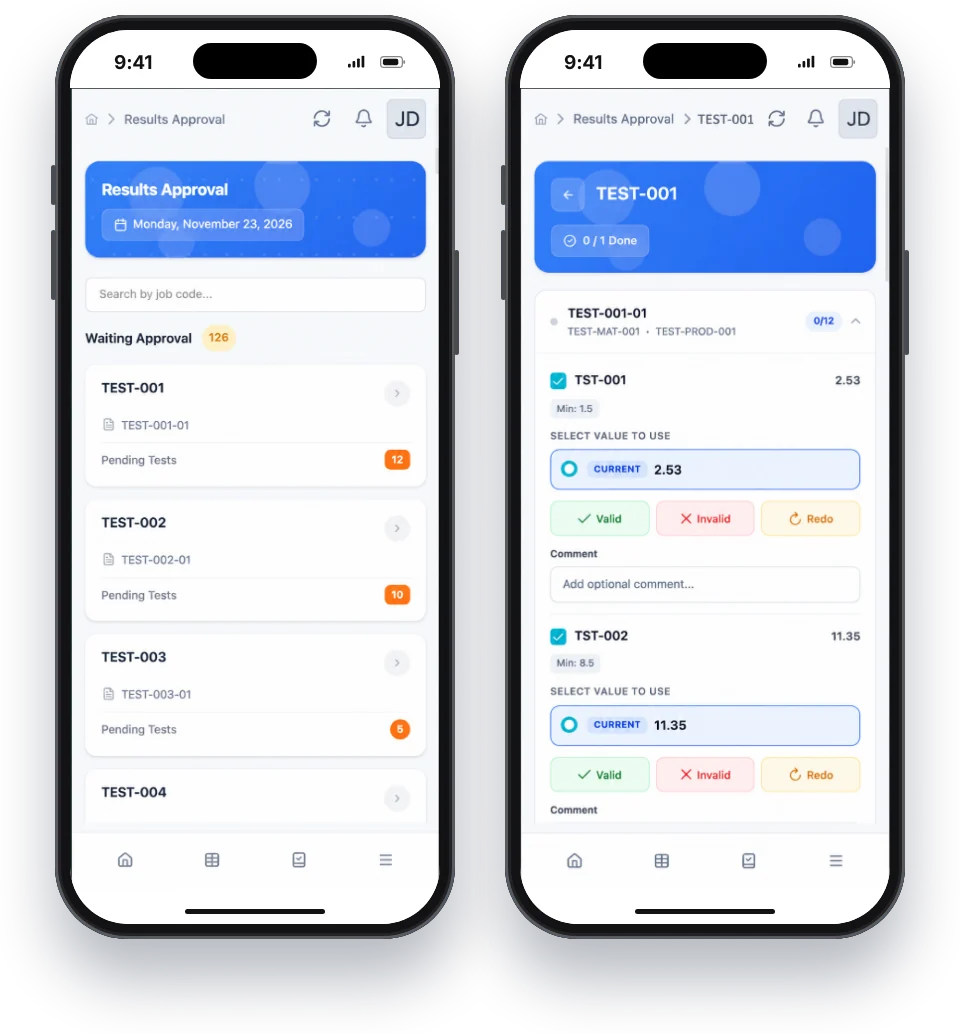
Approve results wherever you are
Results Approval puts the approval queue in your hand, with a live Waiting Approval count and the number of pending tests on every job. Open a job to see each sample and result next to its specification, then mark it valid, invalid or request a redo, with an optional comment.
- Search the queue by job code
- A Done counter tracks progress across the job
From collection to delivery, every step tracked
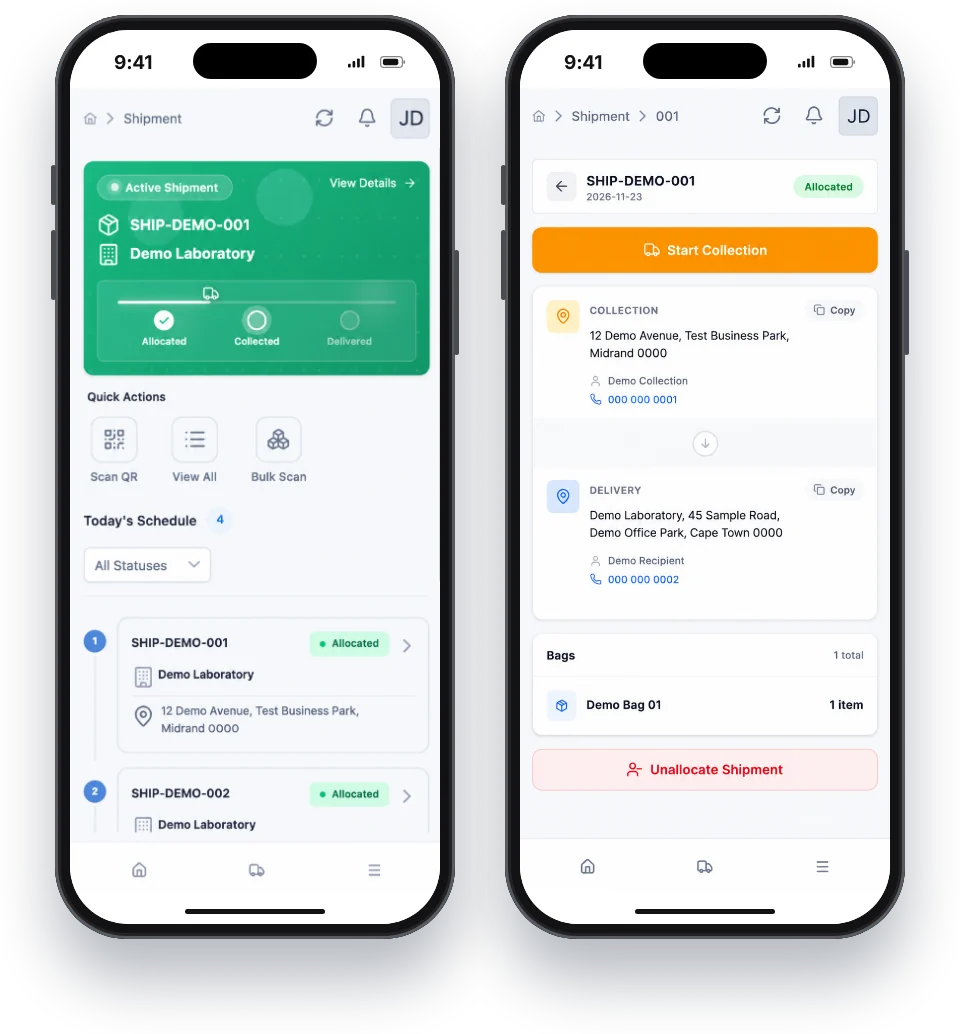
Shipments is built for drivers. The active shipment shows its destination lab and a progress tracker from allocated to collected to delivered. Today's schedule lists the day's shipments in route order, and each shipment has its addresses, contacts and bags.
- Scan a QR code, or bulk scan several bags
- Copy addresses into your maps app, tap to call
- Hand a shipment back if you can't complete it
Why the Staff App?
Mobile-first
A clean, modern interface designed for the phone.
Always current
Refresh and notifications keep you up to date with the lab.
Built for every role
Managers watch the numbers, approvers clear results and drivers move samples.
Connected to Labmin
Everything you see and do on your phone reflects the LIMS.
About the Staff App
Who is the Staff App for?
Lab managers, approvers and drivers. Managers follow live job numbers, approvers review results, and drivers run sample collection and delivery.
Can results be approved on a phone?
Yes. Approvers see each result next to its specification and mark it valid, invalid or send it back for a redo, with an optional comment.
How do we get the app?
The Staff App is provided to Labmin clients on request. Contact us and we'll set it up for your laboratory.
The rest of Labmin LINK
Every view works from the same live LIMS data.
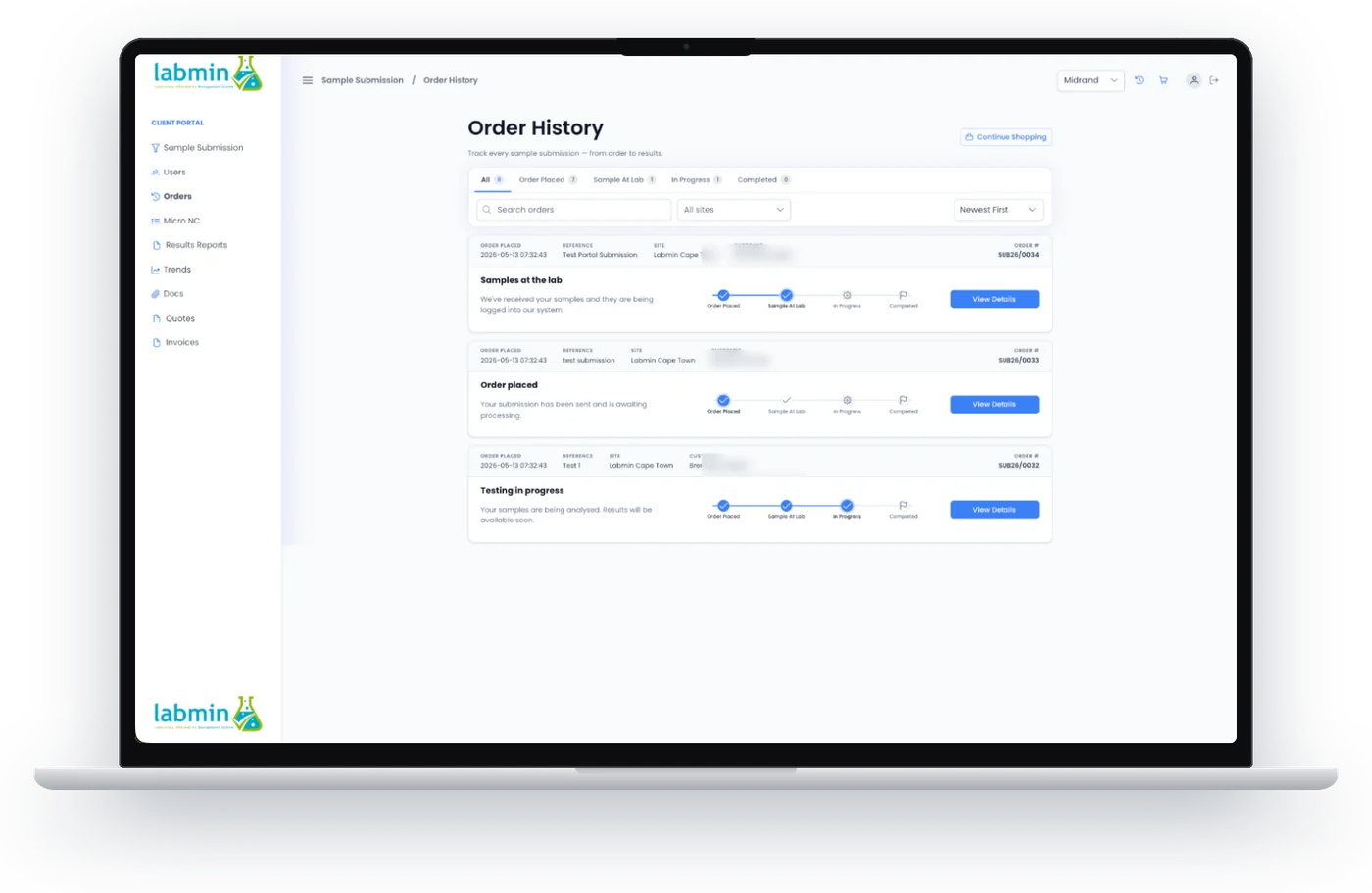
Client Portal
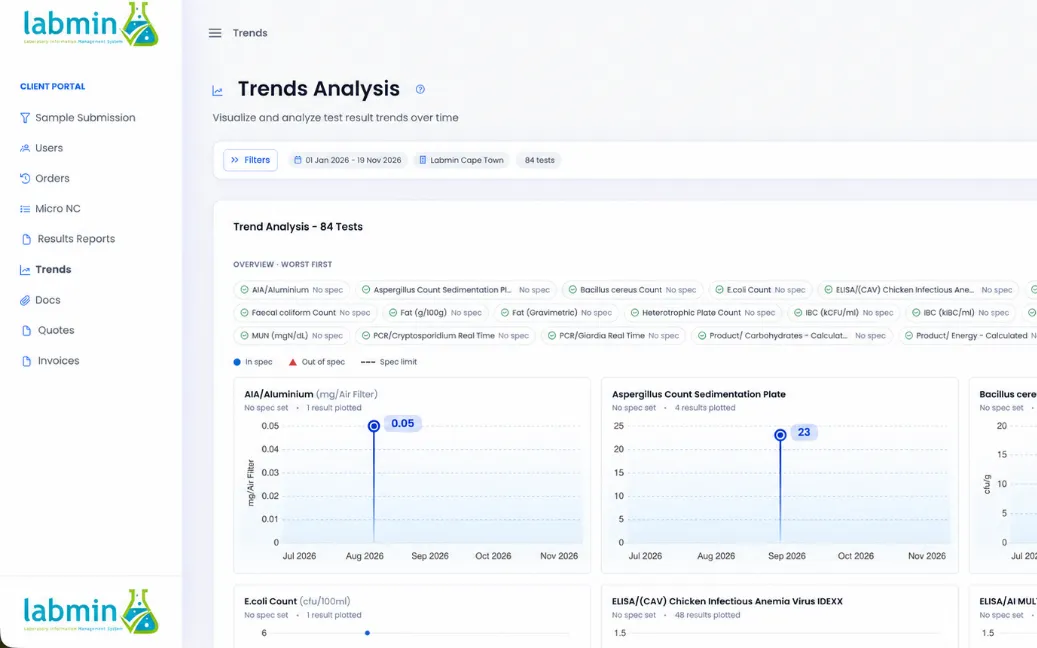
Clients order tests from your catalogue, follow every order, and open approved reports, certificates of analysis, trends, quotes and invoices.
Practitioner Portal
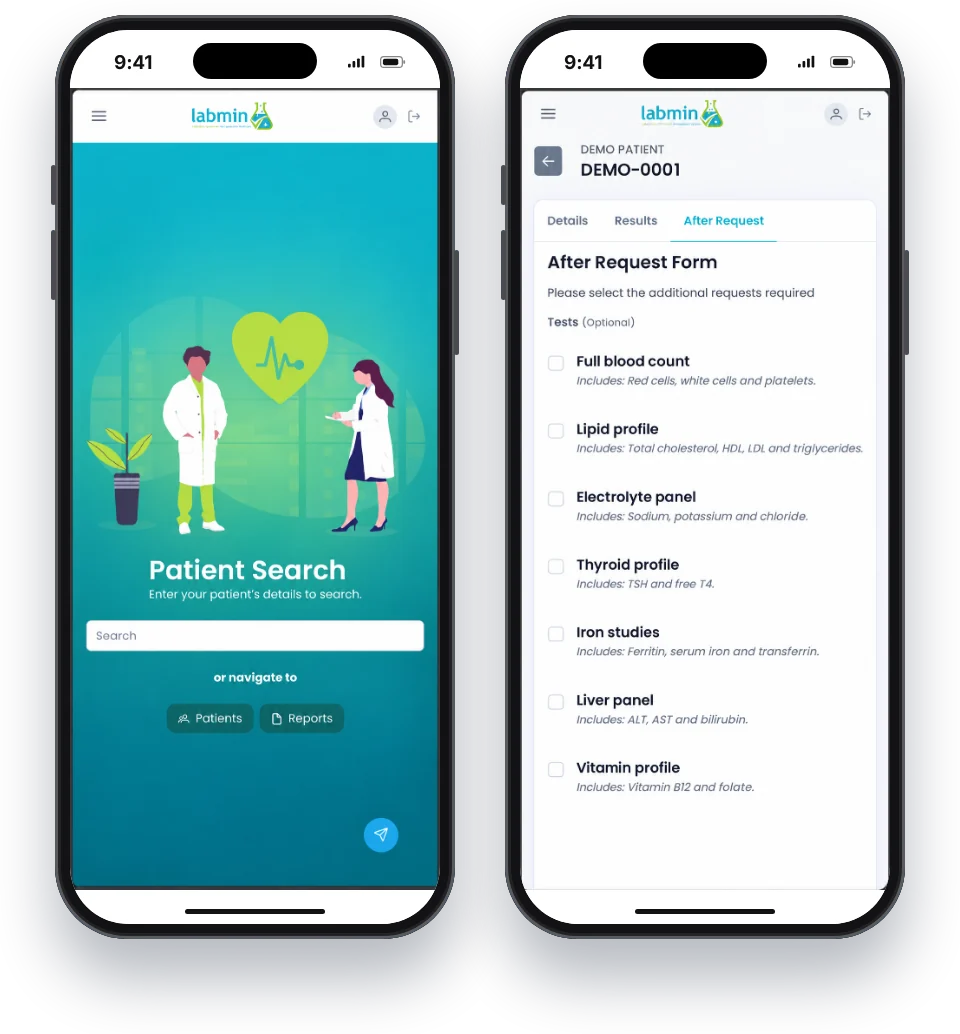
Doctors search for a patient, review their test history and results, and request additional tests on an existing case.
VET Portal
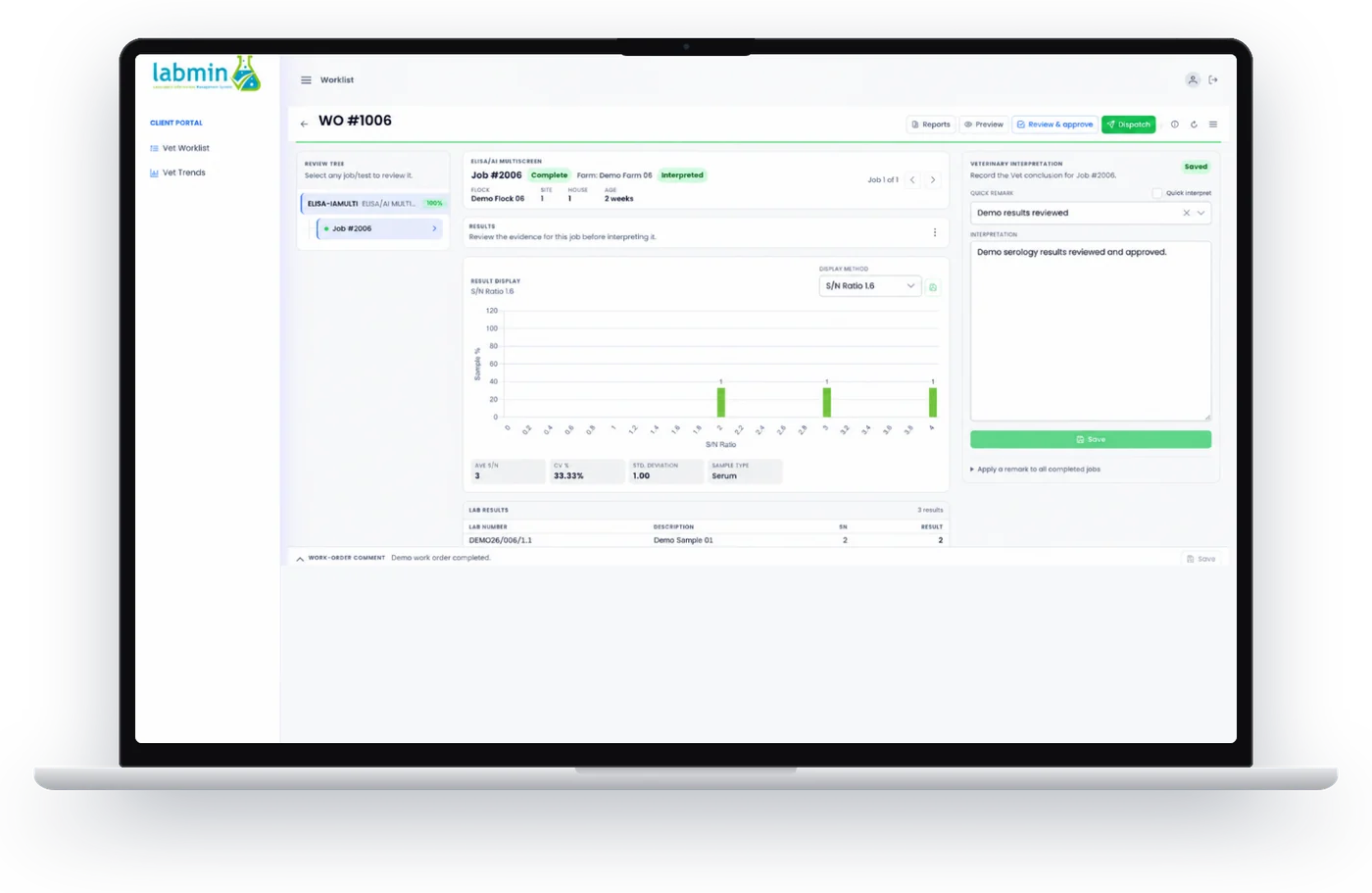
Vets review released results, record interpretations, follow trends across farms and flocks, and dispatch digitally signed reports.
See the Staff App with your own workflow.
We'll walk through it in a demo, connected to Labmin LIMS.
Explore related products
Choose the next part of your workflow.


