LIMS vs LIS vs ELN vs SDMS vs CDS
Choose the system for the question you need to answer.
LIMS vs LIS, ELN, SDMS, CDS and Excel explained: sample workflows, patient context, experiment records, raw data and chromatography processing.
What matters in practice?
LIMS, LIS, ELN, SDMS and CDS describe different laboratory information needs. Their capabilities can overlap, but the important question is which system owns each record and how information moves between them.
| System | What it mainly manages | Typical strength |
|---|---|---|
| LIMS (laboratory information management system) | Sample, testing and reporting workflows across many disciplines | Structured sample identity, assigned tests and controlled results |
| LIS (laboratory information system) | Clinical orders, patient context and diagnostic result exchange | Patient-centred clinical laboratory workflows |
| ELN (electronic laboratory notebook) | Experimental narratives, observations and research context | Recording how an experiment was done |
| SDMS (scientific data management system) | Scientific files and their metadata, often instrument output | Retaining and retrieving raw data |
| CDS (chromatography data system) | Chromatographic acquisition and processing | Sequence setup and peak processing for HPLC and GC |
| Excel / spreadsheets | Defined calculations and local analysis | Flexible, but hard to govern as shared registers grow |
LIMS vs LIS
A laboratory information management system (LIMS) commonly organises sample, testing and reporting workflows across many disciplines. A laboratory information system (LIS) commonly emphasises clinical orders, patient context and diagnostic result exchange.
The label isn’t a guarantee of functionality. A clinical laboratory should evaluate patient identity, confidentiality, urgent results, report recipients and clinical interfaces directly. Confirm the suitability and intended use of the proposed configuration rather than assuming a general LIMS replaces every clinical LIS function.
LIMS vs ELN
An electronic laboratory notebook (ELN) captures experimental narratives, observations and research context. A LIMS is often stronger at structured sample identity, assigned tests and controlled results.
A research workflow may need both. Relate an experiment or notebook reference to the samples and tests it produces. Decide where calculations, attachments and approved results are retained so researchers don’t maintain conflicting versions across systems.
LIMS vs SDMS
A scientific data management system (SDMS) manages scientific files and their metadata, often including instrument output. A LIMS connects laboratory requests, testing and approved results to the operational workflow.
Large raw files may remain in a controlled scientific repository while the LIMS holds their references and accepted results. Evaluate retrieval, retention, permissions and link durability. An attached report isn’t always a substitute for the original scientific data.
LIMS vs CDS
A chromatography data system (CDS) controls acquisition and processes chromatographic measurements. A LIMS manages the sample and its testing context, then relates accepted values to reviews and reports.
HPLC or GC integration often exchanges worklists and reviewed results with the CDS rather than replacing it. Keep responsibility for sequence setup, peak processing, reprocessing and raw-data retention explicit. Our chromatography guide covers the interface questions for Chromeleon, OpenLab and Empower.
LIMS vs Excel
Spreadsheets are useful for defined calculations and local analysis. As shared operational registers grow, sample relationships, access control, concurrent changes and amendment history can become difficult to govern.
A LIMS can replace disconnected request and result registers while approved specialist calculations remain in controlled spreadsheets where appropriate. Inventory each workbook, document formulas and migrate only after reconciliation. Compare the full governed workflow, not a spreadsheet’s flexibility with an unconfigured software screen.
Your planning checklist
Use these points to prepare your team’s discussion. Tick items as you review them; nothing is sent or saved.
Answers before the next step.
Do we need a LIMS and a CDS?
Chromatography laboratories often use both: the CDS acquires and processes measurements, while the LIMS manages sample workflow, review and reporting context.
Can Labmin replace our ELN, LIS or SDMS?
Discuss the actual functions and records involved. The answer depends on intended use and supported scope, not the labels alone.
Where would you like to go next?
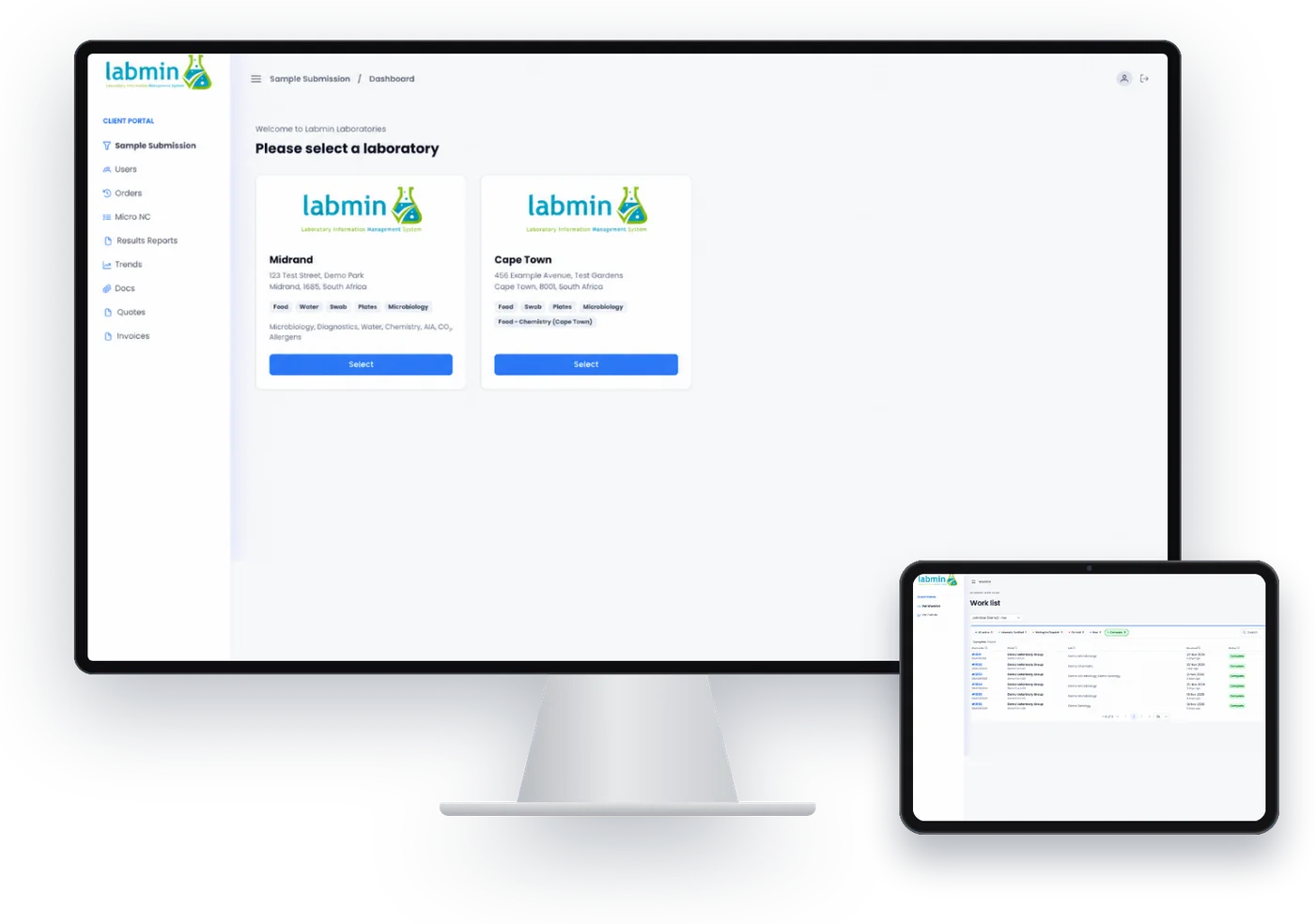
The layers behind a LIMS.
LIMS architecture, cloud and multi-site design, database relationships, instrument gateways and how a LIMS works from request to approved report.
Explore the guide
Connect HPLC and GC results to the right sample.
HPLC and GC LIMS integration explained, including Chromeleon, Agilent OpenLab and Waters Empower interfaces, worklists and reviewed result transfer.
Explore the guide
A LIMS rollout starts with the work, not the software.
LIMS implementation process, timeline, data migration from Excel or legacy LIMS, rollout strategy, user training and an implementation checklist.
Explore the guide