QMS software that works with your LIMS
Quality management and the LIMS, in one solution.
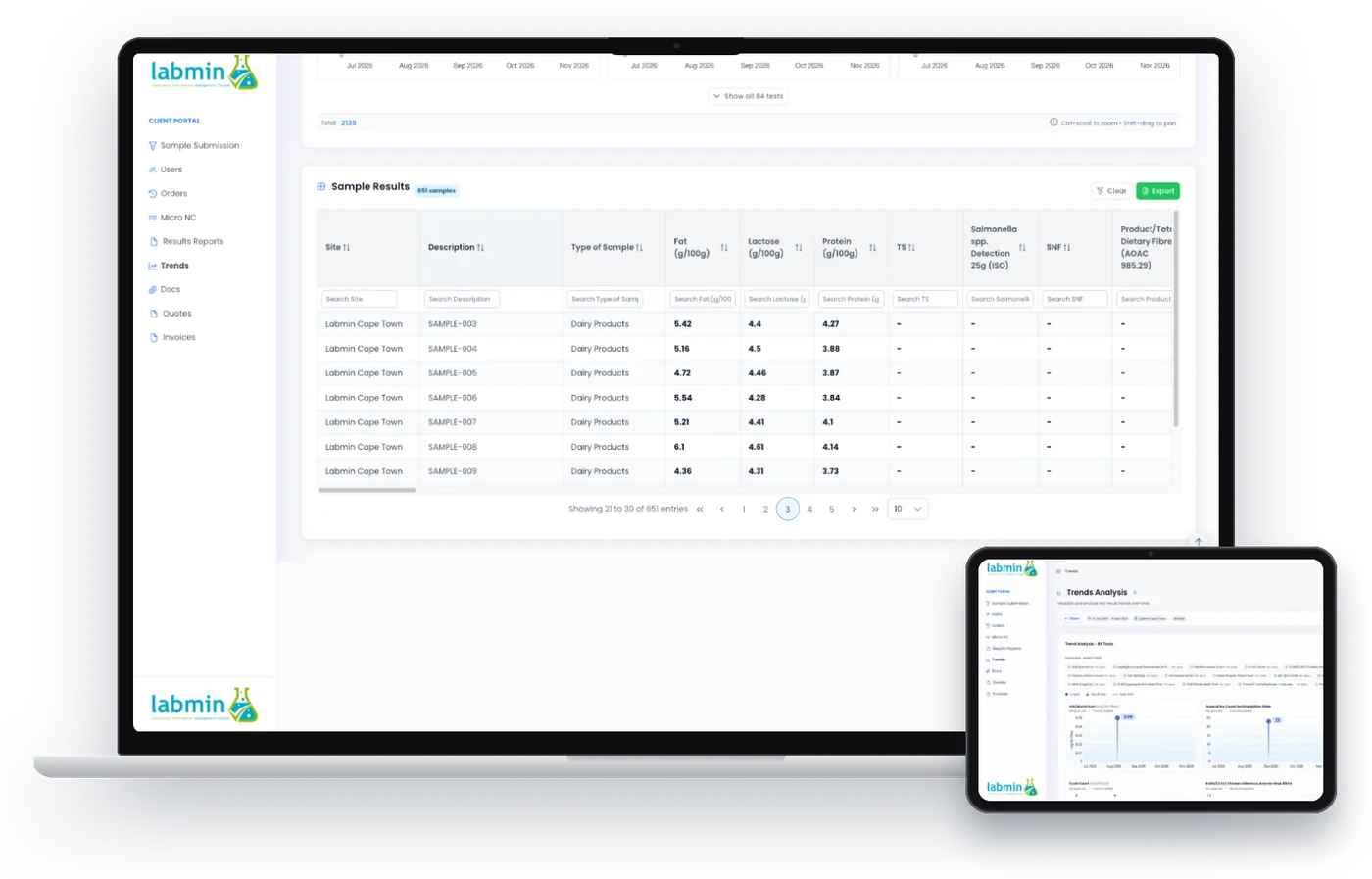
A LIMS manages samples, tests and results. A quality management system (QMS) manages the documents, training, audits, risks and corrective actions around them. QAmin is Labmin's QMS, and it integrates with Labmin LIMS so both work from the same data.

What a LIMS does, and what a QMS adds.
Labmin LIMS follows every sample from receipt to report: registration, testing, review, approval and the certificate. It records who did what and when.
ISO/IEC 17025 asks for more than results. A laboratory also has to control its documents, prove staff competence, run audits, manage risk and follow up on non-conformances. That is the job of quality management software. QAmin covers it, and integrates with Labmin LIMS for unified data management and workflow.
What QAmin adds to the LIMS
- Document control with version history
- Training and competency records
- Internal and external audit management
- Risk management
- CAPA and non-conformance management
- Supplier and service provider management
- Statistical process control
- Management review dashboard
How QAmin and Labmin LIMS work together.
The quality system and the laboratory system support each other in daily work.
Controlled procedures
The procedures your analysts follow in the LIMS are kept as version-controlled documents in QAmin, so the laboratory can show which version was in force.
Competent staff
QAmin tracks staff competency, certifications and training requirements, the evidence an assessor asks for alongside the results.
Deviations followed up
When something goes wrong, QAmin logs the non-conformance, the investigation, the corrective action and the check that it worked.
Trends under control
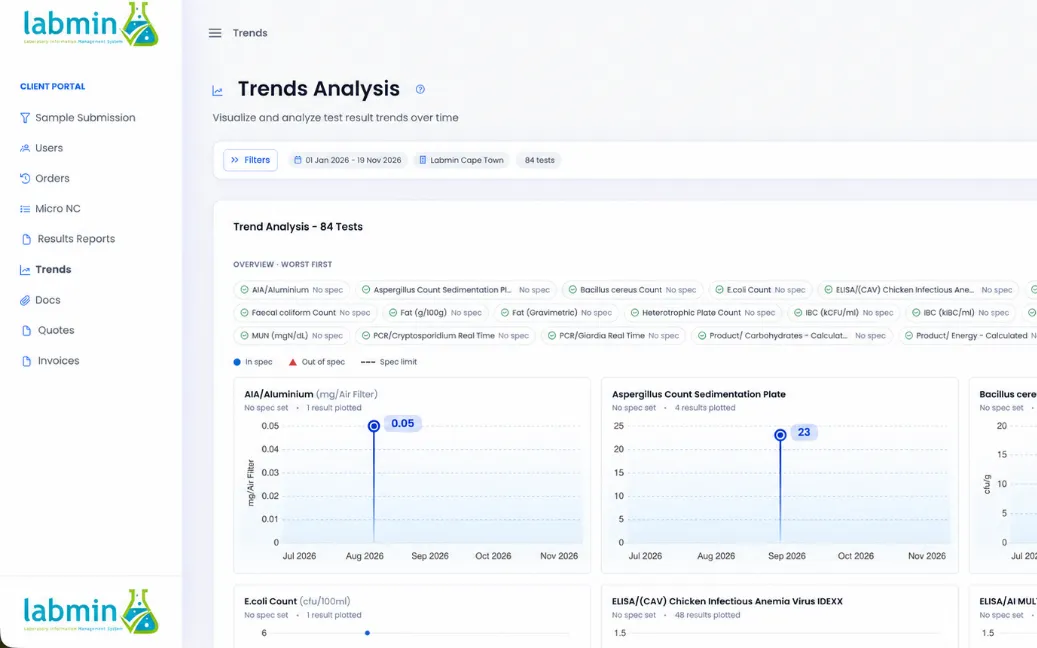
Statistical process control and control charts help the laboratory spot trends and keep processes stable.
Audit ready
Internal and external audits are planned and recorded in QAmin, with automated compliance checking.
Management review
KPIs, trends, risks and quality metrics are visible in one dashboard for management review meetings.
The route to ISO/IEC 17025 certification.
QAmin provides the framework and guidance through four stages.
Assess and plan
- Gap analysis of your current systems against the standard
- A clear action plan of what must improve
Implement and document
- Step-by-step implementation of procedures and controls
- Policies, procedures and records kept structured, controlled and audit-ready
Certify
- Support through the certification audit, from preparation to approval
- Alignment with ISO requirements before you face the auditors
Common questions
What is the difference between a LIMS and a QMS?
A LIMS manages laboratory work: samples, tests, results and reports. A QMS manages the quality system around that work: documents, training, audits, risk, CAPA and suppliers. Many accredited laboratories use both.
Does QAmin integrate with Labmin LIMS?
Yes. QAmin integrates with Labmin LIMS for unified data management and workflow.
Does QAmin help with ISO/IEC 17025?
Yes. QAmin provides the framework and guidance to help a laboratory achieve and maintain ISO/IEC 17025:2017 certification.
Bring one real case to the demo.
We'll walk through it in Labmin, from request to released result.
Read the full product page: QAmin quality assurance software, or see Labmin LIMS software.
Explore related products
Choose the next part of your workflow.